

Create a HubSpot CRM contact from each new Poptin lead
Every lead captured by a Poptin popup or form is sent to HubSpot CRM as a new contact, so your sales team can follow up without exporting or retyping Poptin leads.
 Poptin
 HubSpot CRM
2 steps Setup ~5 min Used on 2.2k sites Free to import
What this workflow does
Poptin popups collect email addresses, but the leads sit in Poptin until someone exports them. By then the visitor may have forgotten why they signed up. This workflow moves each lead into your CRM as soon as Poptin records it.
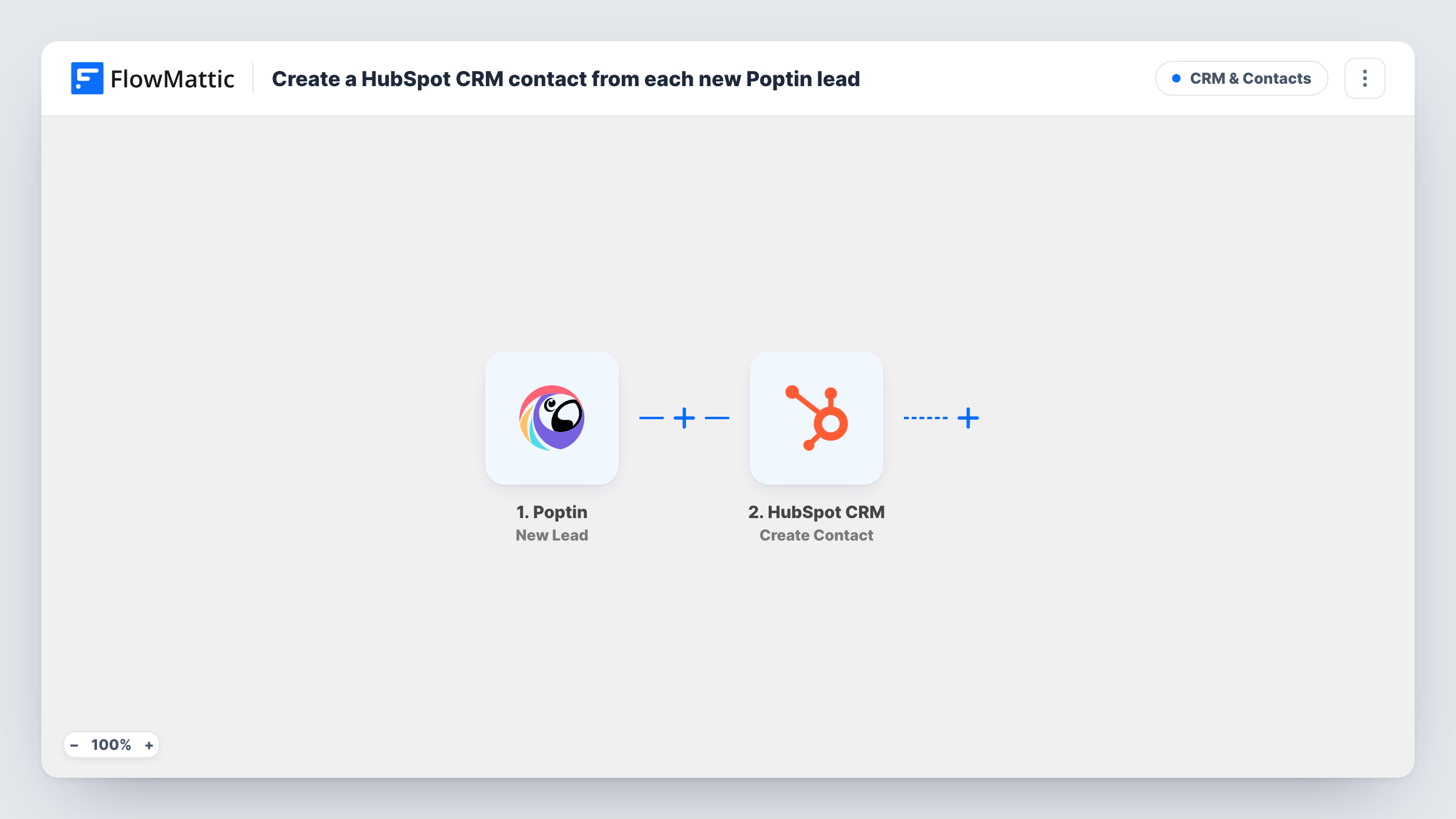
The Poptin trigger fires when a new lead is captured through a Poptin conversion. FlowMattic passes the lead's details to HubSpot CRM, where the Create Contact action adds a contact built from the fields you map, such as the email address and name the popup collected.
This HubSpot action makes new records and never edits old ones. If the email address already belongs to a HubSpot contact, HubSpot may refuse the duplicate, and Task History will show its response on that step. Plan for this if your popups often catch existing customers.
Exit-intent discount popup
Visitors who leave their email for a discount code become HubSpot contacts, so sales can see who showed interest before leaving the site.
Newsletter sign-up bar on a blog
A Poptin sign-up bar collects readers, and each one appears in HubSpot ready for your marketing lists and contact views.
Demo request popup on a pricing page
A short Poptin form asks for name, email and company. The details land in HubSpot as a contact for your sales rep to call.
How this workflow runs
What happens at each step once the workflow is on, and what you need before you import it.
 Poptin New Lead
Fires when Poptin captures a new lead through one of your popups or forms. The fields the visitor filled in are passed on for mapping.
- HubSpot CRM Create Contact
Creates a contact in HubSpot CRM from the Poptin lead. Map the lead's email address and any other fields you collect, then connect your HubSpot account.
What you need
- FlowMatticCore
- Poptin AccountAccount
- HubSpot CRM AccountAccount
After importing, map your own data. To keep the template universal, not every step is pre-filled. Open each step in the builder and connect your accounts and fields (channels, lists, sheets, recipients) before you switch the workflow on.
Make it yours
Changes worth making after you import it.
- Add a Filter after the Poptin trigger so only leads with a filled-in email address reach HubSpot.
- Leads from several popups arrive through the same trigger. Check a test lead's data, and if it shows which popup it came from, map that into a HubSpot property so you can tell your sources apart later.
- Submit a test lead through your popup after import, then map the captured fields in the HubSpot step and confirm the new contact in HubSpot.
Questions about this workflow
What happens if the Poptin lead is already a HubSpot contact?
Nothing gets merged, because Create Contact never edits a record that is already in HubSpot. HubSpot may reject the duplicate email address, and Task History shows the response on that step. Other leads are not affected.
Do leads from all my Poptin popups go to HubSpot?
As imported, every new lead that reaches the trigger runs the workflow. If the lead data identifies the popup, add a Filter on it to send only some leads to HubSpot.
Will existing Poptin leads be copied into HubSpot?
No. Only leads captured after you turn the workflow on are sent. Export older leads from Poptin and import them into HubSpot separately.
Which HubSpot properties can I fill from the Poptin lead?
Check the HubSpot step after import. Map the Poptin fields your popup collects into the contact details the step shows, then test with one lead.
More CRM & Contacts workflows
Other ready-to-import templates from the same category.






Import this workflow into your WordPress site
Download the JSON, import it from the Workflows screen and connect your accounts. Every run stays on your server, with no per-task fees.
30-day money-back guarantee Unlimited workflows and runs Self-hosted