

Create a HubSpot CRM contact from each new Sarv lead
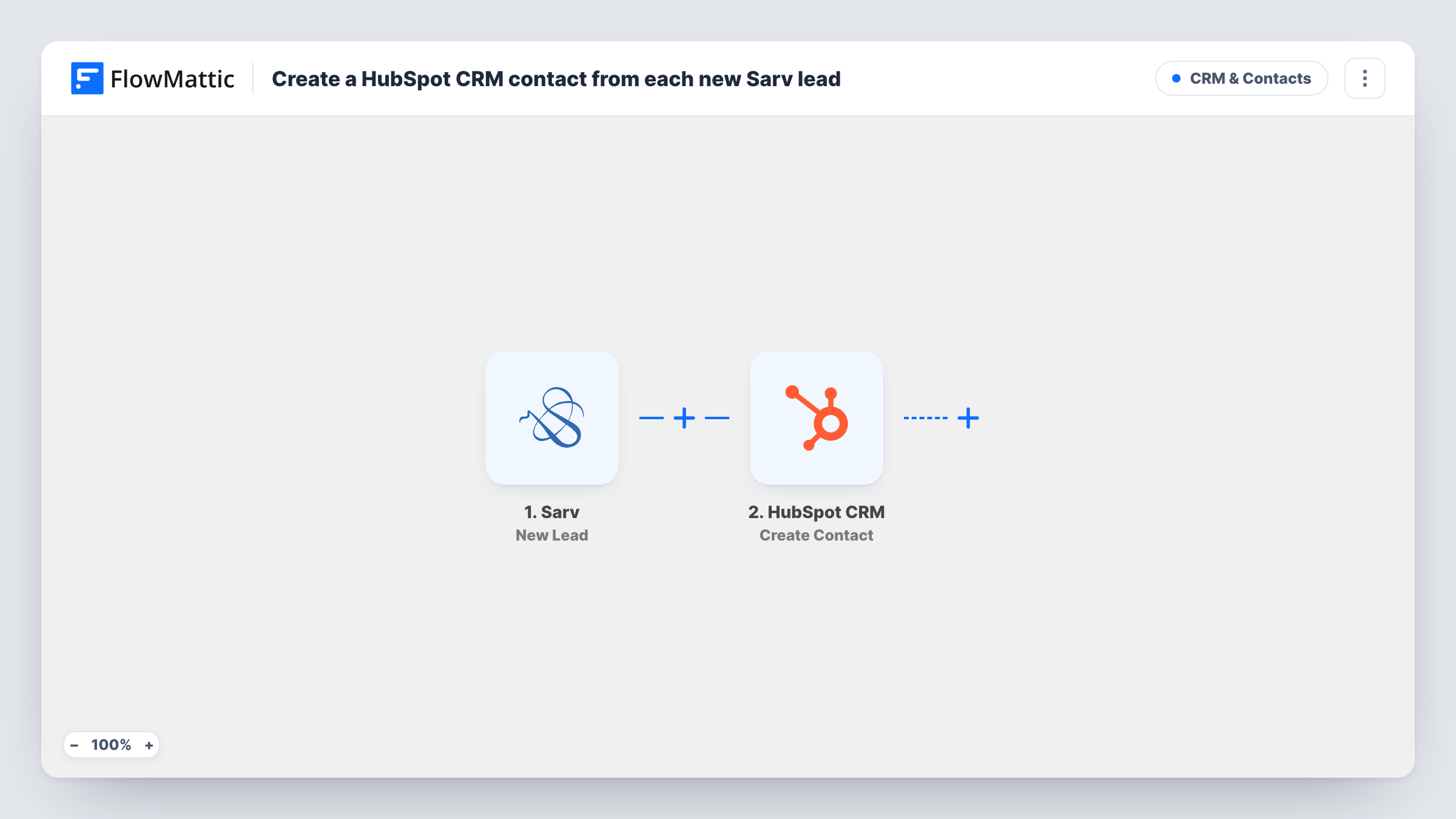
When Sarv captures a new lead, this workflow creates a contact in HubSpot CRM from that lead’s details, so callers and enquiries from your telephony account reach your sales CRM.
 Sarv
 HubSpot CRM
2 steps Setup ~5 min Used on 2.9k sites Free to import
What this workflow does
Sarv handles your cloud telephony, and the leads it captures are worth little if they stay in that account while your sales team works in HubSpot. Copying each caller's name and number into the CRM is slow and easy to forget on a busy day. This workflow creates the HubSpot contact for you.
The Sarv trigger is New Lead, which fires when a new lead is captured. The lead data Sarv sends, such as the name and phone number, can be mapped. FlowMattic then runs Create Contact in HubSpot CRM, filling each contact property you choose with a Sarv value.
The HubSpot step is create-only and never searches for a matching contact first, so HubSpot may refuse a lead whose email is already in your CRM. If that happens, Task History shows HubSpot's response on that step.
Inbound sales line
Calls to your sales number captured as Sarv leads become HubSpot contacts, so the sales team can log follow-ups and deals against them.
Missed-call campaigns
A business that runs missed-call campaigns through Sarv gets every new lead into HubSpot for the team to call back.
Regional call centre feeding head office
A local team takes calls in Sarv while head office runs HubSpot. Each new lead appears in the CRM without a daily export.
How this workflow runs
What happens at each step once the workflow is on, and what you need before you import it.
 Sarv New Lead
Starts a run for each lead that Sarv records. The lead's details, for example name and phone number, become available to map into HubSpot.
- HubSpot CRM Create Contact
Creates a contact in HubSpot CRM from the Sarv lead. Map the lead's name, phone number and email, if Sarv has one, to the matching contact properties.
What you need
- FlowMatticCore
- Sarv AccountAccount
- HubSpot CRM AccountAccount
After importing, map your own data. To keep the template universal, not every step is pre-filled. Open each step in the builder and connect your accounts and fields (channels, lists, sheets, recipients) before you switch the workflow on.
Make it yours
Changes worth making after you import it.
- Add a Filter after the trigger so only leads with a phone number or email go on to HubSpot, which avoids empty contacts.
- Add a Slack step after HubSpot to tell the sales team a new Sarv lead is waiting in the CRM.
- Capture a test lead in Sarv after import, then look at Task History to see the fields Sarv sends before you map the HubSpot properties.
Questions about this workflow
What happens if the Sarv lead is already a HubSpot contact?
Create Contact does not update existing contacts. A Sarv lead whose email HubSpot already holds may be rejected, and you can read HubSpot's reply on that step in Task History.
Can new Sarv leads also go into a HubSpot list?
Yes, with one more step. HubSpot's Add Contact To List action is available in FlowMattic, so you can place it after Create Contact and map the new contact into it.
Are Sarv leads from before the import sent to HubSpot?
No. Only leads Sarv captures after the workflow is turned on create contacts.
Can the Sarv lead also be added to a HubSpot deal?
Not as imported, since the template only creates the contact. HubSpot's Create Deal action is available in FlowMattic if you want to add a deal step after it.
More CRM & Contacts workflows
Other ready-to-import templates from the same category.







Import this workflow into your WordPress site
Download the JSON, import it from the Workflows screen and connect your accounts. Every run stays on your server, with no per-task fees.
30-day money-back guarantee Unlimited workflows and runs Self-hosted