

Create a HubSpot CRM contact from each new Wyng form entry
Every new Wyng form entry creates a contact in HubSpot CRM from the respondent’s answers, so people who fill in your Wyng forms show up in HubSpot for your sales and marketing teams.
 Wyng
 HubSpot CRM
2 steps Setup ~5 min Used on 692 sites Free to import
What this workflow does
Wyng is good at collecting responses through forms and interactive experiences, but your follow-up happens in HubSpot. Without a link between them, someone exports entries and imports them into the CRM, often days later. This workflow creates the HubSpot contact for each entry as it comes in.
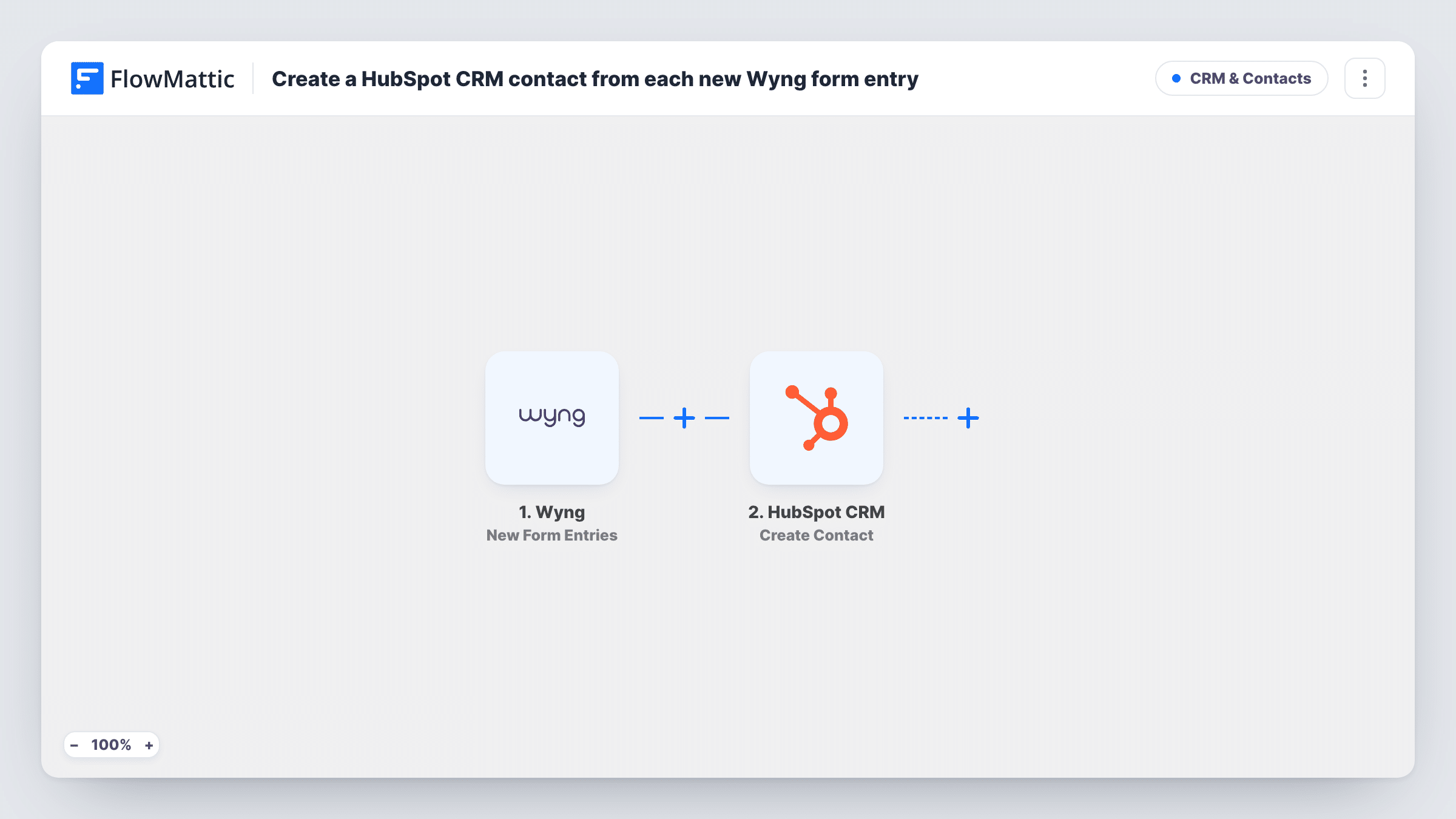
The Wyng trigger, New Form Entries, fires for each new form entry and passes the respondent's answers to FlowMattic. The HubSpot CRM step, Create Contact, then creates a contact from the fields you map, such as the respondent's email and name.
Nothing in this flow changes a contact that HubSpot already holds. When the email already belongs to a contact, HubSpot may reject the request, and you can read its reply on that step in Task History. Every entry runs the workflow, because nothing in the template filters them.
Product sampling requests
Visitors request a sample through a Wyng form. Each request becomes a HubSpot contact the sales team can follow up with after delivery.
Trade show lead capture
A Wyng form on a tablet at your stand collects visitor details, and each entry is in HubSpot by the time you are back at the office.
Campaign attribution in HubSpot
Respondents from a Wyng campaign land in HubSpot as contacts, where you can add them to lists and reports alongside your other sources.
How this workflow runs
What happens at each step once the workflow is on, and what you need before you import it.
 Wyng New Form Entries
Runs whenever a Wyng form receives a new entry. The respondent's answers are passed on so you can map them into the HubSpot contact.
- HubSpot CRM Create Contact
Creates a contact in HubSpot CRM from the Wyng entry. Map the email and name answers, then run a test to see which other contact fields the step lets you fill.
What you need
- FlowMatticCore
- Wyng AccountAccount
- HubSpot CRM AccountAccount
After importing, map your own data. To keep the template universal, not every step is pre-filled. Open each step in the builder and connect your accounts and fields (channels, lists, sheets, recipients) before you switch the workflow on.
Make it yours
Changes worth making after you import it.
- Add a Filter after the trigger that continues only when the Wyng email field is not empty, so HubSpot isn't sent entries it can't match to a person.
- If your HubSpot account has a lead source property and the step lets you fill it, map a fixed value such as the Wyng campaign name so you can tell where each contact came from.
- Submit a test entry in Wyng after import, then look at the captured answers and map them to HubSpot before turning the workflow on.
Questions about this workflow
What happens if the Wyng respondent is already a HubSpot contact?
This template doesn't update anyone. HubSpot may turn away a second contact with the same email, and the reply appears on the Create Contact step in Task History, while the existing contact stays as it was.
Which Wyng answers can I store in HubSpot?
Map what the New Form Entries event returns into the fields the Create Contact step offers. Send a test entry after import to see both sides before you decide.
Does this create a HubSpot deal as well?
No. It creates a contact only. HubSpot's Create Deal action is available in FlowMattic if you want to add one as a later step.
Will earlier Wyng entries be copied into HubSpot?
No. The trigger reacts to entries that arrive after you turn the workflow on. Export older Wyng entries and import them into HubSpot if you need them there.
More CRM & Contacts workflows
Other ready-to-import templates from the same category.





Import this workflow into your WordPress site
Download the JSON, import it from the Workflows screen and connect your accounts. Every run stays on your server, with no per-task fees.
30-day money-back guarantee Unlimited workflows and runs Self-hosted