

Create a HubSpot CRM contact from every new Form.io submission
Each new submission on your Form.io form creates a contact in HubSpot CRM from the answers you map, so people who fill in your form show up in the CRM without anyone copying them over.
 Form.io
 HubSpot CRM
2 steps Setup ~5 min Used on 1.2k sites Free to import
What this workflow does
Form.io is often used to build forms inside custom apps and portals, which means submissions sit in a Form.io project far from your sales tools. If your team follows up from HubSpot, each person who submits needs to become a contact there. This workflow handles that one hand-off.
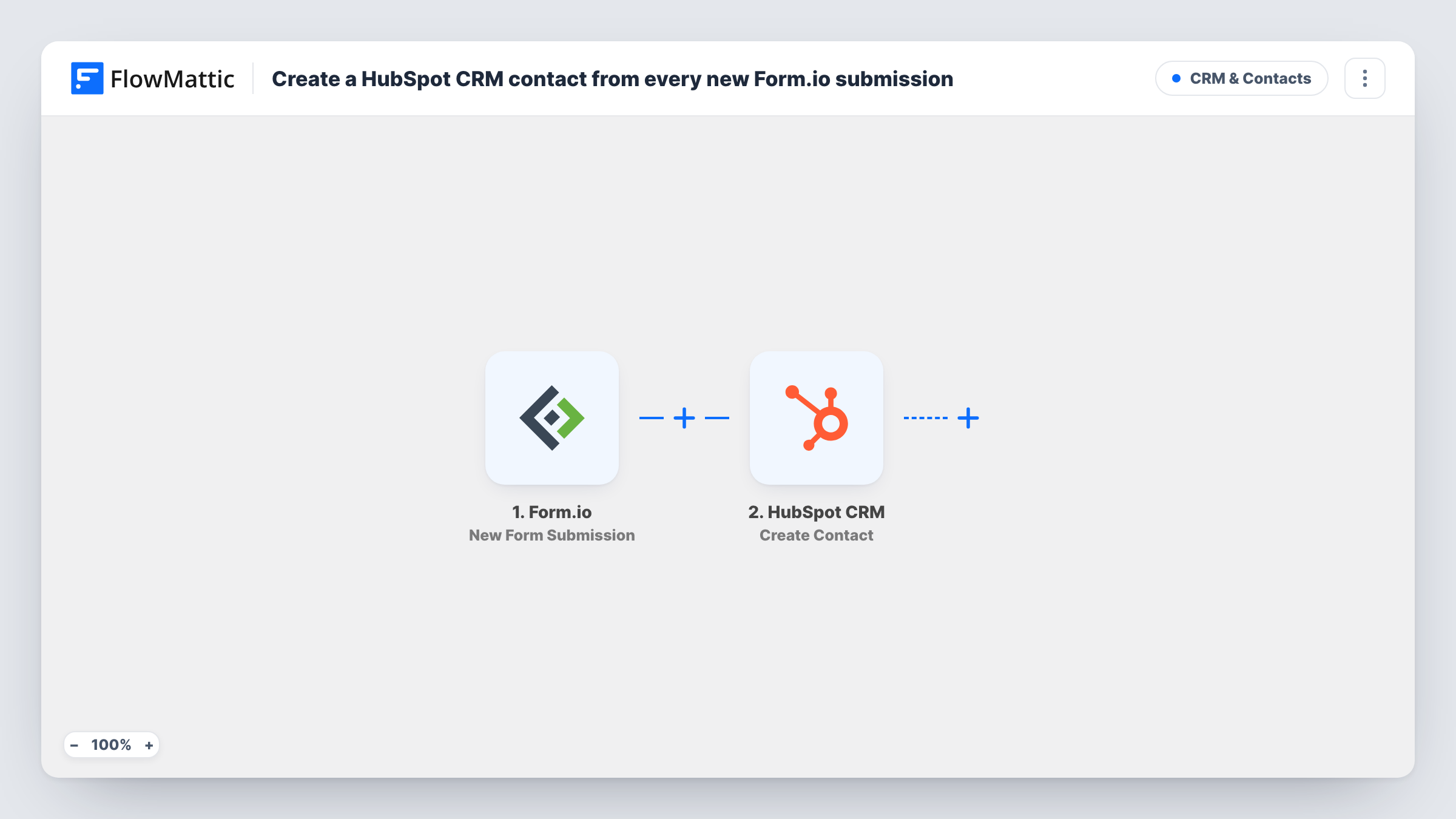
The Form.io trigger fires when there is a new submission on your form. FlowMattic receives the submitted data and runs Create Contact in HubSpot CRM. You choose which answers fill which contact properties, with the email field as the obvious one to map.
There are no conditions between the two steps. Every submission, test entries included, goes to HubSpot as a new contact request. Task History records what Form.io sent and how HubSpot replied, which is where you look if a contact didn't appear.
Demo requests from a product portal
A software company embeds a Form.io request form in its customer portal. Each request lands in HubSpot as a contact the sales team can pick up.
Partner applications
A Form.io application form collects details from would-be resellers, and each applicant becomes a HubSpot contact for the partner manager to review.
Event interest from a custom app
A mobile app built on Form.io asks users to register interest in an event. Their details go into HubSpot so marketing can email them when tickets open.
How this workflow runs
What happens at each step once the workflow is on, and what you need before you import it.
 Form.io New Form Submission
Fires when there is a new submission on your Form.io form. The submitted answers become data you can map into HubSpot.
- HubSpot CRM Create Contact
Creates a contact in HubSpot CRM from the Form.io answers you map. Connect your HubSpot account on import and map at least the submitter's email address.
What you need
- FlowMatticCore
- Form.io AccountAccount
- HubSpot CRM AccountAccount
After importing, map your own data. To keep the template universal, not every step is pre-filled. Open each step in the builder and connect your accounts and fields (channels, lists, sheets, recipients) before you switch the workflow on.
Make it yours
Changes worth making after you import it.
- Make the email field required in your Form.io form so every submission gives HubSpot an address to build the contact from.
- Add a Filter between the two steps if only some submissions should become contacts, for example when a consent checkbox on the form is ticked.
- Submit the Form.io form once after import and open Task History to see the field names it sends, then finish mapping the HubSpot properties.
Questions about this workflow
What happens when a Form.io submitter already exists in HubSpot?
The HubSpot step in this template never checks for an existing record before creating one. HubSpot may reject an email address it already has, and you can read its reply for that run in Task History.
Are past Form.io submissions sent to HubSpot?
No. The trigger picks up Form.io entries submitted while the workflow is on. Older entries stay in Form.io unless you import them into HubSpot yourself.
Can one copy of this workflow serve several Form.io forms?
Check the trigger's setup after import to see how it connects to your Form.io project, then send a test entry from each form. If only one form reaches FlowMattic, duplicate the workflow for the other form.
Does this change how Form.io stores my submissions?
No. Form.io keeps each submission as normal. The workflow reads the new entry and sends the mapped values on to HubSpot.
More CRM & Contacts workflows
Other ready-to-import templates from the same category.





Import this workflow into your WordPress site
Download the JSON, import it from the Workflows screen and connect your accounts. Every run stays on your server, with no per-task fees.
30-day money-back guarantee Unlimited workflows and runs Self-hosted