

Create a HubSpot CRM contact when a Freemius cart is completed
Each time a Freemius cart is completed, this workflow creates a contact in HubSpot CRM from the buyer’s details, so your sales and support teams have the customer on record.
 Freemius
 HubSpot CRM
2 steps Setup ~5 min Used on 2.0k sites Free to import
What this workflow does
Freemius takes care of checkout and licensing for your plugin or SaaS, while your team may track customers in HubSpot. Without a link between them, buyers only reach the CRM when someone copies them over. This workflow creates the HubSpot contact when the Freemius sale goes through.
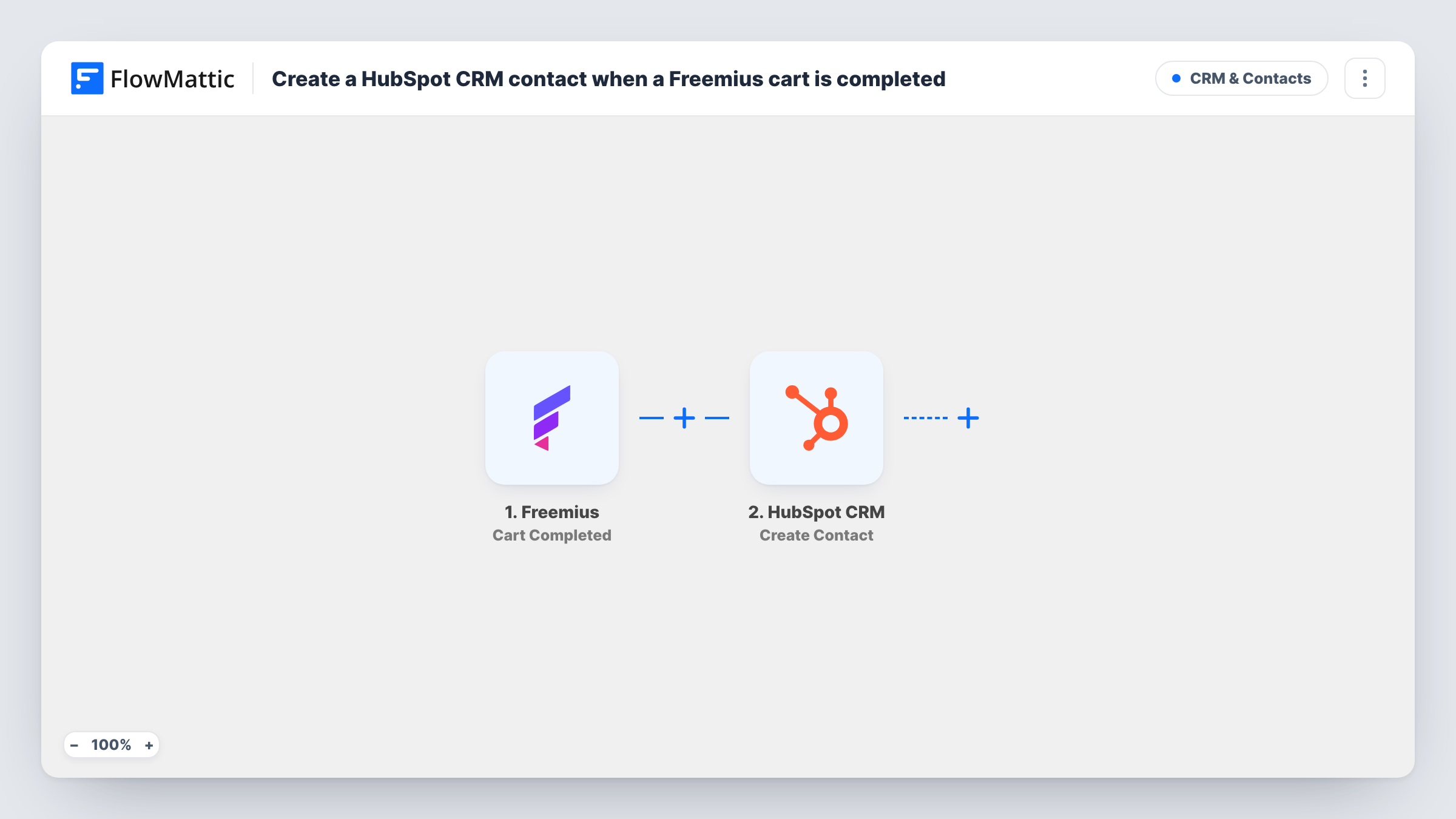
The Freemius trigger fires on Cart Completed. Freemius describes this event as a completed sale where the payment hasn't necessarily been completed yet, so the contact can appear in HubSpot before the money is settled. FlowMattic then runs Create Contact in HubSpot CRM, using the buyer details you map from the cart, such as email and name.
This HubSpot action never updates an existing record. When a buyer who is already a HubSpot contact completes another cart, HubSpot may refuse the duplicate email, and Task History shows the response on that step. New buyers are added as contacts each time.
Plugin shop handing buyers to a sales team
Each completed Freemius checkout adds the buyer to HubSpot, where your team can see new customers and plan onboarding calls for larger plans.
SaaS support with customer records
Support agents working in HubSpot find the customer's contact already there when the first ticket arrives after purchase.
Tracking which campaign brought buyers
New customers land in HubSpot, where you can compare them with the contacts your marketing campaigns brought in.
How this workflow runs
What happens at each step once the workflow is on, and what you need before you import it.
 Freemius Cart Completed
Starts a run each time Freemius reports a completed cart. Freemius notes the payment may not be complete yet at this point. The cart's buyer details are passed on for mapping.
- HubSpot CRM Create Contact
Creates a new contact in HubSpot CRM from the Freemius buyer. Connect your HubSpot account and map at least the buyer's email, plus name fields if the cart includes them.
What you need
- FlowMatticCore
- Freemius AccountAccount
- HubSpot CRM AccountAccount
After importing, map your own data. To keep the template universal, not every step is pre-filled. Open each step in the builder and connect your accounts and fields (channels, lists, sheets, recipients) before you switch the workflow on.
Make it yours
Changes worth making after you import it.
- Complete a test checkout in Freemius after import, so FlowMattic captures the cart data you need to map in HubSpot.
- Want a deal as well as a contact? Add a HubSpot Create Deal step after the contact step and map the cart details you want into it.
- If you only want contacts for certain products, add a Filter after the trigger that checks the product in the cart before HubSpot runs.
Questions about this workflow
Has the Freemius buyer always paid when the HubSpot contact is created?
Not necessarily. Freemius fires Cart Completed when a sale is completed, but says the payment may not have finished yet. Plan any follow-up in HubSpot with that in mind.
What happens when a returning Freemius customer buys again?
The workflow runs again and tries to create the contact. If that email already belongs to a HubSpot contact, HubSpot may turn the request down; the reply is in Task History. To update returning buyers instead, you would add a HubSpot Get Contact step and an Update Contact step, then test them on a known buyer.
Are abandoned Freemius carts sent to HubSpot?
No. Only completed carts start this workflow. Freemius has a separate Cart Abandoned trigger if you want a different flow for those.
Will my existing Freemius customers be imported into HubSpot?
No. Only carts completed after you turn the workflow on create contacts.
More CRM & Contacts workflows
Other ready-to-import templates from the same category.






Import this workflow into your WordPress site
Download the JSON, import it from the Workflows screen and connect your accounts. Every run stays on your server, with no per-task fees.
30-day money-back guarantee Unlimited workflows and runs Self-hosted