

Create a HubSpot CRM contact when a GrooveSell product is purchased
Each time someone buys one of your GrooveSell products, FlowMattic creates a contact for the buyer in HubSpot CRM, so new customers appear in your CRM without exporting sales reports.
 GrooveSell
 HubSpot CRM
2 steps Setup ~5 min Used on 3.0k sites Free to import
What this workflow does
GrooveSell handles your checkout and sales, but your follow-up, onboarding and support may run from HubSpot CRM. Moving buyers across by hand means exports, imports and gaps between them. This workflow adds each buyer to HubSpot as the purchase happens.
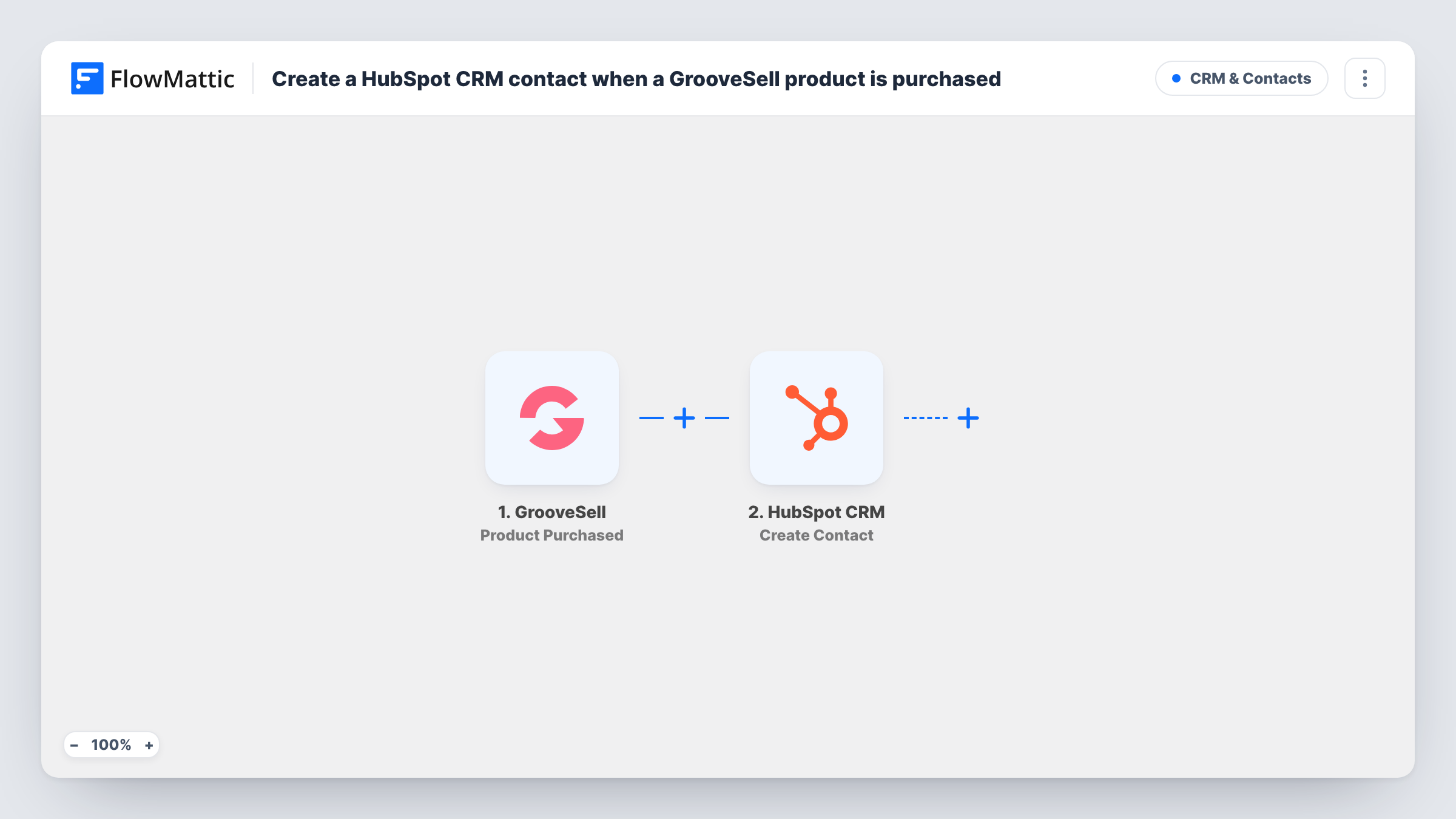
The GrooveSell trigger fires on a product purchase and passes the purchase data to FlowMattic. The HubSpot CRM step then runs Create Contact, with the contact's properties filled from the buyer details you map, such as their email and name.
Keep in mind that the step only creates contacts. A buyer whose email already belongs to a HubSpot contact, for example a repeat customer, gets an error on the HubSpot step because HubSpot holds one contact per email, and the existing record is not changed. First-time buyers come through as new contacts. Every purchase runs the workflow, and Task History shows the outcome of each run.
Course creator selling through GrooveSell
Students who buy your course become HubSpot contacts, where you can enrol them in an onboarding email sequence.
Software launch with a sales team
Buyers from a launch land in HubSpot, so your team can see who purchased before reaching out with upgrade offers.
Digital product shop reporting from one CRM
Your HubSpot reports include GrooveSell buyers next to contacts from your website and other channels.
How this workflow runs
What happens at each step once the workflow is on, and what you need before you import it.
 GrooveSell Product Purchased
Fires each time a product is purchased through your GrooveSell account. Connect GrooveSell after import and make a test purchase so FlowMattic shows the buyer and order fields it receives.
- HubSpot CRM Create Contact
Creates a contact in HubSpot CRM for the buyer. Connect your HubSpot account and map the purchase's email and name fields to the contact properties you want filled.
What you need
- FlowMatticCore
- GrooveSell AccountAccount
- HubSpot CRM AccountAccount
After importing, map your own data. To keep the template universal, not every step is pre-filled. Open each step in the builder and connect your accounts and fields (channels, lists, sheets, recipients) before you switch the workflow on.
Make it yours
Changes worth making after you import it.
- Map the product name from the purchase into a HubSpot contact property, if you have one for it, so you can see what each new contact bought.
- Sell several products but only want buyers of some in HubSpot? Add a Filter after the trigger that checks the product name or ID.
- Repeat buyers will show errors on Create Contact. If the HubSpot app in FlowMattic offers an update or create-or-update action, use it instead to keep returning customers current.
Questions about this workflow
What happens when a returning GrooveSell customer buys again?
HubSpot does not allow two contacts with the same email, so Create Contact fails for that run and Task History shows the error. The existing contact stays as it was.
Does the HubSpot contact include what the buyer purchased?
Only if you map it. The step fills the contact properties you choose, so map the product field from GrooveSell to a property in HubSpot if you want it recorded.
Are refunds or cancellations in GrooveSell sent to HubSpot?
No. This workflow only reacts to purchases. A refund does not remove or change the HubSpot contact.
More CRM & Contacts workflows
Other ready-to-import templates from the same category.





Import this workflow into your WordPress site
Download the JSON, import it from the Workflows screen and connect your accounts. Every run stays on your server, with no per-task fees.
30-day money-back guarantee Unlimited workflows and runs Self-hosted