

Create a HubSpot CRM contact when a new Foxy.io transaction is created
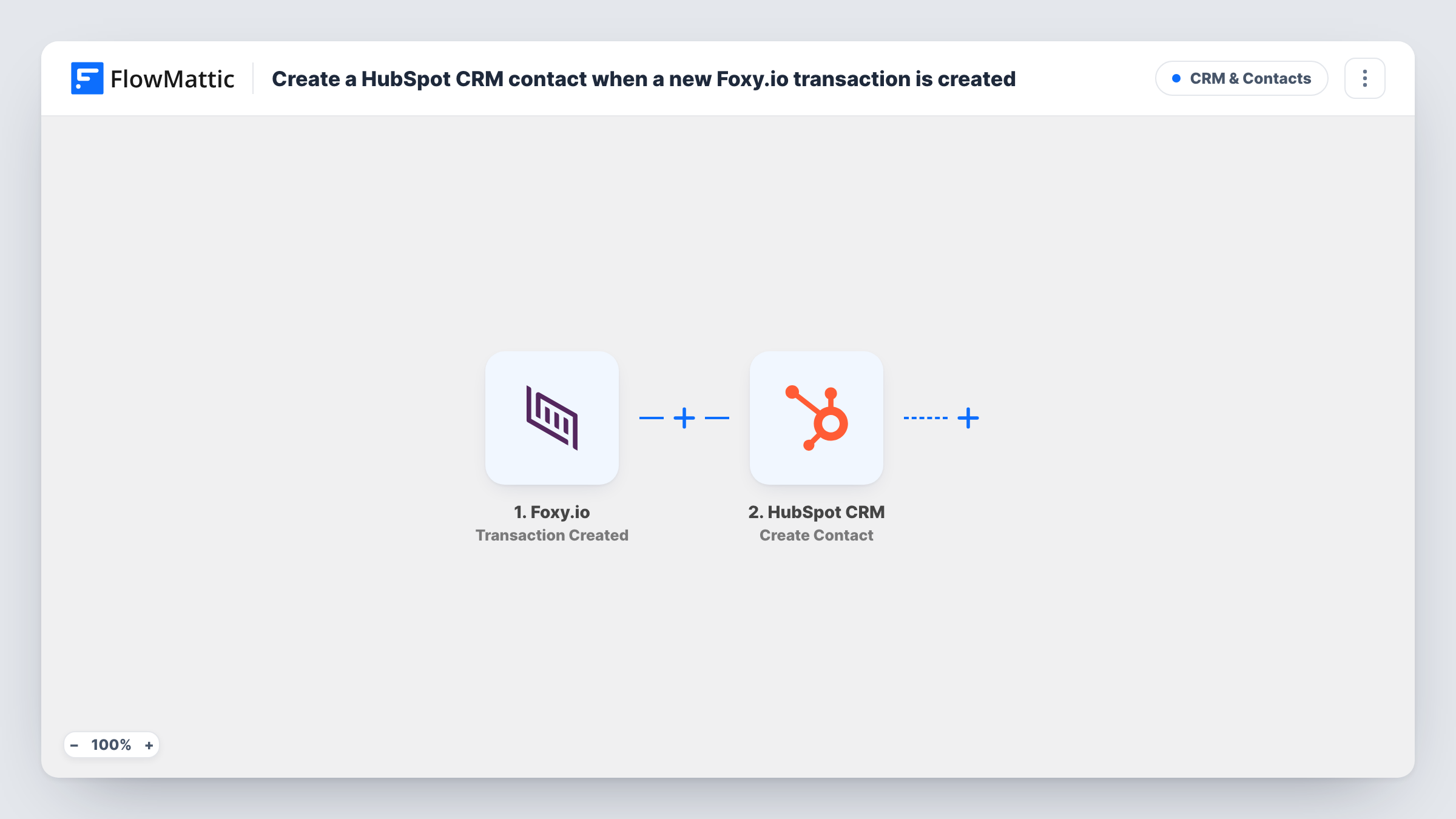
When a transaction is created in your Foxy.io store, this workflow creates a contact in HubSpot CRM from the buyer’s details, so each customer has a CRM record your team can follow up on.
 Foxy.io
 HubSpot CRM
2 steps Setup ~5 min Used on 561 sites Free to import
What this workflow does
Foxy.io handles your cart and checkout, but the people who buy from you are not automatically in your CRM. Copying each buyer into HubSpot by hand is slow and easy to forget after a busy day of sales. This workflow creates the HubSpot contact for you as each transaction comes in.
The Foxy.io trigger fires when a transaction is created. FlowMattic captures the transaction data, including the customer details Foxy.io sends with it. The HubSpot CRM step then runs Create Contact, and you map the buyer's email, name and any other fields you want on the record.
Every transaction starts a run, so a returning customer triggers the workflow again. Create Contact only creates contacts and does not update existing ones. HubSpot may refuse a second contact with the same email, and Task History shows the response it returned for that run.
Online course seller building a CRM
Each course purchase through Foxy.io adds the buyer to HubSpot, where you can track them in deals or follow-up tasks.
Small shop handing leads to sales
Bulk or trade buyers who check out through Foxy.io appear in HubSpot, so a sales rep can reach out about larger orders.
Merging store and CRM reporting
Having every buyer as a HubSpot contact lets you see store customers alongside the leads that came from your other channels.
How this workflow runs
What happens at each step once the workflow is on, and what you need before you import it.
 Foxy.io Transaction Created
Fires when a new transaction is created in Foxy.io. The transaction and customer data it carries are captured for mapping in the HubSpot step.
- HubSpot CRM Create Contact
Adds the buyer to HubSpot CRM as a new contact. Connect your HubSpot account and map the buyer's email and name from the Foxy.io transaction into the contact.
What you need
- FlowMatticCore
- Foxy.io AccountAccount
- HubSpot CRM AccountAccount
After importing, map your own data. To keep the template universal, not every step is pre-filled. Open each step in the builder and connect your accounts and fields (channels, lists, sheets, recipients) before you switch the workflow on.
Make it yours
Changes worth making after you import it.
- Make a test purchase in Foxy.io after import so FlowMattic captures a real transaction, then map the customer fields into the HubSpot contact from that sample.
- Add a Filter after the trigger that continues only when the transaction's customer email is not empty, so HubSpot always gets an address to create the contact with.
- Add a HubSpot Create Deal step after the contact if you want each transaction recorded as a deal as well.
Questions about this workflow
What happens when a returning Foxy.io customer buys again?
The workflow runs again and tries to create the contact a second time. Create Contact is create-only, so HubSpot may refuse a duplicate email. You can read HubSpot's reply for that run in Task History.
Does this template update existing HubSpot contacts?
No. It only creates contacts. HubSpot has a separate Update Contact action in FlowMattic if you want a step that changes an existing record.
Are refunded or voided Foxy.io transactions sent to HubSpot?
The trigger fires when a transaction is created, not when it is refunded or voided. FlowMattic has separate Foxy.io triggers for refunds and voids if you want to act on those.
Do Foxy.io transactions from before I import get added?
No. Only transactions created after the workflow is turned on start a run, so past buyers are not copied to HubSpot.
More CRM & Contacts workflows
Other ready-to-import templates from the same category.





Import this workflow into your WordPress site
Download the JSON, import it from the Workflows screen and connect your accounts. Every run stays on your server, with no per-task fees.
30-day money-back guarantee Unlimited workflows and runs Self-hosted