

Create a HubSpot CRM contact when a new item is created
Each new item on your chosen monday sales CRM board creates a contact in HubSpot CRM from the item’s details, so prospects your team adds in monday are also in HubSpot for marketing and reporting.
 monday sales CRM
 HubSpot CRM
2 steps Setup ~5 min Used on 2.6k sites Free to import
What this workflow does
Some teams run their pipeline in monday sales CRM while marketing lives in HubSpot. When a rep adds a prospect on a monday board, marketing has no idea that person exists until someone copies them over. This workflow creates the HubSpot contact for you whenever a new item appears on the board.
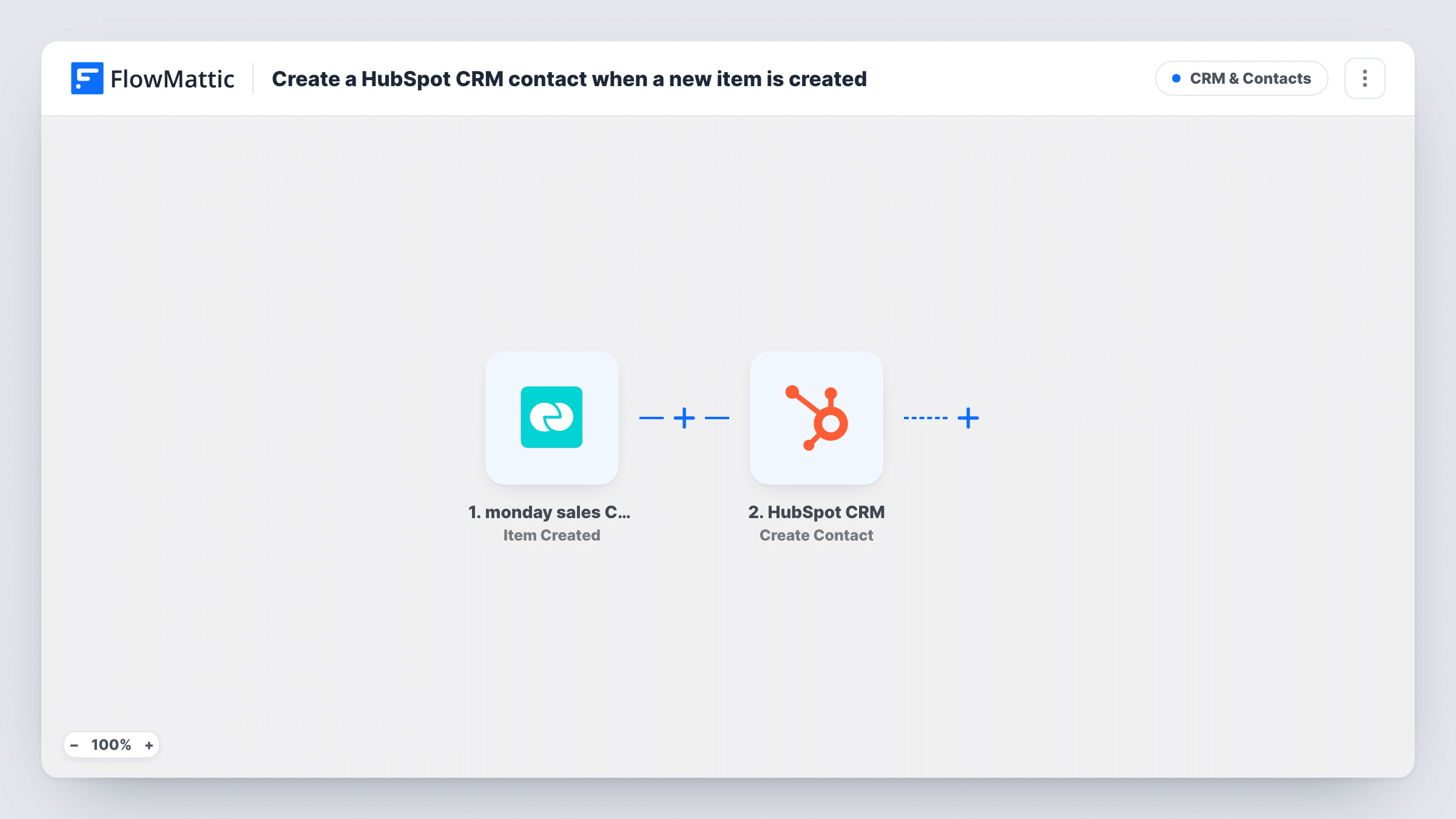
The monday sales CRM trigger fires when an item is created on a specific board, the one you pick when you connect it. The item's column values become data you can map. HubSpot CRM then runs Create Contact with the values you map, such as the email, name and company columns from that board.
The flow is one-way and fires on creation only. Edits to the item later, like a new phone number or a status change, don't reach HubSpot. Create Contact doesn't look for an existing contact first, so an item for someone already in HubSpot may be refused as a duplicate email. You can read what HubSpot answered for any monday item in Task History.
Reps log leads in monday, marketing emails from HubSpot
A rep adds a prospect to the monday Leads board after a call, and the person is in HubSpot in time for the next nurture email.
Event leads entered on a board
After a trade show, the team types badge-scan leads into a monday board, and each item becomes a HubSpot contact without a CSV import.
Partner referrals tracked in monday
Referral partners' introductions go onto a monday board for the sales team, while HubSpot gets a contact record for attribution reports.
How this workflow runs
What happens at each step once the workflow is on, and what you need before you import it.
 monday sales CRM Item Created
Starts a run whenever someone adds an item to the monday sales CRM board this trigger watches. The item's name and column values are passed on for mapping into HubSpot.
- HubSpot CRM Create Contact
Creates a new contact in HubSpot CRM from the monday item. Map the board's email column, plus name or company columns, to the contact and connect your HubSpot account on import.
What you need
- FlowMatticCore
- monday sales CRM AccountAccount
- HubSpot CRM AccountAccount
After importing, map your own data. To keep the template universal, not every step is pre-filled. Open each step in the builder and connect your accounts and fields (channels, lists, sheets, recipients) before you switch the workflow on.
Make it yours
Changes worth making after you import it.
- Keep an email column on the monday board and fill it in for every lead, so each HubSpot contact has an address you can reach and search by.
- Add a Filter after the trigger that continues only when the email column is not empty, so placeholder items without contact details stay out of HubSpot.
- Create one test item on the board after import, then map its column values in the HubSpot step from the captured data.
Questions about this workflow
Does updating a monday item change the HubSpot contact?
No. The trigger is Item Created, so only new items start a run. Later edits on the board stay in monday sales CRM.
Can I watch more than one monday board?
The trigger is set to one board. To cover another board, copy the workflow and point the copy at the second board.
What if the monday lead already exists in HubSpot?
Create Contact makes a new contact and doesn't update an existing one. If the address is already a HubSpot contact, HubSpot may turn the request down; open that run in Task History to see its reply.
More CRM & Contacts workflows
Other ready-to-import templates from the same category.




Import this workflow into your WordPress site
Download the JSON, import it from the Workflows screen and connect your accounts. Every run stays on your server, with no per-task fees.
30-day money-back guarantee Unlimited workflows and runs Self-hosted