

Create a HubSpot CRM deal when a new Oneflow participant is created
Each time a participant is added to a contract in Oneflow, this workflow creates a deal in HubSpot CRM, so contracts in progress show up in your sales pipeline.
 Oneflow
 HubSpot CRM
2 steps Setup ~5 min Used on 1.2k sites Free to import
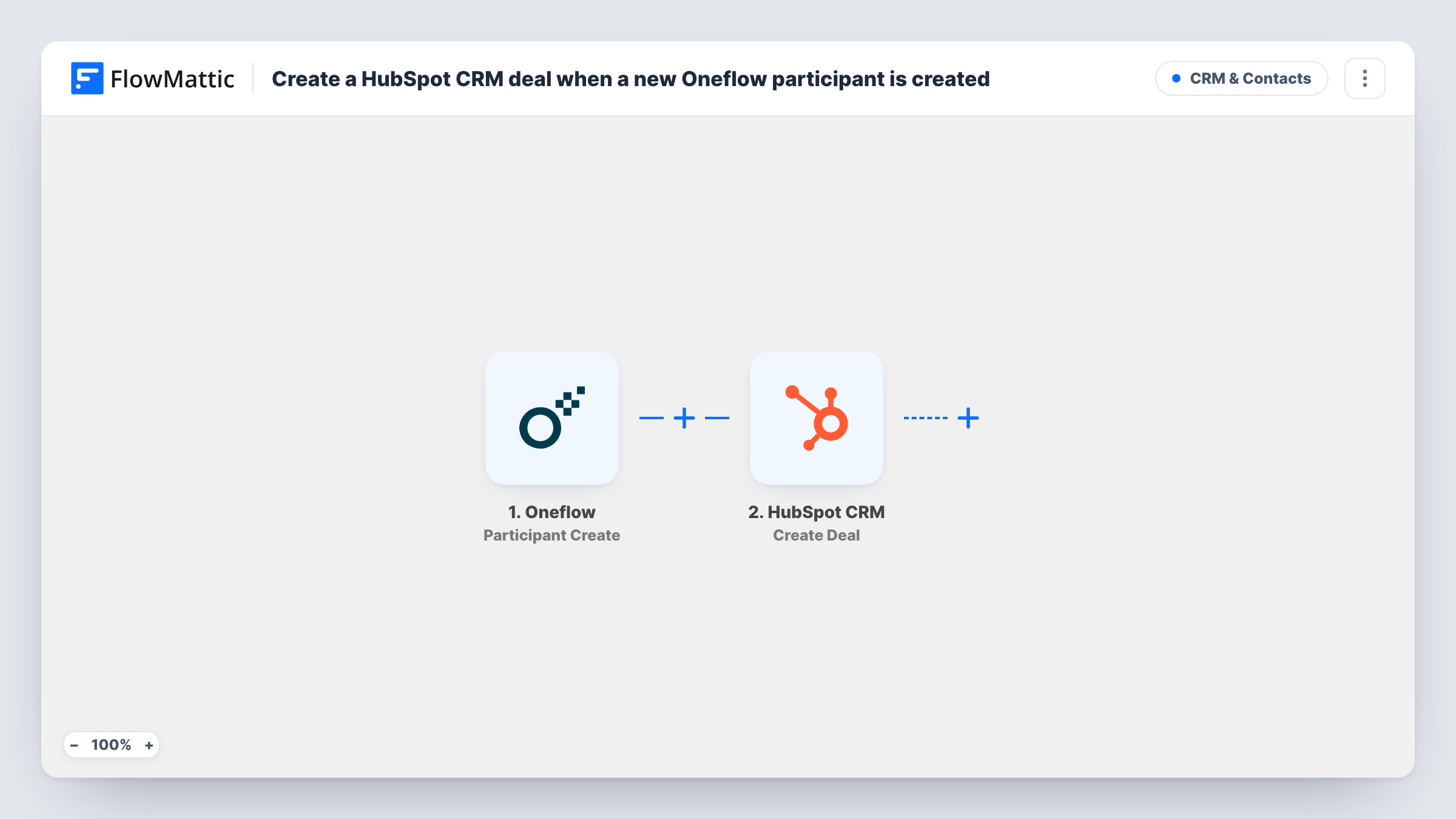
What this workflow does
Contracts in Oneflow and deals in HubSpot describe the same sales, but they are kept in two places. If deals are only created by hand, the pipeline lags behind the contracts your team is already sending. This workflow creates a HubSpot deal from Oneflow activity.
The Oneflow trigger is Participant Create, which fires when a participant has been added to a contract. FlowMattic passes the participant and contract data to the HubSpot CRM step, which runs Create Deal. You map values from the Oneflow event into the deal, such as a name that identifies the contract.
The trigger runs per participant, not per contract. A contract with a client signer, a colleague and an approver adds three participants, so HubSpot gets three deals. Before you rely on it, decide whether that matches how you use Oneflow, and add a Filter if only one kind of participant should create a deal.
One client signer per contract
Your sales contracts have a single external participant. Adding that person creates one HubSpot deal for the contract, ready for the rep to update as it progresses.
Tracking each counterparty separately
A framework agreement is signed by several client companies, each added as a participant. Every one gets its own deal in HubSpot.
Contracts drafted outside the CRM
Legal prepares contracts in Oneflow before sales logs anything in HubSpot. The deal appears as soon as the first participant is added.
How this workflow runs
What happens at each step once the workflow is on, and what you need before you import it.
 Oneflow Participant Create
Fires when a participant has been added to a contract in Oneflow. The participant's and contract's data are passed to HubSpot for mapping.
- HubSpot CRM Create Deal
Creates a new deal in HubSpot CRM from the Oneflow data. Map a deal name that identifies the contract, and check in a test run which values the Oneflow event provides.
What you need
- FlowMatticCore
- Oneflow AccountAccount
- HubSpot CRM AccountAccount
After importing, map your own data. To keep the template universal, not every step is pre-filled. Open each step in the builder and connect your accounts and fields (channels, lists, sheets, recipients) before you switch the workflow on.
Make it yours
Changes worth making after you import it.
- Add a Filter after the trigger so only external participants, such as the client signer, create a deal. Look at a test run to find the value that marks them.
- Include the Oneflow contract's name or ID in the HubSpot deal name, so you can match a deal back to its contract quickly.
- Add one participant to a test contract after import, then open HubSpot and check the deal it created, including its name and pipeline stage.
Questions about this workflow
Will a Oneflow contract with several participants create several HubSpot deals?
Yes, as imported. Participant Create fires for each participant added, so add a Filter if you want one deal per contract.
Does the HubSpot deal get linked to a contact or company?
Not by this template. It only runs Create Deal. Linking to contacts or companies would need further steps or work in HubSpot.
Are deals created for Oneflow contracts that already have participants?
No. Only participants added after you turn the workflow on start a run. Existing contracts stay as they are in HubSpot.
More CRM & Contacts workflows
Other ready-to-import templates from the same category.




Import this workflow into your WordPress site
Download the JSON, import it from the Workflows screen and connect your accounts. Every run stays on your server, with no per-task fees.
30-day money-back guarantee Unlimited workflows and runs Self-hosted