

Create a HubSpot CRM deal when a RevenueHero prospect submits the form
When a prospect submits a form handled by RevenueHero, this workflow creates a deal in HubSpot CRM from the details you map, so each inbound request shows up in your sales pipeline straight away.
 RevenueHero
 HubSpot CRM
2 steps Setup ~5 min Used on 727 sites Free to import
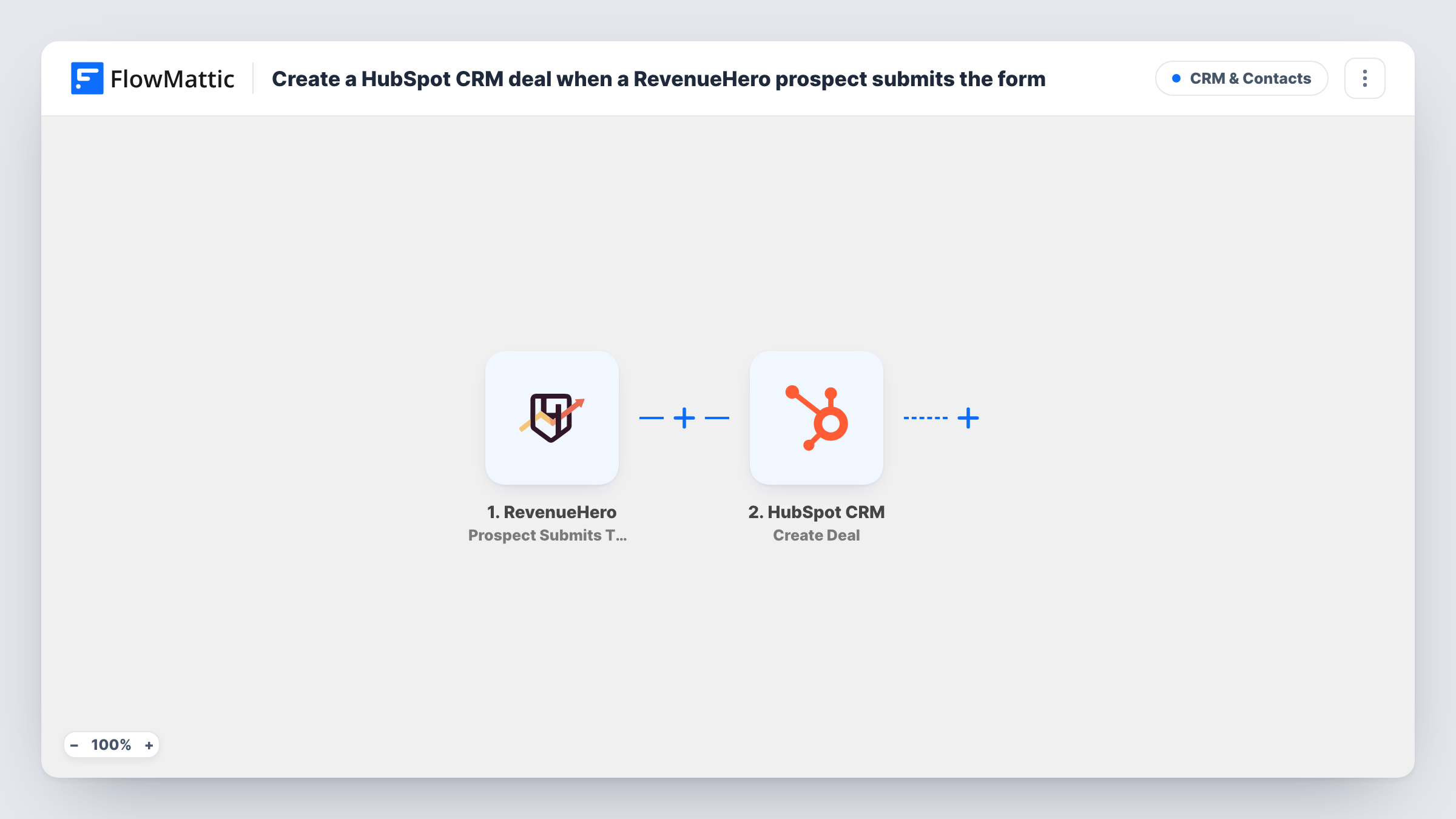
What this workflow does
RevenueHero sits behind your demo or contact form and routes prospects to the right rep. If your pipeline lives in HubSpot, someone still has to open a deal for each request, and some get missed on busy days. This workflow opens the deal as the form comes in.
The RevenueHero trigger, Prospect Submits The Form, fires when a prospect submits the form. It runs at form submission, whether or not they go on to book a meeting. FlowMattic receives the prospect data, and the HubSpot CRM step, Create Deal, creates a new deal from the values you map, such as a deal name built from the company or prospect name.
No HubSpot contact or company is made here, just the deal. Check after import whether the step lets you link the deal to a contact. Every submission creates a new deal, so a prospect who submits twice gets two. Task History shows HubSpot's response on each run.
SaaS demo requests
Each demo request through your RevenueHero form opens a HubSpot deal, ready for the assigned rep to work.
Agency new-business enquiries
Inbound enquiries become deals the founder can review in HubSpot, including those from prospects who didn't pick a meeting slot.
Pipeline reporting on inbound volume
Because every form submission becomes a deal, HubSpot's deal reports show how many inbound requests arrived each week.
How this workflow runs
What happens at each step once the workflow is on, and what you need before you import it.
 RevenueHero Prospect Submits The Form
Runs when a prospect submits your RevenueHero form, before any meeting is booked. The prospect's details are passed on to map into the HubSpot deal.
- HubSpot CRM Create Deal
Creates a new deal in HubSpot CRM from the RevenueHero values you map. Connect your HubSpot account on import and check a test submission to confirm the deal looks right in HubSpot.
What you need
- FlowMatticCore
- RevenueHero AccountAccount
- HubSpot CRM AccountAccount
After importing, map your own data. To keep the template universal, not every step is pre-filled. Open each step in the builder and connect your accounts and fields (channels, lists, sheets, recipients) before you switch the workflow on.
Make it yours
Changes worth making after you import it.
- Add HubSpot's Create Contact action before Create Deal if you also want the prospect saved as a contact. Check whether the deal step can then link to it.
- If you only want deals for prospects who book, switch the trigger to RevenueHero's Meeting Booked event instead of Prospect Submits The Form.
- Build the deal name from the company and the submission date, so repeat submissions from one company are easy to spot in HubSpot.
Questions about this workflow
Does it create the prospect as a HubSpot contact too?
No. The only HubSpot step is Create Deal. Add Create Contact before it if you want a contact record as well.
What if the same prospect submits the RevenueHero form twice?
Each submission starts a run and creates another deal. Nothing in the template checks for an existing one, so merge or delete duplicates in HubSpot.
Are prospects who don't book a meeting included?
Yes. The trigger fires on form submission, before the booking step. RevenueHero has a separate trigger for prospects who don't book if you want to act on them differently.
Which HubSpot pipeline does the RevenueHero deal land in?
The template doesn't show the Create Deal step's settings, so open it after import and see what it offers. Run a test submission and check where the deal appears in HubSpot before turning the workflow on.
More CRM & Contacts workflows
Other ready-to-import templates from the same category.






Import this workflow into your WordPress site
Download the JSON, import it from the Workflows screen and connect your accounts. Every run stays on your server, with no per-task fees.
30-day money-back guarantee Unlimited workflows and runs Self-hosted