

Create a new record in Airtable on new Bricksforge form submission
Each Bricksforge Pro Forms submission on your Bricks site creates a new record in the Airtable table you choose, with the form fields mapped to columns, so entries are ready to sort and share in Airtable.
 Bricksforge
 Airtable
2 steps Setup ~5 min Used on 534 sites Free to import
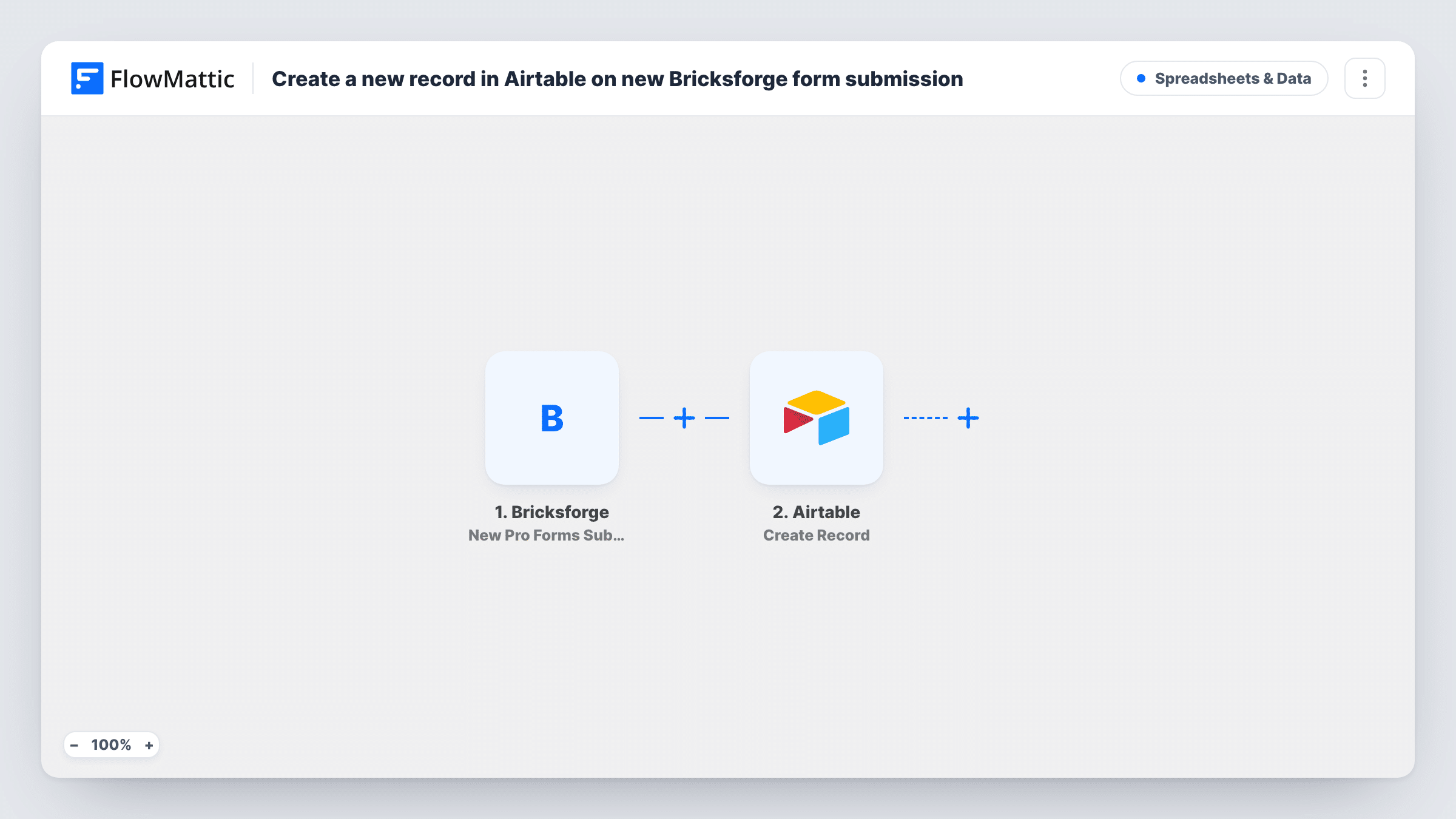
What this workflow does
Forms built with Bricksforge on a Bricks Builder site collect useful entries, but reviewing them on the site isn't always convenient when your team plans work in Airtable. This workflow sends each submission into an Airtable base as its own record.
The Bricksforge trigger, New Pro Forms Submission, fires when a submission comes in from a Bricksforge form. Every field the visitor filled in becomes data you can map. The Airtable step, Create Record, then adds a record to the base and table you pick, with each form field going to the Airtable field you assign.
Each submission makes a new record, even when the same person sends the form twice. Because the form plugin and FlowMattic both run on your WordPress site, the entry only leaves the site at the Airtable step. Task History shows every run, which helps when a record seems to be missing.
Client intake for a design studio
A Bricksforge project brief form feeds an Airtable table where the studio tracks each enquiry from first contact to signed proposal.
Job applications on a careers page
Applicants fill a Bricksforge form, and each one becomes an Airtable record the hiring team can tag, rate and filter by role.
Event volunteer sign-ups
Volunteers pick a shift on a Bricksforge form, and the organiser groups the Airtable records by shift to see where help is still needed.
How this workflow runs
What happens at each step once the workflow is on, and what you need before you import it.
 Bricksforge New Pro Forms Submission
Fires when a visitor submits a Bricksforge Pro Forms form on your site. The submitted fields are passed on so you can map them into Airtable.
- Airtable Create Record
Adds one record per submission to the Airtable table you point it at. Map each Bricksforge field to an Airtable field, and connect your Airtable account on import.
What you need
- FlowMatticCore
- Bricksforge PluginPlugin
- Airtable AccountAccount
After importing, map your own data. To keep the template universal, not every step is pre-filled. Open each step in the builder and connect your accounts and fields (channels, lists, sheets, recipients) before you switch the workflow on.
Make it yours
Changes worth making after you import it.
- Line up field types first: send a Bricksforge email field to an Airtable email field and dates to a date field, so Airtable accepts the values cleanly.
- If several Bricksforge forms exist on your site, add a Filter after the trigger on the form ID so only the form meant for this table creates records.
- Submit the form once yourself after import, so FlowMattic captures the field names you need for mapping in the Airtable step.
Questions about this workflow
Does Bricksforge still handle the form as usual?
Yes. The workflow listens for the submission and does not change the form's own settings, so any confirmation message or email you set in Bricksforge still works.
What happens if the same person submits the Bricksforge form twice?
You get a separate Airtable record for each send. Create Record always adds a new record and does not look for an existing one with the same email.
Do I need the Bricks theme for this workflow?
Bricksforge is an add-on for Bricks Builder, so the form has to come from a Bricksforge form on a Bricks site where FlowMattic is also installed.
Can file uploads from the Bricksforge form reach Airtable?
Test it with a real upload. Check in Task History what the trigger sends for the file, then decide whether to map it into an Airtable field.
More Spreadsheets & Data workflows
Other ready-to-import templates from the same category.




Import this workflow into your WordPress site
Download the JSON, import it from the Workflows screen and connect your accounts. Every run stays on your server, with no per-task fees.
30-day money-back guarantee Unlimited workflows and runs Self-hosted