

Create a Notion database entry for every new Formspree submission
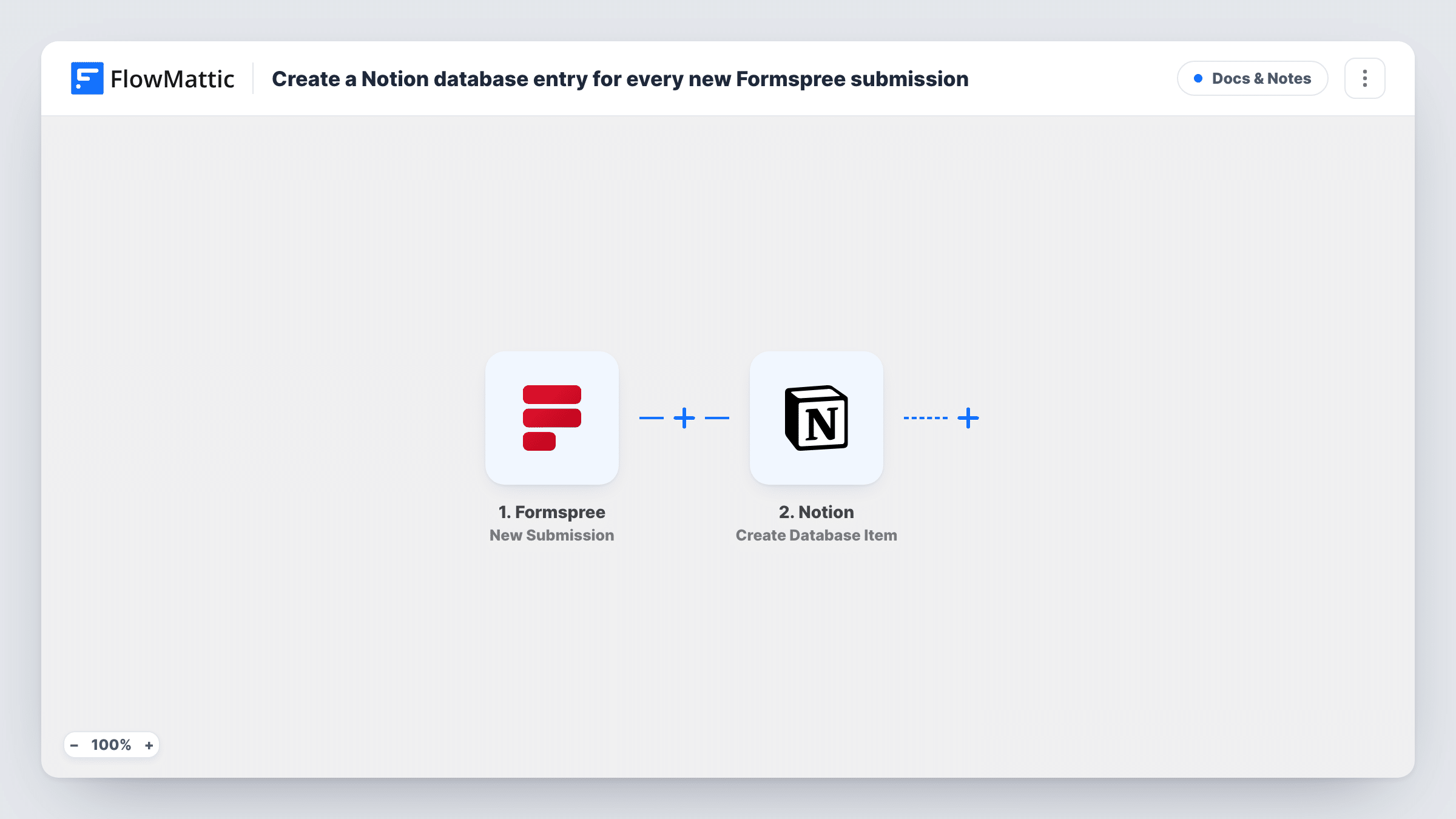
Send every new Formspree submission into a Notion database as its own item, so form responses sit next to your notes, projects and tasks where you can tag, sort and assign them.
 Formspree
 Notion
2 steps Setup ~5 min Used on 2.4k sites Free to import
What this workflow does
A Formspree form is quick to add to any site, but its entries stay in Formspree unless you move them. Teams that plan their work in Notion end up pasting responses into a database by hand. This workflow creates the database item for you each time someone submits the form.
The Formspree trigger fires on each new form submission and passes along the answers. The Notion step then creates an item in the database you choose. You map each answer to one of the database's properties, so the name might fill the title and the message a text property.
Every submission creates one item; nothing is merged or skipped. Formspree keeps its own copy of the entry. Once items arrive in Notion you can use your usual database views, filters and status properties to work through them. Task History in FlowMattic shows each run and what Notion sent back.
Client intake for a freelance studio
A project-enquiry form on a static site goes to Formspree. Each enquiry becomes a Notion item with a status property you move from new to quoted to won.
Bug reports from a docs site
Readers report problems through a Formspree form on your documentation. Every report lands in the Notion database your team already uses for its backlog.
Speaker applications for a meetup
Talk proposals arrive through Formspree, and organisers review them in a Notion board grouped by topic, with notes added on each item.
How this workflow runs
What happens at each step once the workflow is on, and what you need before you import it.
 Formspree New Submission
Starts a run for each new submission Formspree receives on the connected form, carrying every answer the visitor gave.
- Notion Create Database Item
Adds one item per submission to whichever Notion database you point it at. Connect your Notion account, share the database with the connection, then map Formspree answers to the database properties.
What you need
- FlowMatticCore
- Formspree AccountAccount
- Notion AccountAccount
After importing, map your own data. To keep the template universal, not every step is pre-filled. Open each step in the builder and connect your accounts and fields (channels, lists, sheets, recipients) before you switch the workflow on.
Make it yours
Changes worth making after you import it.
- Build the Notion database first, with a property for each form answer you care about. The mapping screen is clearer when every field already has a matching property.
- Add a Filter after the trigger to drop submissions with an empty message or a test address, so only real entries reach the database.
- Add a Slack or email step after Notion if someone should be told about each new item as well as having it in the database.
Questions about this workflow
My Notion database is missing from the Formspree workflow's step. Why?
A Notion connection can only open the pages and databases you have granted it. Open the database in Notion, share it with the connection you made for FlowMattic, then pick it again in the step.
Do old Formspree entries get added to Notion?
No. Only submissions that arrive after the workflow is on are sent. Export earlier entries from Formspree and import them into Notion if you want a full history.
Can I fill Notion select or date properties from the form?
Map the form answer into the property and send a test submission. Check the item in Notion and Task History to confirm the value was accepted in the format the property expects.
Will each Formspree submission make a separate Notion item?
Yes. The Notion step creates a new item on every run, so two submissions from the same person become two items.
More Docs & Notes workflows
Other ready-to-import templates from the same category.




Import this workflow into your WordPress site
Download the JSON, import it from the Workflows screen and connect your accounts. Every run stays on your server, with no per-task fees.
30-day money-back guarantee Unlimited workflows and runs Self-hosted