

Create a Notion database entry for new AnnounceKit feedback
When someone posts feedback through AnnounceKit, this workflow creates an item in a Notion database with the feedback details you map, so product input sits next to the rest of your planning.
 AnnounceKit
 Notion
2 steps Setup ~5 min Used on 337 sites Free to import
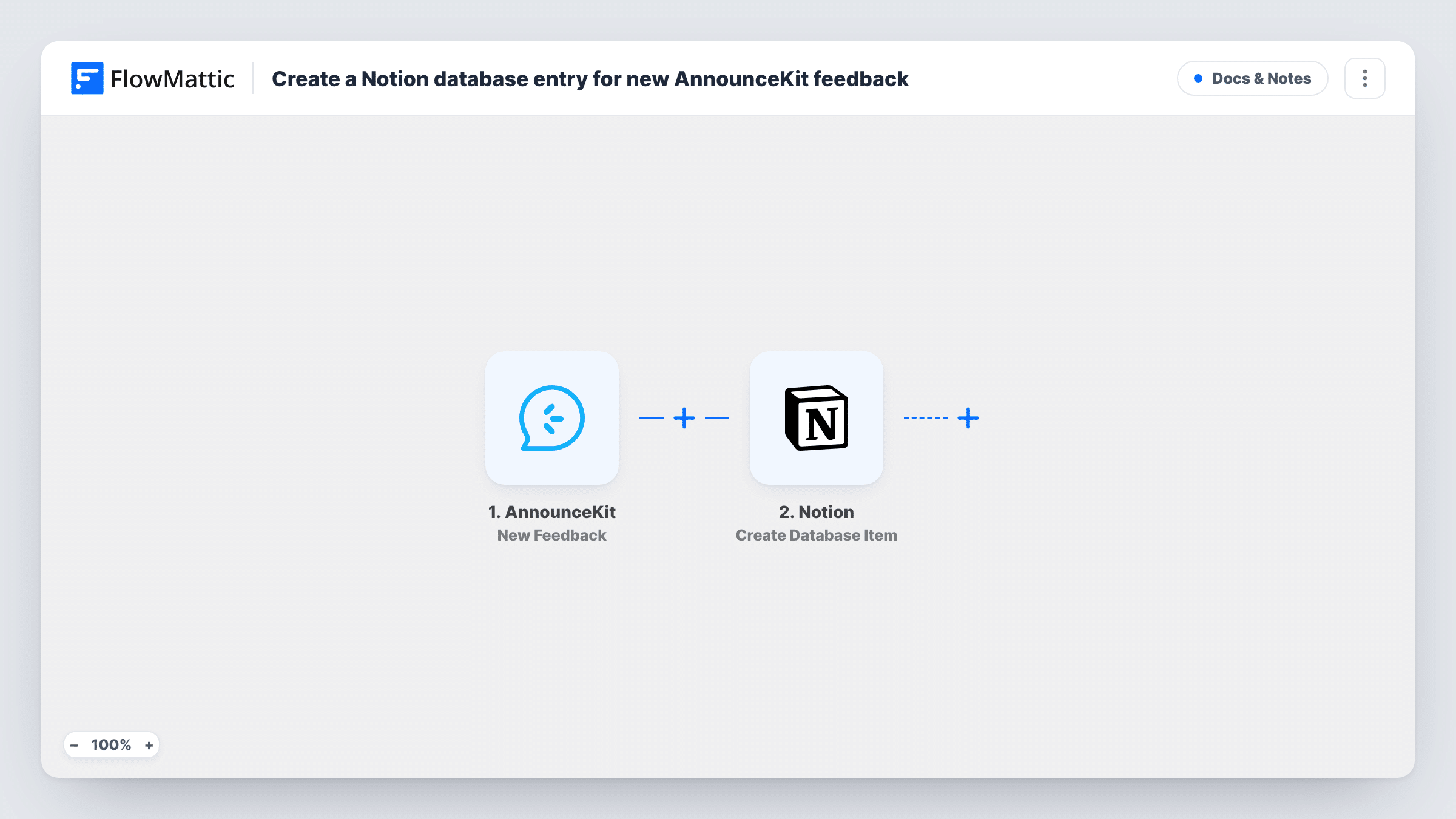
What this workflow does
AnnounceKit collects reactions and comments on your product updates, but your roadmap and research notes may live in Notion. Moving each piece of feedback across by hand is slow, and things get missed. This workflow adds every new feedback entry to a Notion database as it arrives.
The AnnounceKit trigger fires when new feedback is posted. FlowMattic receives the feedback data and passes it to Notion, where the Create Database Item action adds an item to the database you choose. You map AnnounceKit values into the database's properties, for example a title from the feedback text.
Once the feedback is in Notion, you can sort, tag and link it the way you already manage product work. The workflow adds one item per feedback entry and does not change anything in AnnounceKit. Each run is listed in Task History with the data that was sent.
Feedback inbox for a product team
Your team triages ideas on a Notion board. Every piece of feedback left through AnnounceKit becomes a card there, ready to be tagged and prioritised.
Linking feedback to roadmap items
Feedback lands in a Notion database that you relate to your roadmap database, so each feature page shows the comments that asked for it.
Release follow-up for a solo founder
After shipping an update, you review the reactions in one Notion table instead of checking the AnnounceKit widget day by day.
How this workflow runs
What happens at each step once the workflow is on, and what you need before you import it.
 AnnounceKit New Feedback
Fires when new feedback is posted in AnnounceKit. The feedback data from that event is passed on so you can map it into Notion.
- Notion Create Database Item
Creates an item in the Notion database you pick. Connect your Notion account, share the database with it, and map the AnnounceKit feedback values into the database properties.
What you need
- FlowMatticCore
- AnnounceKit AccountAccount
- Notion AccountAccount
After importing, map your own data. To keep the template universal, not every step is pre-filled. Open each step in the builder and connect your accounts and fields (channels, lists, sheets, recipients) before you switch the workflow on.
Make it yours
Changes worth making after you import it.
- Add a Status property to your Notion database with a default of New, so fresh AnnounceKit feedback stands out until someone reviews it.
- Post a test piece of feedback after import, then check the trigger data in FlowMattic to see which values AnnounceKit sends before you map the Notion properties.
- Add a Slack or email step after Notion if someone on your team should hear about each new piece of feedback straight away.
Questions about this workflow
Does the AnnounceKit feedback need a matching Notion database already?
Yes. The action adds items to a database that exists in your Notion workspace. Set up the database and its properties first, then pick it in the Notion step.
Will old AnnounceKit feedback be copied to Notion?
No. Only feedback posted after you turn the workflow on starts a run. Earlier feedback stays in AnnounceKit.
The AnnounceKit feedback database doesn't show up in the Notion step. Why?
Notion only lets an integration reach pages and databases shared with it. Share the database with the connection you made for FlowMattic, then reload the step.
Does this reply to the person who left feedback in AnnounceKit?
No. It only copies the feedback into Notion. Any reply happens in AnnounceKit or through another step you add.
More Docs & Notes workflows
Other ready-to-import templates from the same category.




Import this workflow into your WordPress site
Download the JSON, import it from the Workflows screen and connect your accounts. Every run stays on your server, with no per-task fees.
30-day money-back guarantee Unlimited workflows and runs Self-hosted