

Create a Todoist task from each new Nutshell task
Each task created in Nutshell is copied to Todoist as a new task, so follow-ups from your CRM show up in the to-do list you already work from each day.
 Nutshell
 Todoist
2 steps Setup ~5 min Used on 2.7k sites Productivity Free to import
What this workflow does
Nutshell is where sales calls, follow-ups and deal tasks get logged. Many people still plan their day in Todoist, though, and a reminder that lives only in the CRM is easy to miss. This workflow copies each new Nutshell task into Todoist, so one list holds everything you have to do.
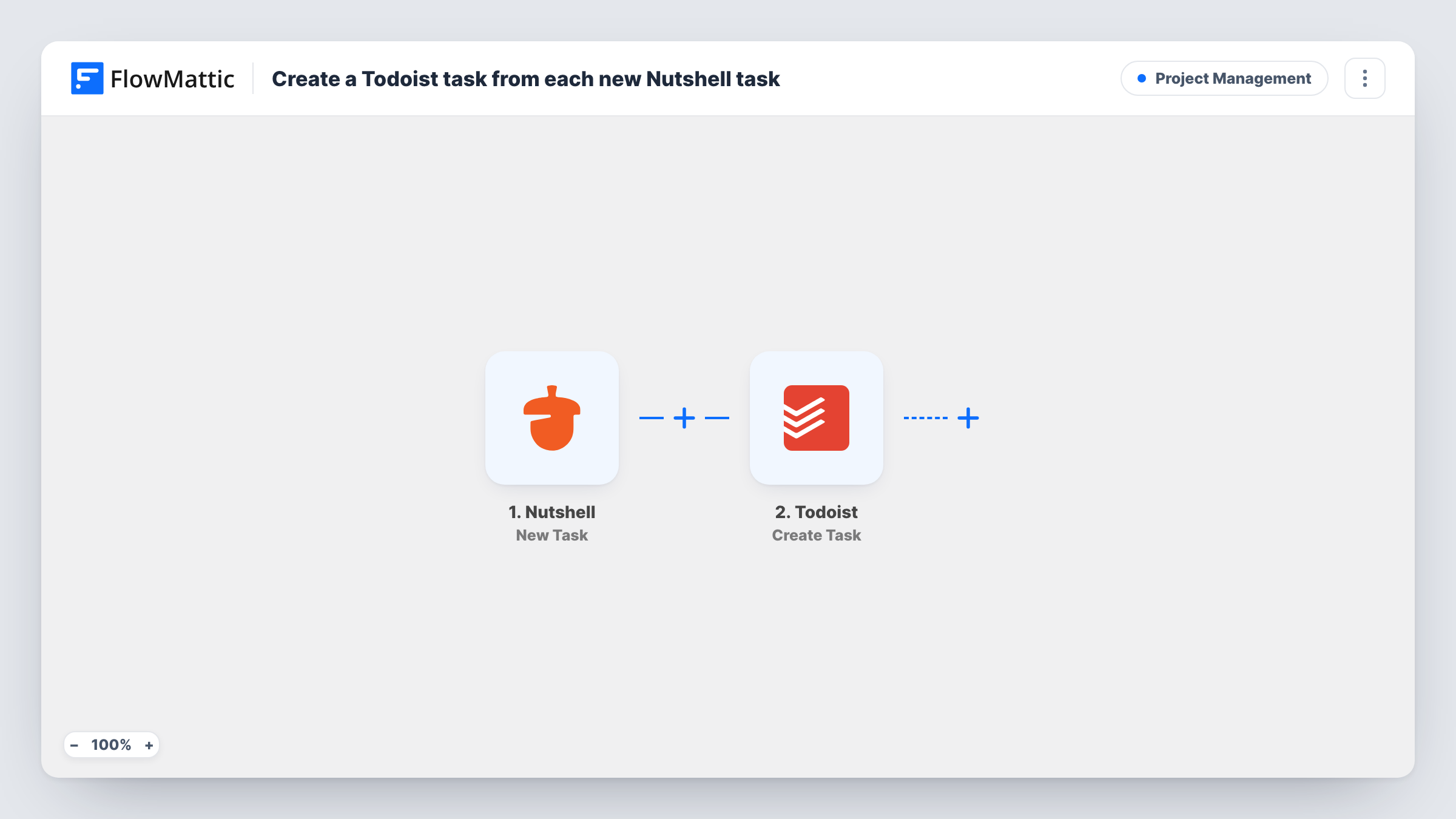
The Nutshell trigger fires when a new task is created. The task's details become values you can map. Todoist then runs Create Task with the content you build from those values, for example the Nutshell task title as the Todoist task name.
The copy is one-way and happens once per new task. Completing the task in Todoist doesn't close it in Nutshell, and later edits in Nutshell don't change the Todoist copy. Every new Nutshell task the trigger sees is copied, including ones colleagues create, unless you add a Filter. Task History lists each run with the data that went to Todoist.
Sales rep who plans the day in Todoist
Call-back tasks you create in Nutshell after a meeting appear in Todoist next to your personal to-dos, so the morning review covers both.
Founder handling sales part-time
Deal follow-ups logged in Nutshell land in the same Todoist list as product and admin work, without checking the CRM each morning.
Account manager tracking renewals
Renewal reminders set as Nutshell tasks show up in Todoist, where you already sort work by project and priority.
How this workflow runs
What happens at each step once the workflow is on, and what you need before you import it.
 Nutshell New Task
Fires when a new task is created in Nutshell. The task's details from that event become values you can use in the Todoist step.
- Todoist Create Task
Creates a new task in Todoist from the Nutshell task. Map the task title, and any due date or notes Nutshell sends, into the step and connect your Todoist account on import.
What you need
- FlowMatticCore
- Nutshell AccountAccount
- Todoist AccountAccount
After importing, map your own data. To keep the template universal, not every step is pre-filled. Open each step in the builder and connect your accounts and fields (channels, lists, sheets, recipients) before you switch the workflow on.
Make it yours
Changes worth making after you import it.
- If your Nutshell account is shared, add a Filter after the trigger that continues only for tasks assigned to you, so teammates' tasks stay out of your Todoist.
- Put the Nutshell task's ID or link in the Todoist task text when the event provides one, so you can jump back to the CRM record.
- Create one test task in Nutshell after import so FlowMattic captures the event values, then check the Todoist mapping before turning the workflow on.
Questions about this workflow
Does completing the task in Todoist close it in Nutshell?
No. The workflow only copies new tasks from Nutshell to Todoist. Nothing sends completions or edits back, so you close the Nutshell task separately.
Are existing Nutshell tasks copied to Todoist?
No. Only tasks created after you turn the workflow on start a run. Tasks already in Nutshell stay where they are.
Can the Nutshell due date carry over to Todoist?
If the Nutshell event includes a due date, you can map it into the Todoist step. Create a test task with a date and check the captured data to see what Nutshell sends.
More Project Management workflows
Other ready-to-import templates from the same category.




Import this workflow into your WordPress site
Download the JSON, import it from the Workflows screen and connect your accounts. Every run stays on your server, with no per-task fees.
30-day money-back guarantee Unlimited workflows and runs Self-hosted