

Create ClickUp tasks for new submissions in JetFormBuilder
Every JetFormBuilder form submission on your WordPress site becomes a new task in ClickUp, filled with the answers you map, so requests from your site go straight onto your team’s list.
 JetFormBuilder
 ClickUp
2 steps Setup ~5 min Used on 435 sites Productivity Free to import
What this workflow does
A form on your site is a natural front door for requests: design briefs, bug reports, quote requests. If the team works in ClickUp, someone has to read each entry and create a task by hand. This workflow creates that task as the form is submitted.
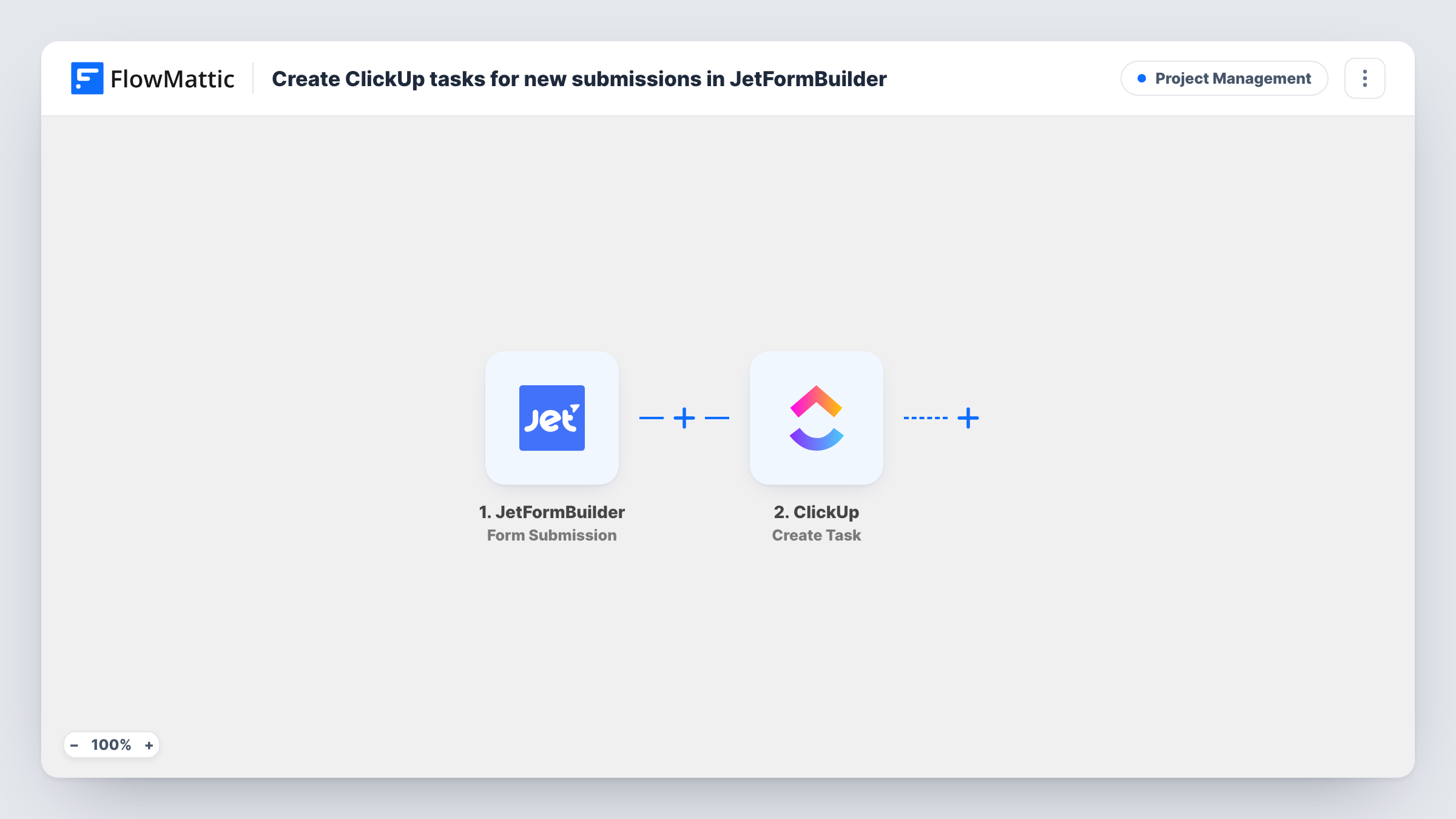
The JetFormBuilder trigger runs whenever a form is submitted. FlowMattic collects the answers and passes them to ClickUp, where the Create Task action adds a new task. You map the form answers, such as the subject and message, into the task.
One submission makes one task, with no condition in between. If your site has several JetFormBuilder forms, a Filter keeps the others from creating tasks. Task History shows each run, the answers that were sent and ClickUp's reply.
Client request form for a web agency
Clients send change requests through a JetFormBuilder form on a support page. Each request becomes a ClickUp task in the agency's client work list.
Internal IT or facilities requests
Staff report a broken laptop or a room issue through a form on the intranet, and the request lands in the IT team's ClickUp list.
Bug reports from beta users
Beta testers describe problems in a JetFormBuilder form, and each report becomes a ClickUp task the developers can triage.
How this workflow runs
What happens at each step once the workflow is on, and what you need before you import it.
 JetFormBuilder Form Submission
Starts each run when someone submits a JetFormBuilder form. The submitted answers are handed to ClickUp for mapping.
- ClickUp Create Task
Creates a task in ClickUp from the submission. Connect ClickUp, map the answers your team needs into the task, then check the result with a test submission.
What you need
- FlowMatticCore
- JetFormBuilder AccountAccount
- ClickUp AccountAccount
After importing, map your own data. To keep the template universal, not every step is pre-filled. Open each step in the builder and connect your accounts and fields (channels, lists, sheets, recipients) before you switch the workflow on.
Make it yours
Changes worth making after you import it.
- Add a Router with one route per request type, using exact values from a JetFormBuilder dropdown, and give each route its own ClickUp step so tasks land in different lists.
- Include the submitter's email in the ClickUp task text, so whoever picks up the task can reply without returning to WordPress.
- Use a Filter on the form ID if your site has more than one JetFormBuilder form, so only the request form creates ClickUp tasks.
Questions about this workflow
Does every JetFormBuilder submission create a ClickUp task?
Yes, as imported. Nothing checks the entry first, so spam that passes your form's own protection also becomes a task. Add a Filter if you need a rule.
Can I attach files from the JetFormBuilder form to the ClickUp task?
This template creates the task only. If your form collects uploads, you can place the file link in the task text; attaching files would need another step.
Does the submitter hear back from ClickUp?
No. ClickUp gets the task, not the visitor. Any reply to the person comes from your form's own settings or a step you add.
What do I need on the ClickUp side?
A ClickUp account connected to FlowMattic with access to the workspace where the tasks should go.
More Project Management workflows
Other ready-to-import templates from the same category.




Import this workflow into your WordPress site
Download the JSON, import it from the Workflows screen and connect your accounts. Every run stays on your server, with no per-task fees.
30-day money-back guarantee Unlimited workflows and runs Self-hosted