

Create a WooCommerce product when a new Convictional product is selected
When you select a product in the Convictional web app, this workflow creates a new WooCommerce product from its details, so items you pick from a supplier’s catalog appear in your store without retyping them.
 Convictional
 WooCommerce
2 steps Setup ~5 min Used on 2.3k sites Free to import
What this workflow does
Convictional is where you choose which supplier products you want to sell. Getting those picks into WooCommerce usually means building each product by hand: title, description, price and the rest. This workflow does the first draft of that work for every product you select.
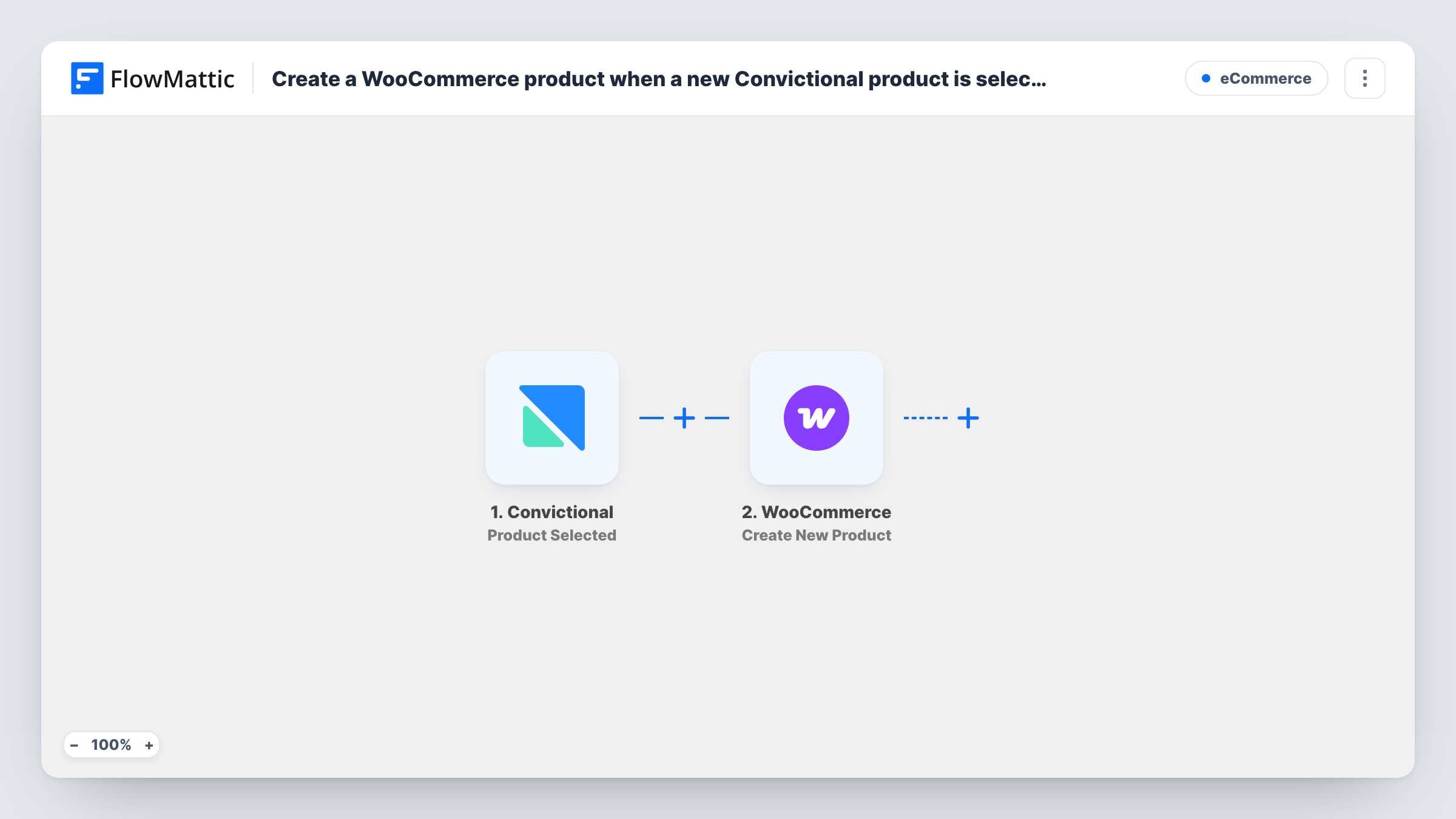
The Convictional trigger fires when a product is selected by a user in the Convictional web app. The product's details arrive in FlowMattic as data. The WooCommerce step then runs Create New Product on your store, and you decide which Convictional details fill which parts of the new product.
Create New Product always adds a product. It does not look for one that already exists, so selecting the same item again later gives you a second WooCommerce product. Review new products in WooCommerce before you promote them, and use Task History to see what each run sent to your store.
Adding a new supplier's range
You work through a supplier's catalog in Convictional and select the lines you want. Each selection shows up as a product in your WooCommerce store to review and publish.
Testing a few trial products
Pick a handful of items in Convictional to trial. They land in WooCommerce for you to add photos and copy, without setting each one up from scratch.
Seasonal ranges
Before a season starts, the products you select from your drop-ship partners in Convictional are created in WooCommerce, ready for you to group into a seasonal category.
How this workflow runs
What happens at each step once the workflow is on, and what you need before you import it.
 Convictional Product Selected
Fires when a user selects a product in the Convictional web app. The selected product's details are passed to the WooCommerce step for mapping.
- WooCommerce Create New Product
Creates a new product in your WooCommerce store from the Convictional data. Map the product details you want, then check a test product in WooCommerce before you rely on the workflow.
What you need
- FlowMatticCore
- Convictional AccountAccount
- WooCommerce PluginPlugin
After importing, map your own data. To keep the template universal, not every step is pre-filled. Open each step in the builder and connect your accounts and fields (channels, lists, sheets, recipients) before you switch the workflow on.
Make it yours
Changes worth making after you import it.
- Select one test product in Convictional after import so its data is captured, then map it into the WooCommerce step and compare the new product with the original.
- Add a Google Sheets step after WooCommerce that logs the Convictional product details next to the new WooCommerce product's ID, so you can trace each store item back to its supplier.
- Add a Slack or email step after WooCommerce to tell your merchandising team that a product was created and needs photos or copy.
Questions about this workflow
What happens if I select the same Convictional product twice?
The WooCommerce step creates a new product each time the trigger fires. It does not check for an existing product, so a second selection gives you a duplicate to remove.
Does the workflow keep WooCommerce stock in sync with Convictional?
No. It only creates the product when you select it. Convictional also has a Product Inventory Changed trigger in FlowMattic that you could build a separate workflow on.
Are products I selected in Convictional before importing created?
No. Only selections made after you turn the workflow on reach WooCommerce.
Does this send my WooCommerce orders back to Convictional?
No. This template runs in one direction, from a Convictional product selection to a new WooCommerce product.
More E-Commerce workflows
Other ready-to-import templates from the same category.




Import this workflow into your WordPress site
Download the JSON, import it from the Workflows screen and connect your accounts. Every run stays on your server, with no per-task fees.
30-day money-back guarantee Unlimited workflows and runs Self-hosted