

Create a Zoho CRM lead from each new Pagewiz submission
Each new lead captured on a Pagewiz landing page is created as a lead in Zoho CRM, so the people your campaigns bring in reach your sales pipeline without exporting or retyping.
 Pagewiz
 Zoho CRM
2 steps Setup ~5 min Used on 1.6k sites Free to import
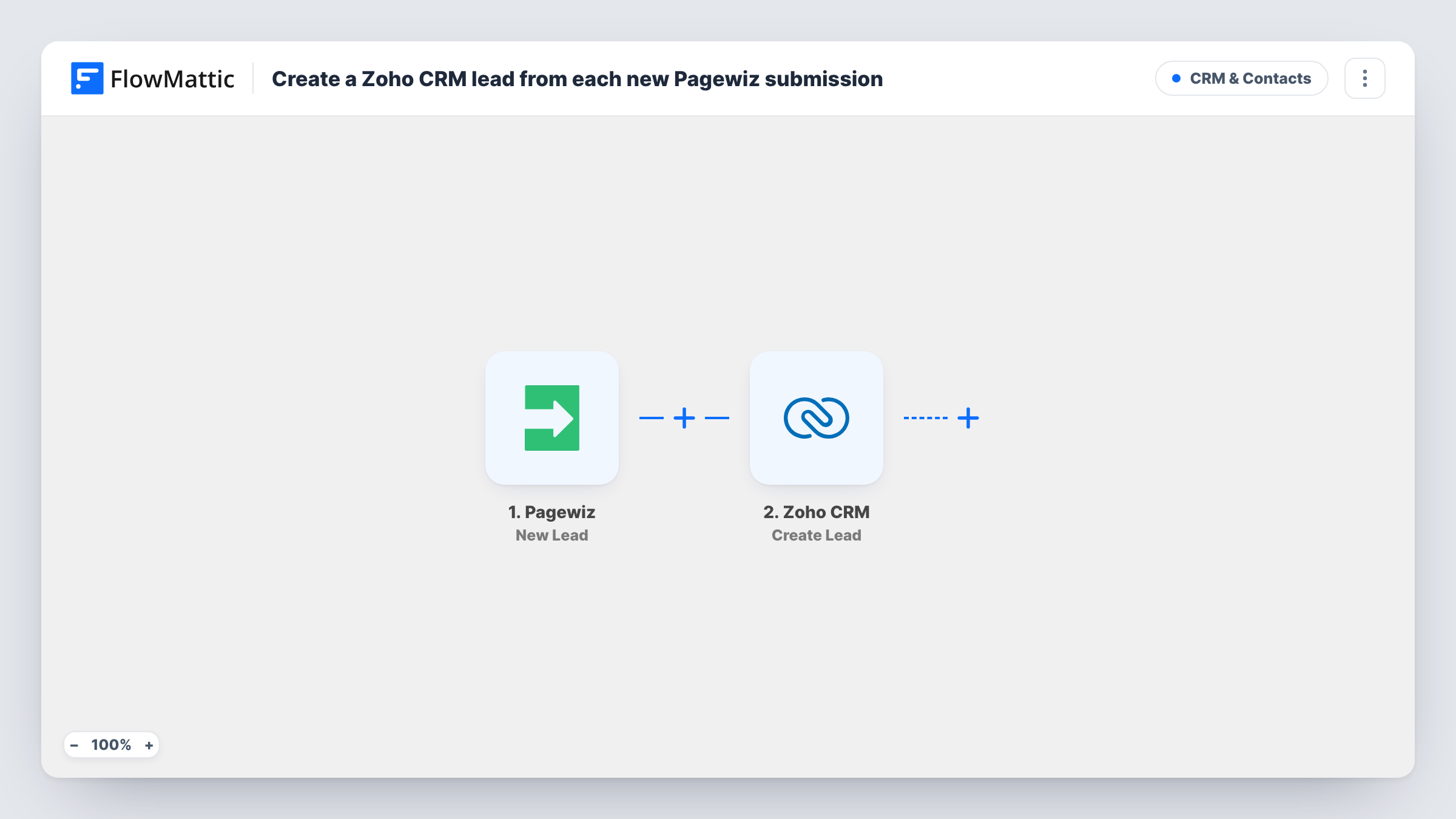
What this workflow does
Pagewiz pages are good at collecting sign-ups, but your sales team works in Zoho CRM. Moving leads across by export and import means delays and gaps. This workflow creates the Zoho CRM lead as soon as Pagewiz captures it.
Each time a visitor signs up, the Pagewiz trigger picks up the captured lead. FlowMattic passes the lead data to Zoho CRM, where the Create Lead action adds a lead record from the values you mapped, such as the name and email your page collects.
The action creates a record each time and does not check Zoho CRM for the person first. Someone who fills in two pages, or the same page twice, can therefore appear as two leads. Each run is recorded in Task History together with Zoho CRM's response, so you can see what was created.
Paid ad campaigns
Leads from an ad-driven Pagewiz page land in Zoho CRM, where your reps already work their daily call list.
Trade show follow-up page
Visitors scan a code at your stand and fill in a Pagewiz form, and each one is a Zoho CRM lead waiting for the team after the show.
Local service enquiries
A cleaning company's landing page asks for a callback, and each request becomes a lead the office assigns in Zoho CRM.
How this workflow runs
What happens at each step once the workflow is on, and what you need before you import it.
 Pagewiz New Lead
Starts a run for every sign-up Pagewiz records, ready to become a Zoho CRM lead. The lead's values are passed on for mapping into Zoho CRM.
- Zoho CRM Create Lead
Creates a lead in Zoho CRM from the Pagewiz data. Connect Zoho CRM and map the lead's details; run a test lead to see which values Zoho expects.
What you need
- FlowMatticCore
- Pagewiz AccountAccount
- Zoho CRM AccountAccount
After importing, map your own data. To keep the template universal, not every step is pre-filled. Open each step in the builder and connect your accounts and fields (channels, lists, sheets, recipients) before you switch the workflow on.
Make it yours
Changes worth making after you import it.
- If the Create Lead step offers a lead source field, put a fixed text such as the campaign name in it, so you can report on where Pagewiz leads came from.
- Add a Filter after the trigger that continues only when the email is not empty, so incomplete sign-ups do not become empty Zoho CRM leads.
- Add a Slack step after Zoho CRM if your sales team wants a message each time a Pagewiz lead arrives.
Questions about this workflow
What if the Pagewiz lead already exists in Zoho CRM?
Create Lead does not look for an existing record, so a second lead may be added. Check Task History for Zoho CRM's response if you suspect a duplicate.
Does this create a Zoho CRM contact or a lead?
A lead. The action used is Create Lead, so the person enters Zoho CRM as a lead you can convert later.
Which Pagewiz fields can I send to Zoho CRM?
Any value the New Lead trigger delivers. Capture a test lead after import and look at the data FlowMattic received before mapping.
More CRM & Contacts workflows
Other ready-to-import templates from the same category.





Import this workflow into your WordPress site
Download the JSON, import it from the Workflows screen and connect your accounts. Every run stays on your server, with no per-task fees.
30-day money-back guarantee Unlimited workflows and runs Self-hosted