

When a new form submission is received in HeyForm, create a new contact in FluentCRM
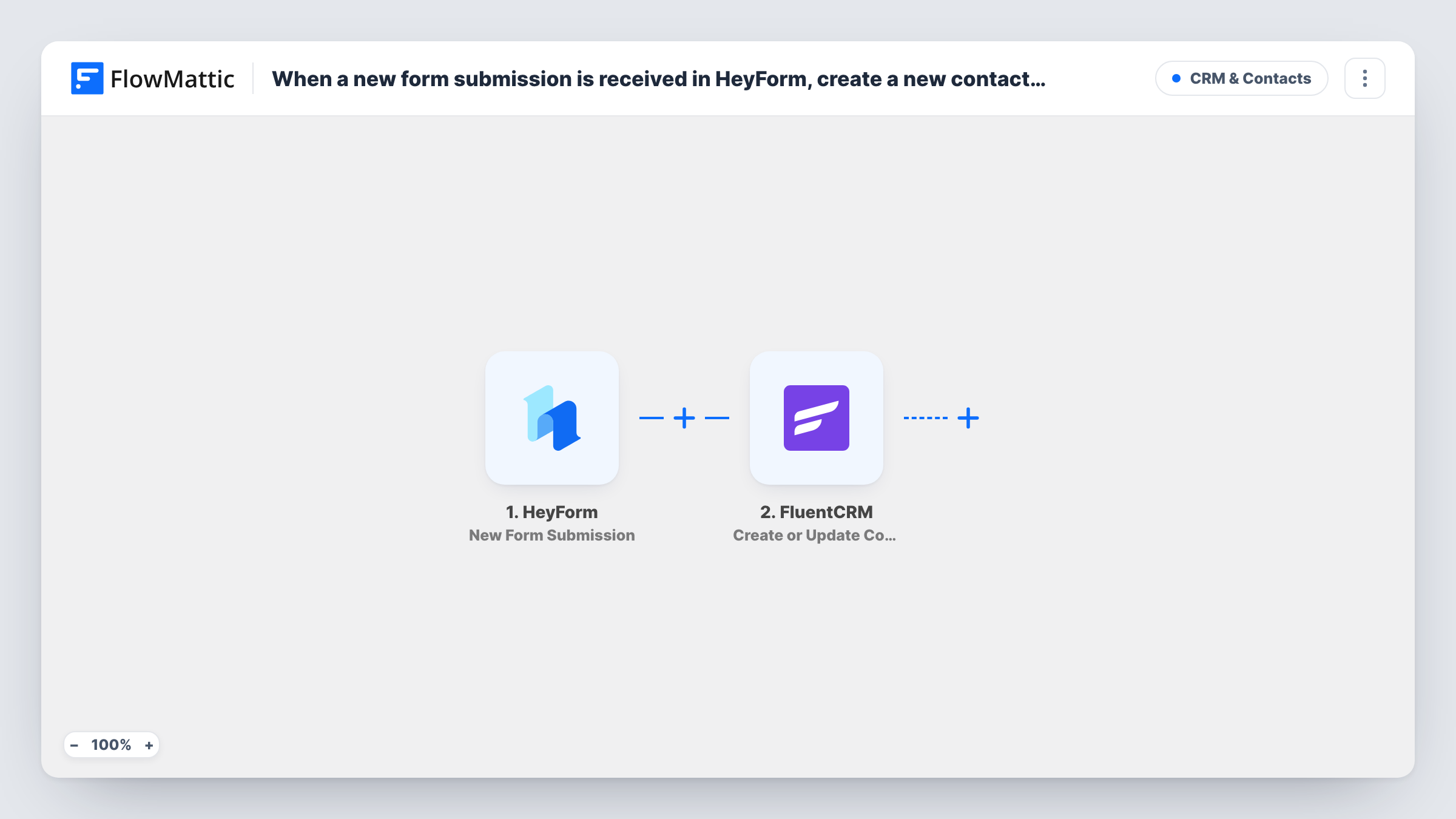
Each HeyForm submission is sent to FluentCRM, which creates a contact from the answers or updates the existing contact with the same email address.
 HeyForm
 FluentCRM
2 steps Setup ~5 min Used on 1.5k sites Free to import
What this workflow does
HeyForm is a hosted form builder, so its entries sit outside your WordPress site. If your email marketing runs on FluentCRM, every respondent has to be exported or typed in before you can email them. This workflow moves each submission into FluentCRM as it arrives.
The HeyForm trigger fires whenever a new entry is submitted on your form. FlowMattic passes the answers to FluentCRM, where Create or Update Contact matches on email address. A new email becomes a new contact; an email already in FluentCRM updates that contact instead of adding a duplicate.
FluentCRM runs inside your WordPress site, so the contact is stored on your own server. Map at least the email answer, plus any name or phone answers you collect. Once contacts are in FluentCRM, you can use its own lists, tags and automations as usual.
Quiz or assessment lead capture
A HeyForm quiz collects an email at the end, and each respondent becomes a FluentCRM contact you can send their results to.
Event interest forms
People register interest in an upcoming workshop through HeyForm, and FluentCRM holds the list for your announcement email.
Customer feedback surveys
Survey respondents who leave an email are added or updated in FluentCRM, so their latest details are on file.
How this workflow runs
What happens at each step once the workflow is on, and what you need before you import it.
 HeyForm New Form Submission
Fires whenever a new entry is submitted on your HeyForm form. Every answer in the entry is available for mapping.
- FluentCRM Create or Update Contact
Creates a FluentCRM contact from the answers, or updates the contact that already has that email address. Map the email answer, then any name or other answers you want stored.
What you need
- FlowMatticCore
- HeyForm AccountAccount
- FluentCRM PluginPlugin
After importing, map your own data. To keep the template universal, not every step is pre-filled. Open each step in the builder and connect your accounts and fields (channels, lists, sheets, recipients) before you switch the workflow on.
Make it yours
Changes worth making after you import it.
- Make the email question required in HeyForm, so FluentCRM always gets an address to match on.
- Add a FluentCRM Add Tags to Contact step after this one to mark these contacts as coming from HeyForm.
- Add a Filter after the trigger that checks a consent answer, so only respondents who agreed are added.
Questions about this workflow
What if the HeyForm respondent is already a FluentCRM contact?
The step matches on email address, so the existing contact is updated with the mapped answers instead of a second one being created.
Is FluentCRM's double opt-in email sent for HeyForm contacts?
That depends on your FluentCRM double opt-in settings and how the step creates the contact. Send a test entry and check the contact's status and your inbox.
Are older HeyForm entries imported into FluentCRM?
No. Only entries submitted after you turn the workflow on are sent. Export older ones from HeyForm and import them into FluentCRM directly.
More CRM & Contacts workflows
Other ready-to-import templates from the same category.








Import this workflow into your WordPress site
Download the JSON, import it from the Workflows screen and connect your accounts. Every run stays on your server, with no per-task fees.
30-day money-back guarantee Unlimited workflows and runs Self-hosted