

When a poll is submitted by user in WP-Polls, add a tag to the user in FluentCRM
When a user submits a poll in WP-Polls, FlowMattic creates or updates their FluentCRM contact by email and adds the tag you choose, so poll voters can be segmented in your email marketing.
 WP Polls
 FluentCRM
3 steps Setup ~5 min Used on 312 sites Free to import
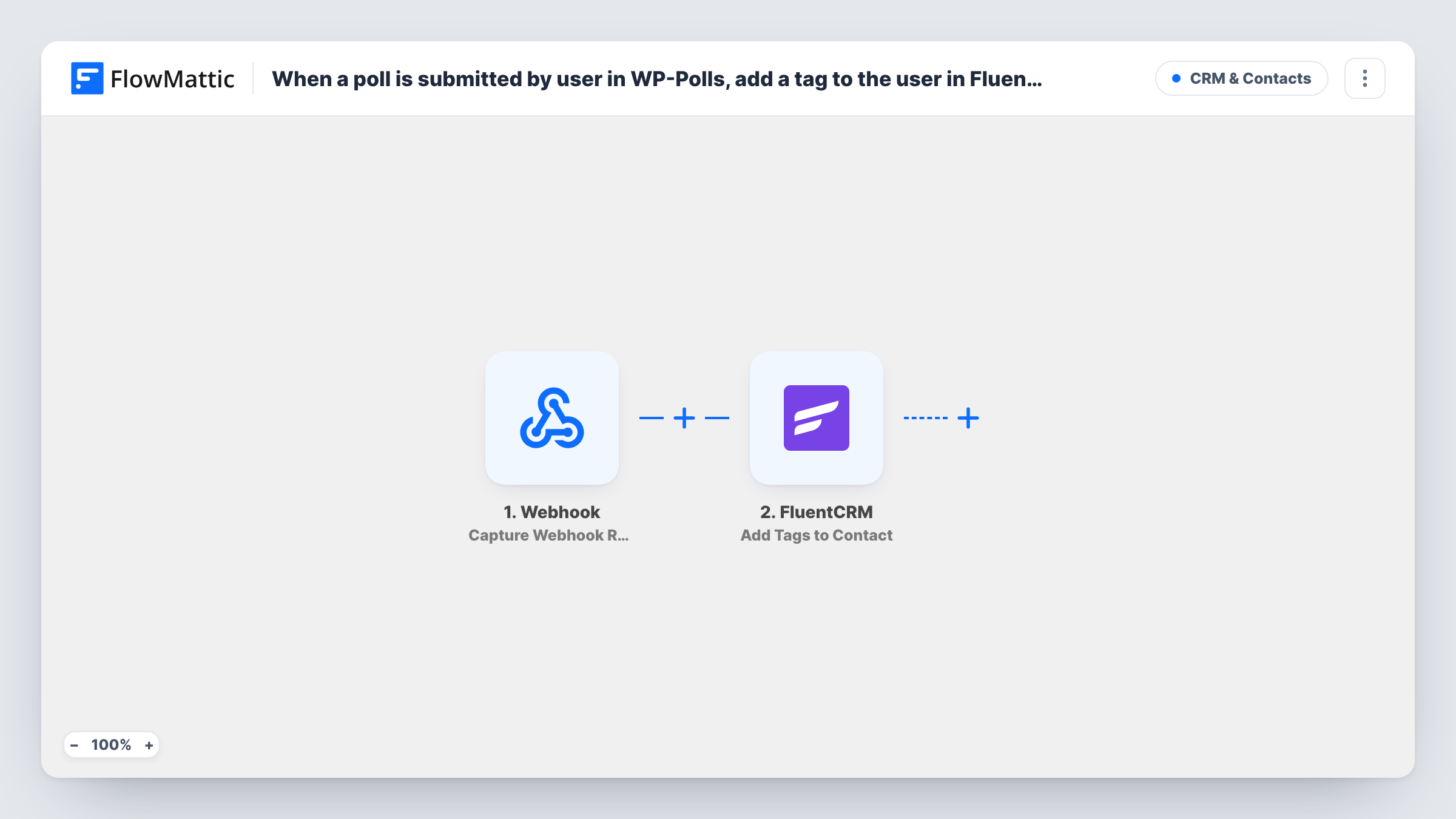
What this workflow does
A poll vote is a small signal of interest: someone who votes on your next product idea or favourite topic has told you something worth remembering. This workflow keeps that signal by tagging the voter in FluentCRM, so you can send them related emails or count interest later.
The WP-Polls User Submits a Poll trigger fires when a user submits a poll on your site. FluentCRM identifies contacts by email, so the run needs the voter's email address. Logged-out visitors can often vote in WP-Polls too, and their votes may not include one, so cast a test vote while logged in and while logged out to see what the trigger receives.
The vote then goes to FluentCRM, where Create or Update Contact looks the voter up by email: it adds the voter as a new contact or updates the contact you already have. Add Tags to Contact then adds one or more tags to that contact. That action works only on existing contacts, which the first step takes care of.
The poll template leaves both FluentCRM steps without mapping. Map the voter's email and name into the first, then map the contact from its result into the tag step and pick your tag. For each vote, Task History lists FluentCRM's responses.
Topic interest for a blog newsletter
A blogger runs a WP-Polls poll on which topics readers want next, and every voter is tagged in FluentCRM so the newsletter can feature that topic for them.
Product idea votes for a store
A shop asks registered customers to vote on upcoming products and tags voters, so the launch email reaches people who showed interest.
Member engagement on a community site
A membership site tags members who take part in polls, so FluentCRM segments can tell active members from quiet ones.
How this workflow runs
What happens at each step once the workflow is on, and what you need before you import it.
 WP Polls User Submits a Poll
Fires when a user submits a poll in WP-Polls. The vote details, plus the voter's information when the site has it, are passed to FluentCRM.
- FluentCRM Create or Update Contact
Creates a FluentCRM contact for the voter, or updates the existing contact with that email. Unmapped as imported: map the voter's email address and name from the trigger data.
- FluentCRM Add Tags to Contact
Adds the tags you choose to the contact from the step before. Map that contact and select the tag, for example one named after the poll.
What you need
- FlowMatticCore
- WP-Polls PluginPlugin
- FluentCRM PluginPlugin
After importing, map your own data. To keep the template universal, not every step is pre-filled. Open each step in the builder and connect your accounts and fields (channels, lists, sheets, recipients) before you switch the workflow on.
Make it yours
Changes worth making after you import it.
- Set the WP-Polls poll so only logged-in users can vote if you want every vote to come with an email FluentCRM can use.
- Name the tag after the poll, such as Poll: Spring topics, so you know later which question a contact answered.
- To tag by answer, replace the single tag step with a Router after Create or Update Contact, one route per answer with its own Add Tags to Contact step, using conditions that can't both match.
- Put a Filter between the WP-Polls trigger and the first FluentCRM step that continues only when the email is not empty, so anonymous votes stop early.
Questions about this workflow
Do anonymous WP-Polls votes reach FluentCRM?
Only if the vote carries an email. Votes from visitors who aren't logged in may have none, and FluentCRM needs an email to create the contact. Test both cases and check Task History.
Will a voter who is already in FluentCRM get a duplicate contact?
No. Create or Update Contact matches by email and updates the existing contact. The tag is then added to that same contact.
Can I tag voters by the answer they picked in WP-Polls?
Not as imported: every voter gets the same tag. Swap the tag step for a Router placed after Create or Update Contact, with one route per answer, each ending in its own Add Tags to Contact step.
More CRM & Contacts workflows
Other ready-to-import templates from the same category.






Import this workflow into your WordPress site
Download the JSON, import it from the Workflows screen and connect your accounts. Every run stays on your server, with no per-task fees.
30-day money-back guarantee Unlimited workflows and runs Self-hosted