

Create a Zoho CRM lead from each new Shiksha lead
Each lead Shiksha captures for your institution becomes a new lead in Zoho CRM, so your admissions or sales team can call and track students from the CRM they already use.
 Shiksha
 Zoho CRM
2 steps Setup ~5 min Used on 3.0k sites Free to import
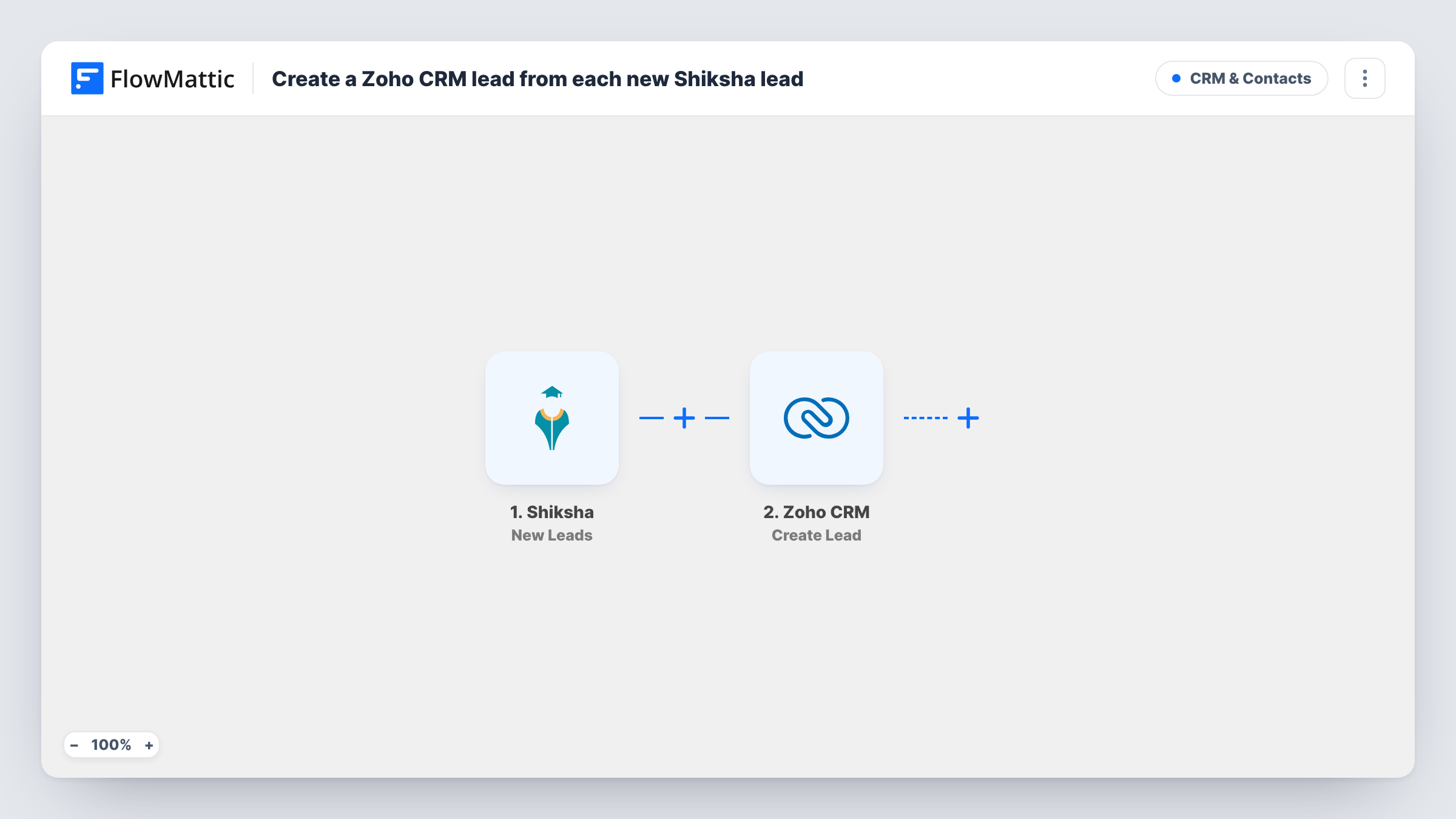
What this workflow does
Leads from Shiksha arrive outside your CRM. If your counsellors work from Zoho CRM, someone has to copy each student enquiry across, and leads sit unseen until they do. This workflow moves each one over as Shiksha captures it.
The Shiksha trigger fires when a new lead is captured. FlowMattic takes the lead's details and sends them to Zoho CRM, where the Create Lead action adds a lead record. You map the Shiksha values into the lead, and a test lead shows exactly which details Shiksha sends.
Create Lead adds a record on every run and doesn't look for a match first, so a student who enquires twice can end up as two leads. Task History keeps a record of each run and the response Zoho CRM sent back.
Admissions counsellors at a private college
Student enquiries from your Shiksha listing land in Zoho CRM, where counsellors already log calls and set follow-up dates.
Coaching institute follow-up
Counsellors at a coaching institute stop checking a separate Shiksha inbox. Each enquiry is already a Zoho CRM lead they can call, note and move through your sales stages.
Keeping Shiksha enquiries apart
Map a fixed word such as Shiksha into a lead field you use for the source, so these students can be filtered from website and ad enquiries in your Zoho CRM views.
How this workflow runs
What happens at each step once the workflow is on, and what you need before you import it.
 Shiksha New Leads
Runs when Shiksha captures a new lead for your institution. The lead's details are passed on so you can map them into the Zoho CRM step.
- Zoho CRM Create Lead
Creates a lead in Zoho CRM from the Shiksha data. Connect your Zoho account and map the student's details to the lead fields you use.
What you need
- FlowMatticCore
- Shiksha AccountAccount
- Zoho CRM AccountAccount
After importing, map your own data. To keep the template universal, not every step is pre-filled. Open each step in the builder and connect your accounts and fields (channels, lists, sheets, recipients) before you switch the workflow on.
Make it yours
Changes worth making after you import it.
- If you track lead sources in Zoho CRM, type a fixed value such as Shiksha into that field in the Create Lead step, so these leads are easy to filter and report on.
- Add a Filter after the trigger if only some Shiksha leads belong in Zoho CRM, for example one course. Base the condition on whichever field in the Shiksha data holds that value.
- Send a test lead after import so FlowMattic shows the real field names from Shiksha, then finish the Zoho CRM mapping from that sample.
Questions about this workflow
What if the Shiksha student is already a lead in Zoho CRM?
The step is Create Lead, so it adds a new lead each time without checking for an existing one. Zoho CRM may flag or block duplicates depending on your own CRM settings; Task History shows what Zoho returned.
Do Shiksha leads from before the import reach Zoho CRM?
No. The trigger starts a run for leads captured once the workflow is switched on. Bring older Shiksha leads into Zoho CRM with a separate import.
Can I stop repeat Shiksha enquiries from creating duplicate Zoho leads?
Yes. Swap the Create Lead step for Zoho CRM's Find or Create Lead action, which FlowMattic also offers, and map the same Shiksha details into it. Test with a lead you already have to see how it matches.
More CRM & Contacts workflows
Other ready-to-import templates from the same category.





Import this workflow into your WordPress site
Download the JSON, import it from the Workflows screen and connect your accounts. Every run stays on your server, with no per-task fees.
30-day money-back guarantee Unlimited workflows and runs Self-hosted