

Create AddCal events from new form submissions in Fluent Forms
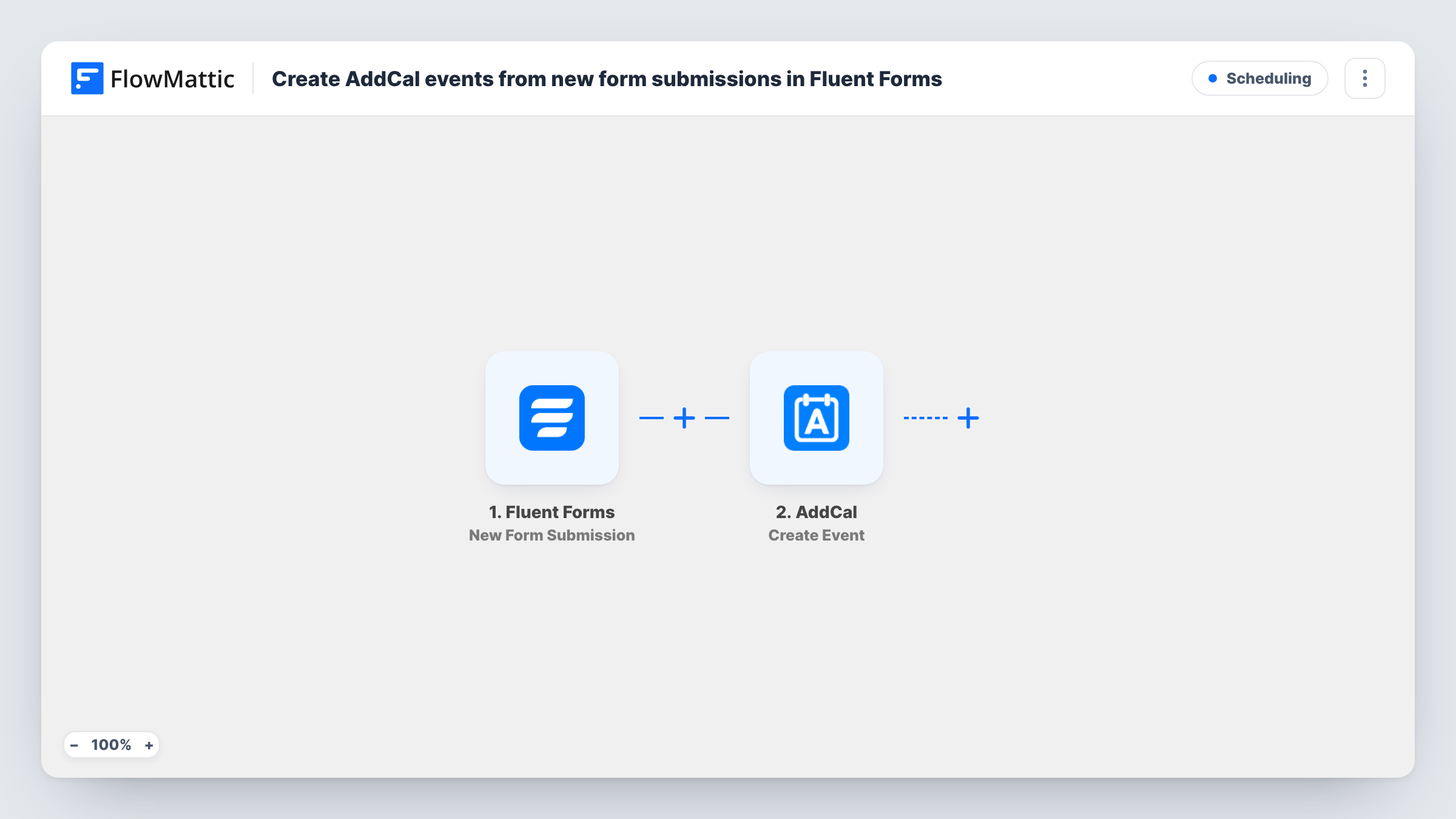
Each time a visitor submits a Fluent Forms form on your site, this workflow creates an event in AddCal from their answers, ready for the add-to-calendar links AddCal manages.
 Fluent Forms
 AddCal
2 steps Setup ~5 min Used on 3.2k sites Free to import
What this workflow does
When a form collects a date, such as a session request, a viewing or a class sign-up, the next job is usually to turn it into a calendar event. Doing that by hand for every entry is slow. This workflow creates the event in AddCal as soon as the form is sent.
A run starts each time someone sends one of your Fluent Forms forms. FlowMattic passes the answers to AddCal, whose Create Event action makes a new event. AddCal fills in what you leave out with its own defaults, and you map the submitted details, such as a title and the chosen date, into the event.
Every submission creates one event, and nothing checks for an event that already exists. Fluent Forms keeps its entry as normal. Task History records each run along with AddCal's response.
Consultation requests
A client picks a preferred date in your Fluent Forms request form, and an AddCal event is created for that slot from the answers.
Class and workshop sign-ups
Each sign-up form entry creates an AddCal event for the session the person chose, so you have an event to share with them.
Property viewings
Buyers request a viewing time through a form on your estate agency site, and each request becomes an event in AddCal.
How this workflow runs
What happens at each step once the workflow is on, and what you need before you import it.
 Fluent Forms New Form Submission
Picks up each new Fluent Forms entry from your WordPress site. Every answer, including any date and time fields, is passed to AddCal for mapping.
- AddCal Create Event
Creates an event in AddCal, which applies its own defaults to anything you leave blank. Connect AddCal and map the form's details into the event, then confirm the result with a test entry.
What you need
- FlowMatticCore
- Fluent Forms PluginPlugin
- AddCal AccountAccount
After importing, map your own data. To keep the template universal, not every step is pre-filled. Open each step in the builder and connect your accounts and fields (channels, lists, sheets, recipients) before you switch the workflow on.
Make it yours
Changes worth making after you import it.
- Use a date field in your Fluent Forms form for the event date, and check with a test entry that AddCal reads it in the format you expect.
- Add a Filter after the trigger if only some answers should create an event, such as entries where the person ticked that they want a session.
- Add an email step after AddCal to send the person details of their event, mapping data the Create Event step returns.
Questions about this workflow
Do I need an AddCal account to import this?
Yes. The Create Event step runs through the AddCal account you connect after importing.
What if someone submits the Fluent Forms form twice?
Two events are created. The template doesn't look for an existing AddCal event before adding one.
Is the AddCal event removed if I delete the form entry?
No. Nothing in this template watches for deleted entries. Delete the event in AddCal yourself if it is no longer needed.
More Scheduling workflows
Other ready-to-import templates from the same category.






Import this workflow into your WordPress site
Download the JSON, import it from the Workflows screen and connect your accounts. Every run stays on your server, with no per-task fees.
30-day money-back guarantee Unlimited workflows and runs Self-hosted