

Create an ActiveCampaign contact from each Popupsmart submission
Each time someone submits a Popupsmart campaign, FlowMattic creates a contact in ActiveCampaign from the details they entered, or updates the contact if it already exists, so popup sign-ups reach your CRM.
 Popupsmart
 ActiveCampaign
2 steps Setup ~5 min Used on 3.0k sites Free to import
What this workflow does
Popupsmart popups capture emails and other details, but those sign-ups do little until they are in the tool you send email from. If that tool is ActiveCampaign, this workflow moves each submission across for you.
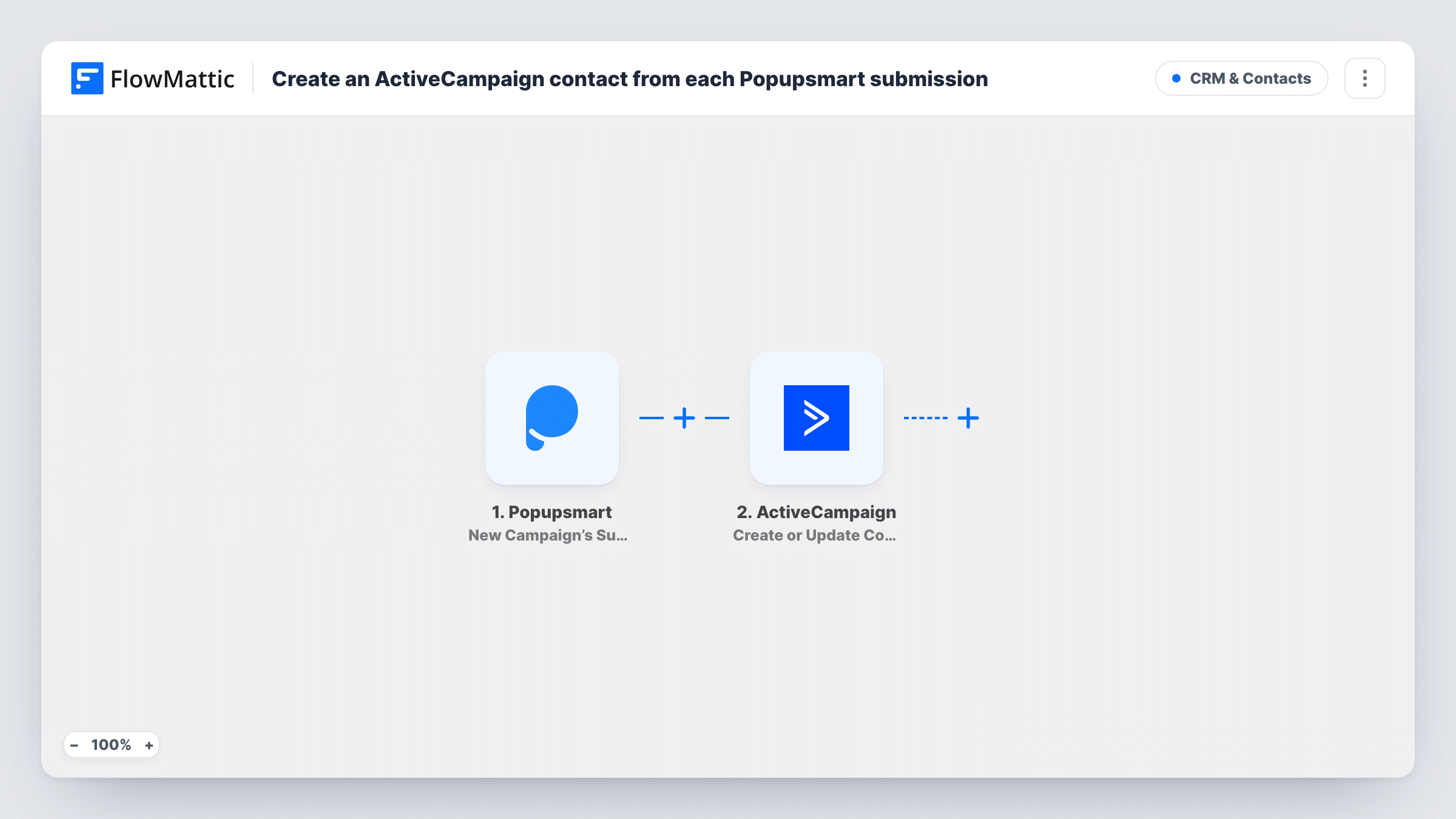
The Popupsmart trigger starts a run whenever a visitor fills in the form inside one of your popup campaigns. FlowMattic passes the submitted fields to ActiveCampaign. The Create or Update Contact action then creates a new contact, or updates the existing one when that person is already there.
Since the action updates as well as creates, repeat sign-ups refresh a contact rather than adding a copy. The template does not add contacts to a list, tag or automation, so add that step if your ActiveCampaign setup depends on it. Run a test submission after import to see which fields Popupsmart sends, then map them. Task History logs each run with ActiveCampaign's response.
Discount popup on a Shopify or WooCommerce store
Shoppers enter their email to get a code. Each sign-up becomes an ActiveCampaign contact you can include in later campaigns.
Webinar registration popup
A popup on your blog invites readers to a webinar. Registrants are added to ActiveCampaign, where you can send reminders from your own automation.
Content upgrade on a blog post
Readers request a checklist through a Popupsmart form. Their details go to ActiveCampaign so the sales team can see who downloaded it.
How this workflow runs
What happens at each step once the workflow is on, and what you need before you import it.
 Popupsmart New Campaign’s Submitted Data
Fires when new data is submitted to one of your Popupsmart campaigns. The submitted fields are passed on for mapping into ActiveCampaign.
- ActiveCampaign Create or Update Contact
Creates a contact in ActiveCampaign, or updates the existing contact. Connect your ActiveCampaign account and map the Popupsmart email field plus any other details you collect.
What you need
- FlowMatticCore
- Popupsmart AccountAccount
- ActiveCampaign AccountAccount
After importing, map your own data. To keep the template universal, not every step is pre-filled. Open each step in the builder and connect your accounts and fields (channels, lists, sheets, recipients) before you switch the workflow on.
Make it yours
Changes worth making after you import it.
- Add a Filter after the Popupsmart trigger if only some campaigns should send contacts to ActiveCampaign, using a campaign field that a test run shows.
- Add an ActiveCampaign Subscribe or Unsubscribe Contact From List step, or Add/Remove Tag From Contact, after this one to place popup sign-ups on a list or tag them.
- Send a test submission from each popup you run, since different campaigns may collect different fields to map.
Questions about this workflow
What happens when a Popupsmart visitor is already an ActiveCampaign contact?
The Create or Update Contact action updates the existing contact with the values you map instead of creating a duplicate.
Is the contact added to an ActiveCampaign list?
Not as imported. The template only creates or updates the contact. Add a further ActiveCampaign step if you need list membership or tags.
Do all my Popupsmart campaigns trigger this workflow?
The trigger fires for new data submitted to your campaigns. Run a test after import to confirm which campaigns reach it, and add a Filter if you want to limit them.
More CRM & Contacts workflows
Other ready-to-import templates from the same category.





Import this workflow into your WordPress site
Download the JSON, import it from the Workflows screen and connect your accounts. Every run stays on your server, with no per-task fees.
30-day money-back guarantee Unlimited workflows and runs Self-hosted