

Create an Airtable record for every new Sprintful booking reminder
Each time Sprintful sends a booking reminder, this workflow creates a record in Airtable with the booking details, giving you a table of upcoming meetings as their reminders go out.
 Sprintful
 Airtable
2 steps Setup ~5 min Used on 337 sites Free to import
What this workflow does
Sprintful reminds attendees before a meeting, but that reminder is also a useful signal for you: the meeting is close and someone should prepare. This workflow records each reminder in Airtable, where you can add notes, assign prep work or link the meeting to a client record.
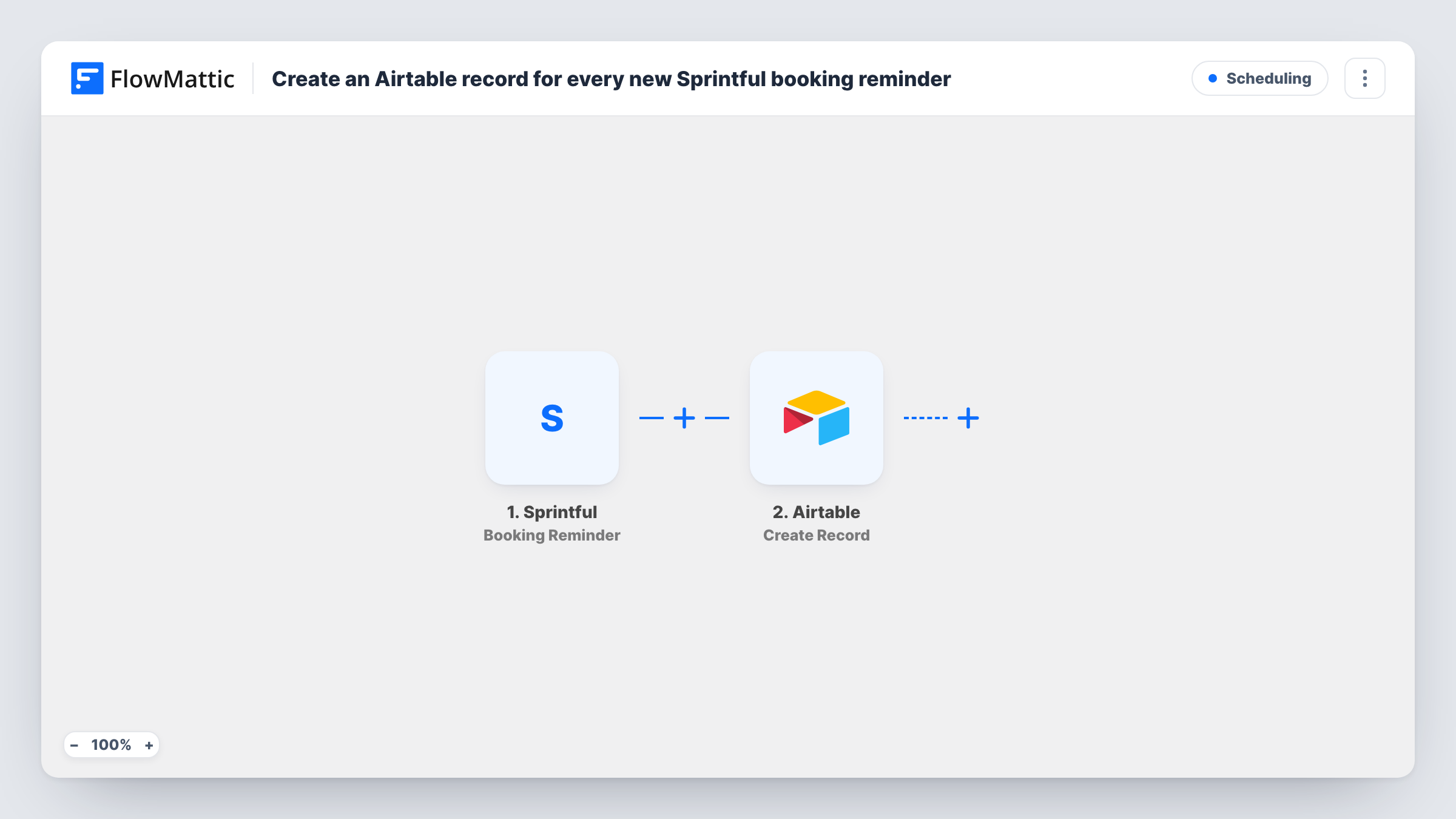
The Sprintful trigger fires when a booking reminder is sent. The booking details that come with it become fields you can map. The Airtable step then creates a new record in the base and table you choose, with those details placed in your fields.
The trigger fires on reminders, not on new bookings. If Sprintful sends more than one reminder for a booking, each one creates its own record. For a single record per booking, use the New Booking trigger instead. After import, connect both accounts, pick the table and map the fields from a test reminder.
Meeting prep for a consulting team
Each reminder adds the meeting to an Airtable prep table, where a consultant ticks off research before the call.
Attendance tracking for coaching sessions
A coach logs every session as its reminder goes out, then marks attended or no-show in Airtable after the call.
Daily view of upcoming calls
An Airtable view grouped by date shows the meetings whose reminders have gone out, so the team sees what's close.
How this workflow runs
What happens at each step once the workflow is on, and what you need before you import it.
 Sprintful Booking Reminder
Runs when Sprintful sends a booking reminder. The booking details carried with the reminder are passed on for mapping into Airtable.
- Airtable Create Record
Adds a record to the Airtable table you pick. Map the Sprintful booking details from a test reminder to the table's fields.
What you need
- FlowMatticCore
- Sprintful AccountAccount
- Airtable AccountAccount
After importing, map your own data. To keep the template universal, not every step is pre-filled. Open each step in the builder and connect your accounts and fields (channels, lists, sheets, recipients) before you switch the workflow on.
Make it yours
Changes worth making after you import it.
- Add a status field in Airtable, set to Upcoming on each new record, and update it by hand after the meeting.
- Switch the trigger to Sprintful's New Booking if you want one record per booking as soon as it is made, rather than at reminder time.
- Add a Slack step after Airtable to tell the meeting owner that the reminder went out and the record is ready.
Questions about this workflow
Does a Sprintful booking create an Airtable record straight away?
No. This template runs when a booking reminder is sent. Use the New Booking trigger if you want a record when the booking is created.
What if Sprintful sends two reminders for one booking?
Each reminder runs the workflow, so you get one Airtable record per reminder. Nothing checks for an existing record.
Are cancelled Sprintful bookings removed from Airtable?
No. The template never changes or deletes records. Sprintful also has a Booking Cancelled trigger you could use in a separate workflow.
Which Sprintful booking details reach Airtable?
Whatever Sprintful sends with the reminder. Run a test after import to see the fields, then map the ones you want.
More Scheduling workflows
Other ready-to-import templates from the same category.








Import this workflow into your WordPress site
Download the JSON, import it from the Workflows screen and connect your accounts. Every run stays on your server, with no per-task fees.
30-day money-back guarantee Unlimited workflows and runs Self-hosted