

Create an appointment in BookingPress when new purchase is made in FluentCart
Each time a FluentCart order is paid, FlowMattic creates an appointment in BookingPress from the order details you map, so paid sessions land on your schedule.
 FluentCart
 BookingPress
2 steps Setup ~5 min Used on 2.8k sites Free to import
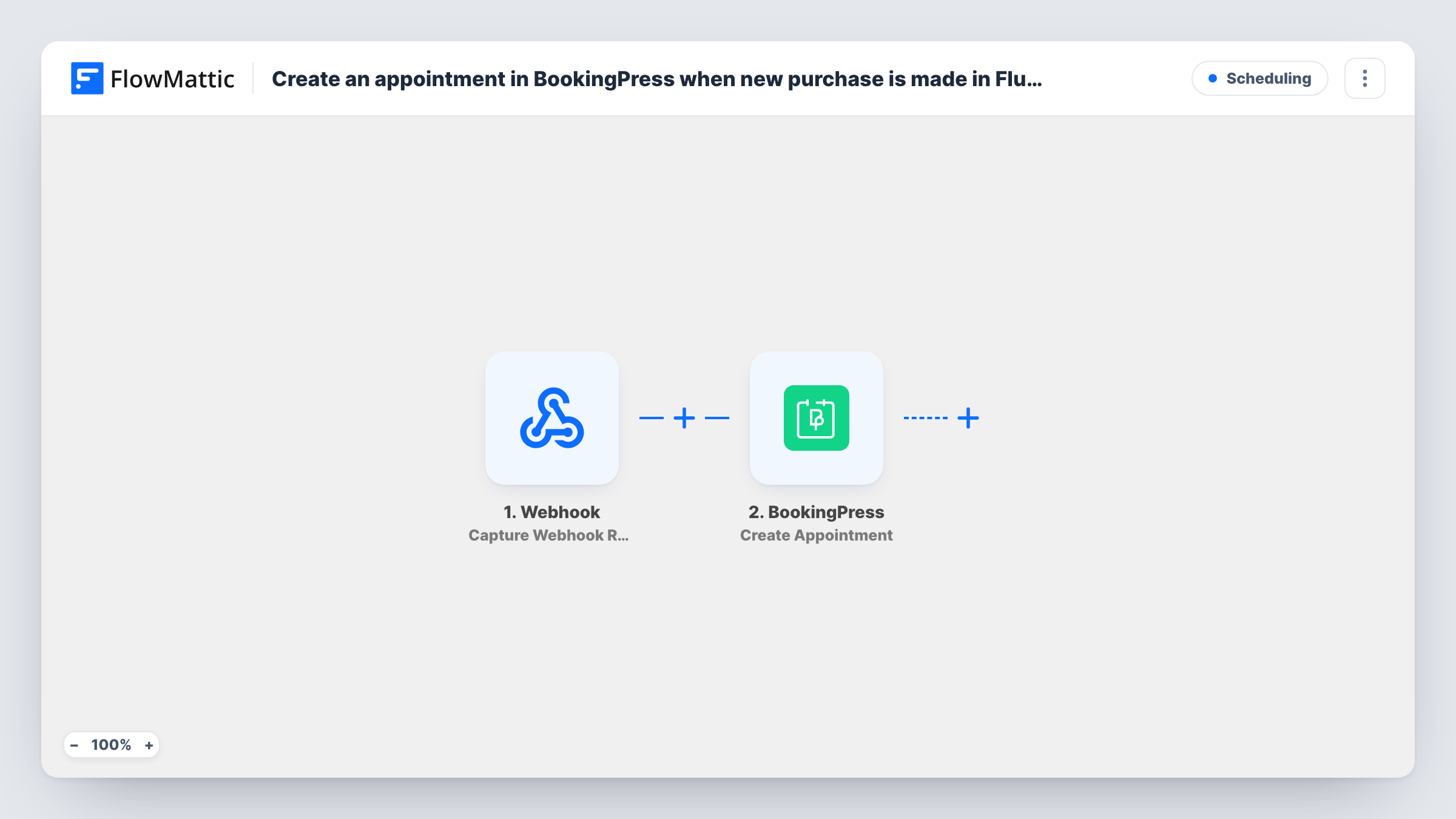
What this workflow does
Some businesses sell a session as a product: a consultation, a lesson pack or a fitting. Once the customer pays, someone still has to book them into the calendar. This workflow creates the BookingPress appointment from the paid FluentCart order, so the booking exists as soon as the payment is complete.
The FluentCart trigger fires when an order payment is completed. That covers each paid order, from first-time and returning buyers alike, so a customer who orders twice gets two appointments. It passes the order's customer and item details on to the next step.
The BookingPress Create Appointment step adds the appointment. It ships unmapped: after import you connect it and map the buyer's name and email from the order, plus the appointment details BookingPress asks for. An order doesn't hold a chosen date or time by itself, so either collect them at checkout and map them, or set a fixed slot and adjust the appointment in BookingPress later. Run a test order to see which details the step requires.
Every paid order starts a run, including orders for products that have nothing to do with appointments. Task History shows each order and what BookingPress returned.
Paid consultations booked straight away
A nutrition coach sells a consultation in FluentCart, and each paid order appears in BookingPress for the coach to confirm the time with the client.
Lesson purchases on the instructor's calendar
A music teacher who sells single lessons as products gets an appointment created for each paid order instead of booking students in by hand.
Service add-ons sold at checkout
A bike shop sells a fitting session alongside parts, and a Filter on the product means only fitting orders become BookingPress appointments.
How this workflow runs
What happens at each step once the workflow is on, and what you need before you import it.
 FluentCart Order Paid
Fires when a FluentCart order's payment is completed. The paid order's customer, item and total details become available to map into BookingPress.
- BookingPress Create Appointment
Creates a new BookingPress appointment. The step ships unmapped: after import, map the buyer's details from the order and set the service and time, then check a test run to see which details are required.
What you need
- FlowMatticCore
- FluentCart PluginPlugin
- BookingPress PluginPlugin
After importing, map your own data. To keep the template universal, not every step is pre-filled. Open each step in the builder and connect your accounts and fields (channels, lists, sheets, recipients) before you switch the workflow on.
Make it yours
Changes worth making after you import it.
- Put a Filter between the FluentCart trigger and the BookingPress step that continues only when the order contains your appointment product. The product name is an example to set from your own store.
- Collect the preferred date and time as checkout fields in FluentCart if you can, then map them into the appointment so the customer's choice is used.
- Add an email step after the BookingPress step to tell the customer their appointment was created and how to reschedule it.
- If each order should become one appointment per item, add an Iterator over the order items between the trigger and the BookingPress step.
Questions about this workflow
Does every FluentCart order create an appointment?
Every paid order does, as imported, whatever the customer bought. To limit it, add a Filter on the product between the Order Paid trigger and the Create Appointment step.
How does BookingPress know the appointment time?
The template doesn't set one. You map a date and time collected at checkout, or enter a fixed one in the step and change it in BookingPress once you agree a slot with the customer.
Do I need both FluentCart and BookingPress on the same WordPress site?
The workflow runs where FlowMattic is installed, and both FluentCart and BookingPress are WordPress plugins FlowMattic connects to on that site, so install both there.
Will a returning FluentCart customer get another appointment?
Yes. Each paid order starts its own run, so a customer who buys again gets a new BookingPress appointment for that order.
More Scheduling workflows
Other ready-to-import templates from the same category.






Import this workflow into your WordPress site
Download the JSON, import it from the Workflows screen and connect your accounts. Every run stays on your server, with no per-task fees.
30-day money-back guarantee Unlimited workflows and runs Self-hosted