

Create HubSpot contacts from new Trafft bookings
Every time a customer books an appointment in Trafft, FlowMattic creates a contact for them in HubSpot CRM, so your booking clients show up in the CRM without manual entry.
 Trafft
 HubSpot CRM
2 steps Setup ~5 min Used on 1.8k sites Free to import
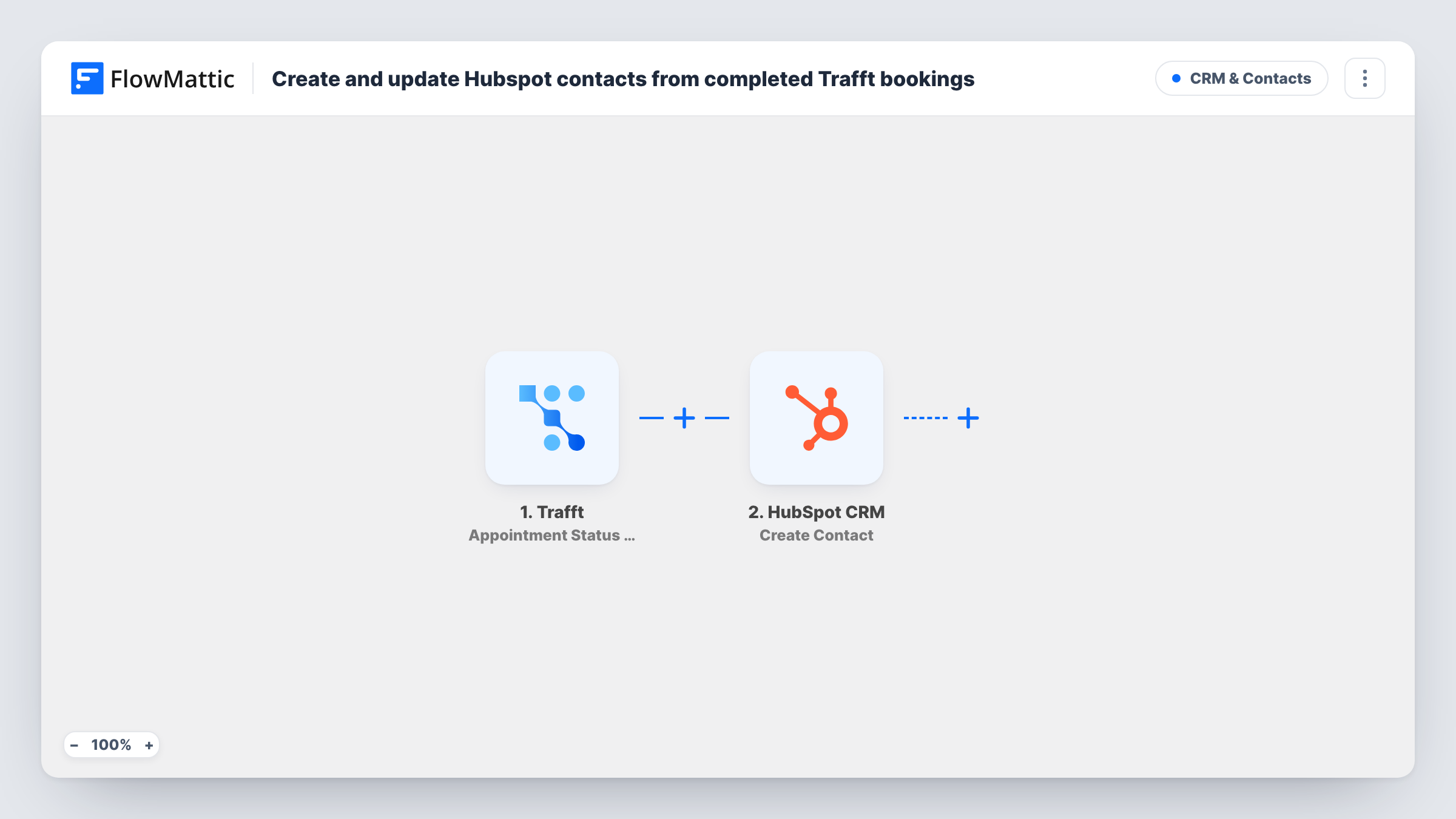
What this workflow does
When bookings live in your scheduling tool and sales or follow-up work lives in a CRM, the two lists rarely match. This workflow copies each Trafft customer into HubSpot at the moment they book, so your team can see who has an appointment coming and follow up after it from HubSpot.
The Trafft Appointment Booked trigger starts a run whenever a new appointment is booked. FlowMattic passes the booking data, including the customer's details, to the next step. Cancellations, reschedules and status changes are separate Trafft triggers and don't start this workflow.
The HubSpot CRM Create Contact step then adds the person as a new contact. It ships unmapped: after import you connect HubSpot and map the booking fields you want, such as the customer's email, first name, last name and phone, into the contact.
This HubSpot step never updates an existing record. A customer who books a second time already exists in HubSpot, and HubSpot may refuse the duplicate email. Run a test booking and open Task History to see what HubSpot returned for each run.
Salon clients ready for follow-up
A salon books services in Trafft and wants every new client in HubSpot, so the front desk can send care tips and rebooking offers from the CRM.
Consultation bookings as CRM leads
A consultancy takes free discovery calls through Trafft. Each person who books lands in HubSpot, where the sales team tracks them through the pipeline.
One contact list for a clinic
A physiotherapy practice keeps its patient contact list in HubSpot and lets new Trafft appointments add the people booking for the first time.
How this workflow runs
What happens at each step once the workflow is on, and what you need before you import it.
 Trafft Appointment Booked
Starts the workflow each time a new appointment is booked in Trafft. The booking details, with the customer's information, become available to map into HubSpot.
- HubSpot CRM Create Contact
Adds the booking customer to HubSpot CRM as a new contact. No fields are mapped in the template, so connect your HubSpot account and map the customer's email, name and any other booking fields you want on the contact.
What you need
- FlowMatticCore
- Trafft AccountAccount
- HubSpot CRM AccountAccount
After importing, map your own data. To keep the template universal, not every step is pre-filled. Open each step in the builder and connect your accounts and fields (channels, lists, sheets, recipients) before you switch the workflow on.
Make it yours
Changes worth making after you import it.
- Map the customer's email into the HubSpot contact's email property. HubSpot uses email to recognise people, which makes later lookups and list building easier.
- Trafft also has a Customer Created trigger. If you only want people the first time they become Trafft customers, build a copy of this workflow on that trigger instead of Appointment Booked.
- Map the service or employee name from the booking into a custom HubSpot contact property, so you can segment contacts by what they booked.
Questions about this workflow
Does a Trafft customer who books again get a second HubSpot contact?
The step only creates contacts and never updates one. HubSpot may refuse a contact whose email already exists, so a repeat booking may not add anything. Open Task History to check HubSpot's reply for a given booking.
Do cancelled or rescheduled Trafft appointments start this workflow?
No. The trigger is Appointment Booked, which fires when a new appointment is booked. Trafft's Appointment Canceled and Appointment Rescheduled events are separate triggers you could use in another workflow.
Which HubSpot contact fields get filled in?
Only the ones you map. The Create Contact step ships empty, so after import you choose which Trafft booking values go into the contact's properties.
Will customers from bookings made before I import be added?
No. Only appointments booked while the workflow is active start a run. Earlier Trafft customers need to be imported into HubSpot another way.
More CRM & Contacts workflows
Other ready-to-import templates from the same category.







Import this workflow into your WordPress site
Download the JSON, import it from the Workflows screen and connect your accounts. Every run stays on your server, with no per-task fees.
30-day money-back guarantee Unlimited workflows and runs Self-hosted