

Create Blog Draft from AI-Generated Content daily
Once a day, FlowMattic asks Claude to write a blog draft from a prompt you set, then saves the text as a new Google Docs document for you to edit and publish.
 Schedule
 Anthropic (Claude)
 Google Docs
3 steps Setup ~5 min Used on 612 sites Free to import
What this workflow does
A blank page is the slowest part of a writing routine. If you publish regularly, a fresh rough draft waiting for you each morning gives you something to cut, shape and fact-check instead of starting from nothing. This workflow produces that draft on a daily schedule.
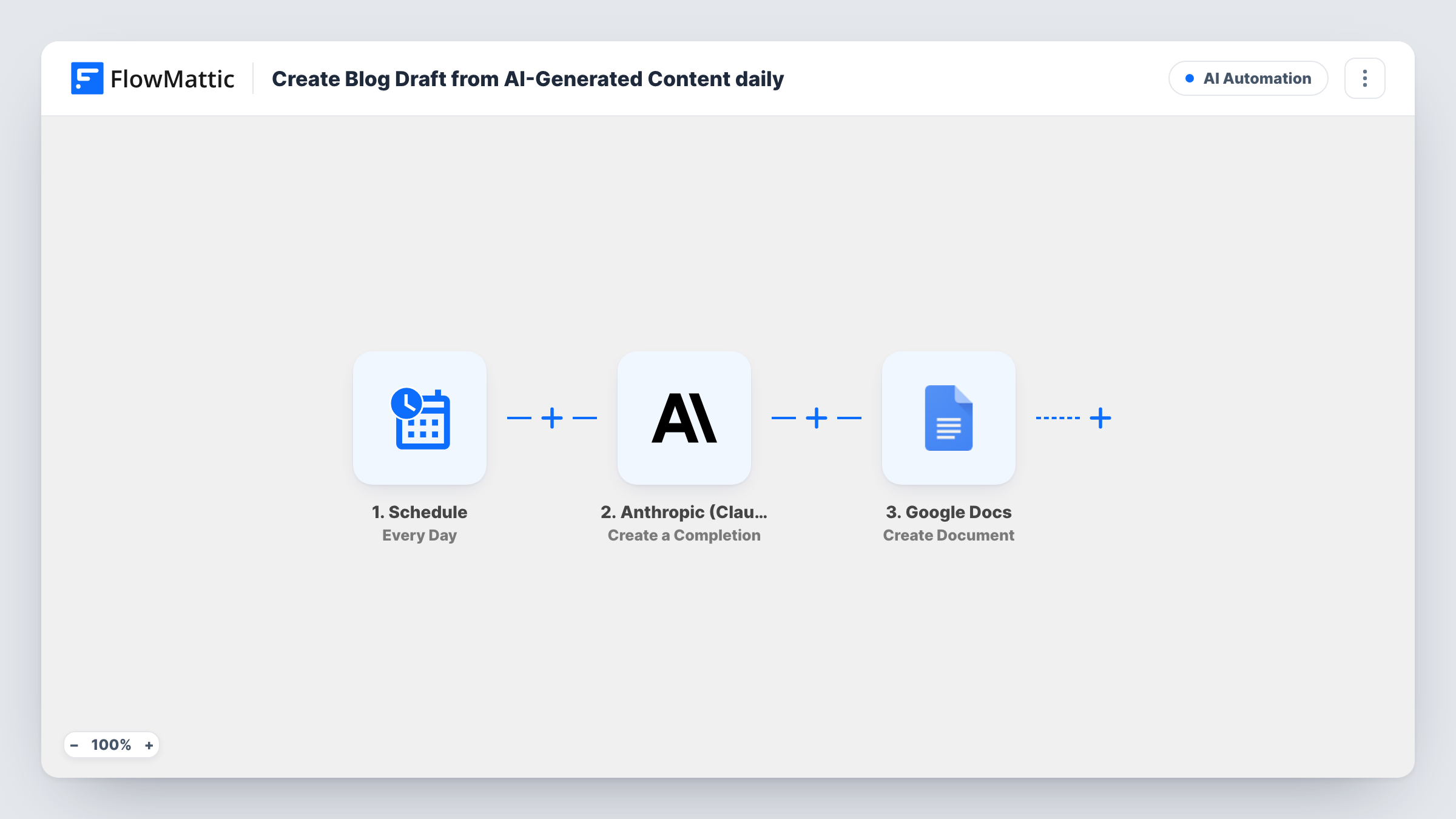
The Schedule trigger starts the workflow every day. FlowMattic sends your prompt to Anthropic (Claude) with the Create a Completion action, and the text Claude returns is passed on. The last step creates a new document in Google Docs and places that text in it.
The template ships without a prompt, so you write it after import: the topic area, the length, the tone and the structure you want. If the prompt never changes, Claude gets the same request each day, so build variety into it. Each run creates a separate document. Read and check every draft before you publish it.
Daily blog for a niche site
A site owner asks Claude for one post idea and outline a day in their niche, then edits the best drafts in Google Docs into finished articles.
Agency content pipeline
An agency writer starts each morning with a fresh Claude draft in Google Docs, ready for an editor to review.
Newsletter section starters
A newsletter editor has Claude draft a short intro piece each day and picks the strongest ones for the weekly issue.
How this workflow runs
What happens at each step once the workflow is on, and what you need before you import it.
 Schedule Every Day
Runs the workflow on a daily schedule. Open the trigger after import to confirm when it runs, then turn the workflow on.
- Anthropic (Claude) Create a Completion
Sends your prompt to Claude through the Create a Completion action and returns the generated text. Write the prompt after import and connect your Anthropic account.
- Google Docs Create Document
Creates a new Google Docs document and puts the text from Claude into it. Map Claude's output into the document content, check the other options with a test run, and connect your Google account.
What you need
- FlowMatticCore
- Anthropic (Claude) AccountAccount
- Google Docs AccountAccount
After importing, map your own data. To keep the template universal, not every step is pre-filled. Open each step in the builder and connect your accounts and fields (channels, lists, sheets, recipients) before you switch the workflow on.
Make it yours
Changes worth making after you import it.
- Ask Claude in the prompt to start the draft with a suggested headline, so each document opens with a title you can review or replace.
- Switch the Schedule trigger to a less frequent option, such as Every Week, if a daily draft is more than you can edit.
- After writing your prompt, read the first document the workflow creates. Adjust the prompt until the length and tone fit, then leave it running.
Questions about this workflow
Does Claude publish the blog post?
No. The workflow creates a Google Docs document only. Nothing is posted to your site until you edit the draft and publish it yourself.
What does Claude write about?
Whatever your prompt asks for. The template has no prompt set, so you write one after import that names the topic, length and style.
Will I get the same draft every day?
With a fixed prompt, Claude receives the same request each time, so drafts can be similar. Feed in a changing topic or date to vary them.
Do I need an Anthropic account to use the Claude step?
Yes. The Claude step runs through your own Anthropic account, which you connect on import, and the Google Docs step needs a connected Google account.
More AI Automation workflows
Other ready-to-import templates from the same category.







Import this workflow into your WordPress site
Download the JSON, import it from the Workflows screen and connect your accounts. Every run stays on your server, with no per-task fees.
30-day money-back guarantee Unlimited workflows and runs Self-hosted