

Create Brilliant Directories users from new Gravity Forms submissions
A Gravity Forms submission on your WordPress site creates a user in your Brilliant Directories website, so people who sign up on one site get a member record in your directory.
 Gravity Forms
 Brilliant Directories
2 steps Setup ~5 min Used on 3.0k sites Free to import
What this workflow does
Your WordPress site may be where people find you, while your directory runs on Brilliant Directories. If sign-ups happen in a Gravity Forms form, someone has to add each person to the directory by hand. Here each Gravity Forms entry creates the directory user for you.
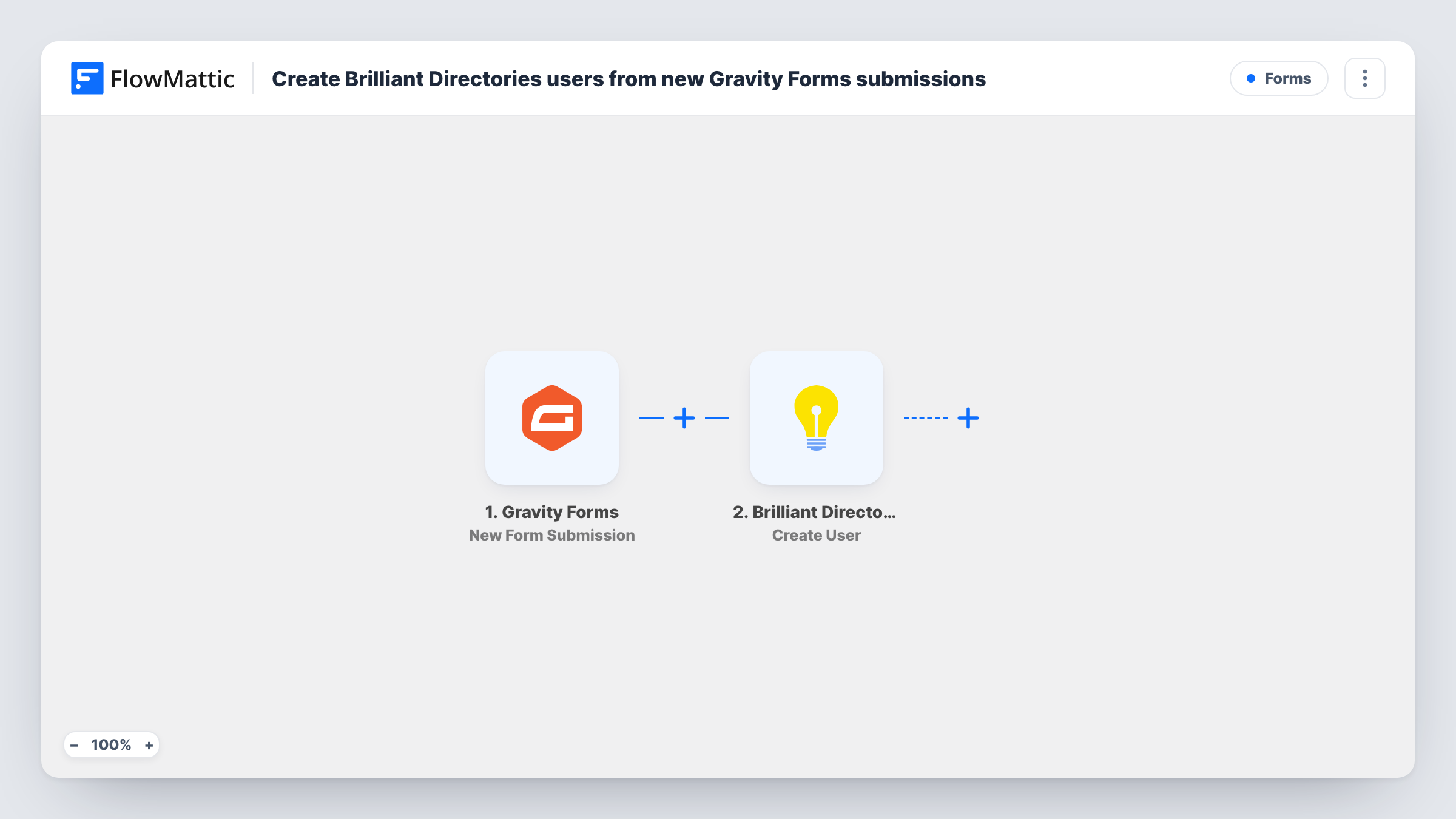
The Gravity Forms trigger fires when a form is submitted on your WordPress site. FlowMattic passes the entry to Brilliant Directories, where Create User adds a new user record to your directory's database. You map the form fields into the user, and a test entry shows how they land in your directory.
The step creates a user each time. It doesn't check first whether the person is already in the directory, so Brilliant Directories decides what happens with a repeat email; Task History shows its reply. Test with a fresh entry and check the member in your Brilliant Directories admin.
Trade association membership form
An association takes applications on its WordPress site with Gravity Forms, and each applicant gets a user record in the member directory.
Local business listings
Business owners fill in a Gravity Forms form on your main site, and a Brilliant Directories user is created so their listing can be set up.
Professional network onboarding
Coaches or consultants apply through Gravity Forms. Their directory account exists by the time you review the application.
How this workflow runs
What happens at each step once the workflow is on, and what you need before you import it.
 Gravity Forms New Form Submission
Runs when a Gravity Forms form on your WordPress site is submitted. Every field in the entry is available to map into Brilliant Directories.
- Brilliant Directories Create User
Adds the person from the Gravity Forms entry as a new user in your Brilliant Directories database. Connect your Brilliant Directories site and map the entry's details into the user, starting with the email address.
What you need
- FlowMatticCore
- Gravity Forms PluginPlugin
- Brilliant Directories AccountAccount
After importing, map your own data. To keep the template universal, not every step is pre-filled. Open each step in the builder and connect your accounts and fields (channels, lists, sheets, recipients) before you switch the workflow on.
Make it yours
Changes worth making after you import it.
- Mark the email field required in Gravity Forms, so every entry gives Brilliant Directories an address for the new user.
- Add a Filter after the trigger so only entries that meet a condition, such as a ticked terms box or a chosen membership type, create directory users.
- Submit a test entry after import and map the Brilliant Directories user from that sample, then check the new member in your directory admin.
Questions about this workflow
What if the Gravity Forms email already belongs to a Brilliant Directories member?
The step is Create User and doesn't look for an existing member first. Brilliant Directories decides how to handle the repeat, and Task History shows its response.
Which membership plan do the new Brilliant Directories users get?
Check the Create User step after import for the options it offers, then confirm with a test entry in your directory admin.
Does this create a WordPress user too?
No. The only action is Create User in Brilliant Directories. Gravity Forms stores the entry on your WordPress site as usual.
More Forms workflows
Other ready-to-import templates from the same category.






Import this workflow into your WordPress site
Download the JSON, import it from the Workflows screen and connect your accounts. Every run stays on your server, with no per-task fees.
30-day money-back guarantee Unlimited workflows and runs Self-hosted