

Create channel messages in Slack for new Heartbeat threads
When a member starts a new thread in your Heartbeat community, this workflow posts a message about it to a Slack channel, so your team sees new discussions without keeping Heartbeat open.
 Heartbeat
 Slack
2 steps Setup ~5 min Used on 2.6k sites Free to import
What this workflow does
Community managers often run their own team in Slack while members talk in Heartbeat. New threads then go unnoticed until someone checks the community. This workflow brings each new thread into a Slack channel so your moderators or support staff can reply while it is still fresh.
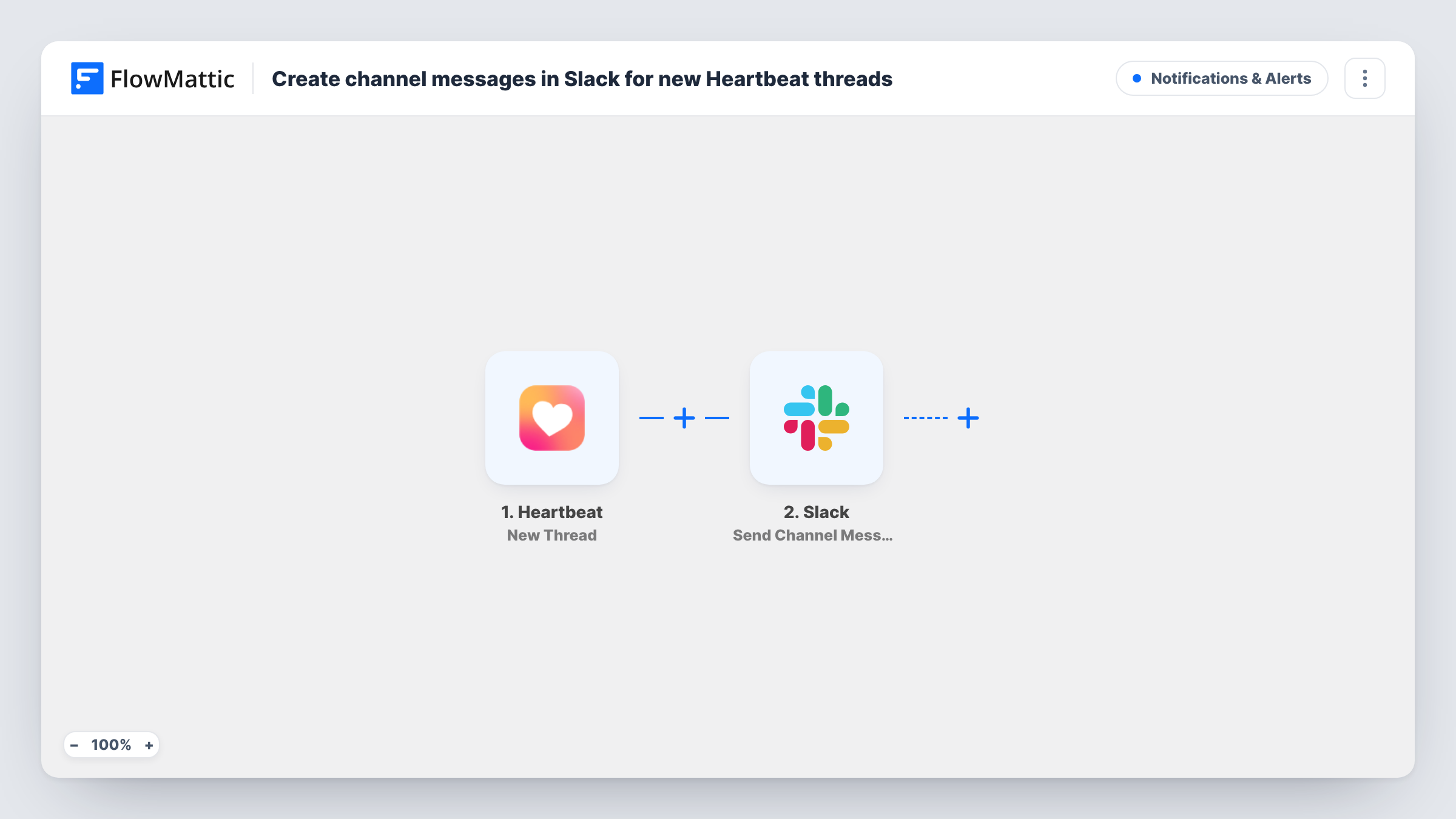
The Heartbeat trigger fires on New Thread and passes that thread's details to FlowMattic. The second step uses Slack Send Channel Message to post into a channel you choose. You write the message and map in the thread details you want your team to see.
Every new thread produces one Slack message, because the template has no Filter. Start a test thread after import to see what Heartbeat sends, then shape the message from it. Task History lists each run, which helps when a message does not show up.
Moderation queue
Each new Heartbeat thread appears in a private moderators channel, so the team can check posts against community rules soon after they go up.
Questions for your support team
Members ask product questions in your Heartbeat community. A Slack message for each thread lets support staff answer there without watching every channel.
Course community activity
Students start threads about lessons. Instructors see each one in Slack and can join the discussion.
How this workflow runs
What happens at each step once the workflow is on, and what you need before you import it.
 Heartbeat New Thread
Starts the workflow when a new thread is created in your connected Heartbeat community. The thread's details become data for the Slack step.
- Slack Send Channel Message
Sends your message into the Slack channel you pick. Write the text, map in details from the Heartbeat thread, and send a test so you can see how it reads in Slack.
What you need
- FlowMatticCore
- Heartbeat AccountAccount
- Slack AccountAccount
After importing, map your own data. To keep the template universal, not every step is pre-filled. Open each step in the builder and connect your accounts and fields (channels, lists, sheets, recipients) before you switch the workflow on.
Make it yours
Changes worth making after you import it.
- If your community is busy, add a Filter after the trigger so only threads that match a rule you set, such as a keyword, reach Slack.
- Post to a channel created only for these alerts, so community activity doesn't crowd out team conversation.
- Include a link back to Heartbeat in the message text if the trigger provides one, so your team can jump to the thread in a click. Your first test thread will show whether it does.
Questions about this workflow
Will replies in Heartbeat also post to Slack?
No. The trigger is New Thread, so only new threads start the workflow. Replies inside an existing thread do not.
Can I post to a private Slack channel?
The step posts with the Slack account you connect. If a private channel doesn't appear or the message fails, check that the connection has access to that channel.
Do members see anything different in Heartbeat?
No. The workflow only reads new threads and posts to Slack. Nothing is changed in your Heartbeat community.
More Notifications & Alerts workflows
Other ready-to-import templates from the same category.



Import this workflow into your WordPress site
Download the JSON, import it from the Workflows screen and connect your accounts. Every run stays on your server, with no per-task fees.
30-day money-back guarantee Unlimited workflows and runs Self-hosted