

Create ClickUp tasks for new submissions in SureForms
Each new SureForms submission on your WordPress site becomes a ClickUp task, built from the form answers you map, so requests from your website join the rest of your team’s work.
 SureForms
 ClickUp
2 steps Setup ~5 min Used on 1.9k sites Productivity Free to import
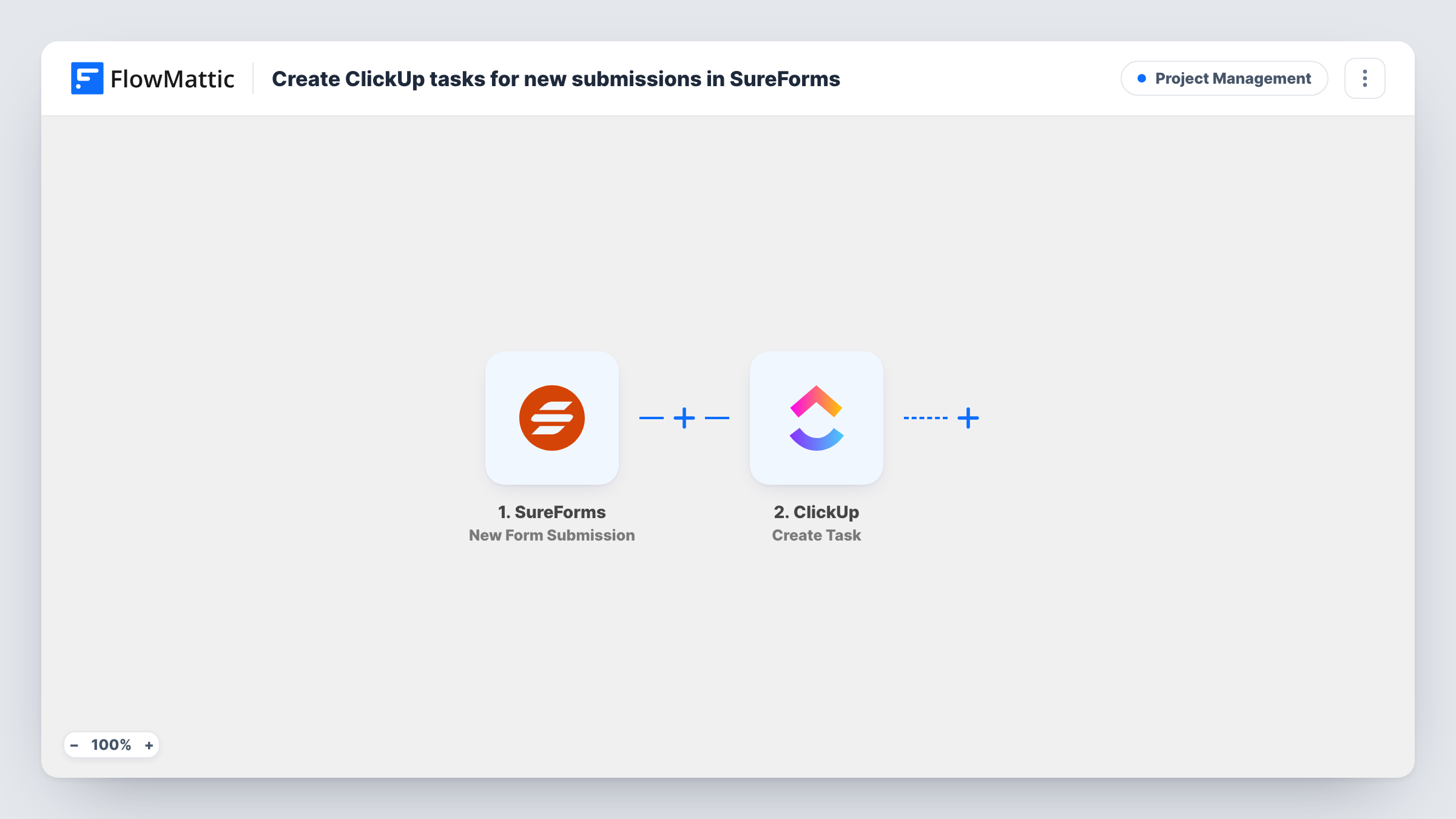
What this workflow does
A request that comes in through your website is only half handled until someone owns it. When the form lives in WordPress and the work lives in ClickUp, a person has to copy each response across, and some get missed. This workflow creates the ClickUp task for you.
The SureForms trigger starts a run whenever a new form submission is received. FlowMattic keeps the submitted answers so you can map them. The ClickUp step then creates a new task. You decide what the task says, drawing on answers such as the requester's name, the request type and their message.
There is no Filter in the template, so every submission produces one task. SureForms still stores the entry and sends its usual notifications. Task History lists each run with the data sent to ClickUp, which helps when you check that a response turned into the task you expected.
Website project enquiries for a design agency
A SureForms brief form asks for budget, deadline and goals. Each brief becomes a ClickUp task that the account lead can assign and schedule.
Content requests from colleagues
Staff ask for blog posts or graphics through an internal SureForms page. The marketing team works each request as a ClickUp task instead of tracking emails.
Bug reports from customers
A report-a-problem form on your site sends the page URL and steps to reproduce into a ClickUp task, ready for a developer to pick up.
How this workflow runs
What happens at each step once the workflow is on, and what you need before you import it.
 SureForms New Form Submission
Fires on each new submission to a SureForms form on your site. The submitted answers become data you can map into the ClickUp task.
- ClickUp Create Task
Creates a new task in ClickUp from the SureForms answers. Connect your ClickUp account, map the answers into the task, and run a test to see where the task appears.
What you need
- FlowMatticCore
- SureForms PluginPlugin
- ClickUp AccountAccount
After importing, map your own data. To keep the template universal, not every step is pre-filled. Open each step in the builder and connect your accounts and fields (channels, lists, sheets, recipients) before you switch the workflow on.
Make it yours
Changes worth making after you import it.
- Put the submitter's email in the task you map so whoever picks up the ClickUp task can reply without looking the entry up in WordPress.
- Add a Filter after the trigger when only some responses need work, for example continuing only when a request type field equals Project.
- If one form feeds several teams, swap in a Router keyed on a department field and give each route its own ClickUp Create Task step.
Questions about this workflow
Does every SureForms entry create a ClickUp task?
Yes. Without a Filter, each new submission runs the workflow once and creates one task. Add a Filter after the trigger to limit which responses become tasks.
Which SureForms answers can go into the ClickUp task?
Any answer the trigger captures can be mapped. Send a test submission after import so FlowMattic has sample data to pick from.
Will a resubmitted SureForms form make a second ClickUp task?
Yes. The workflow does not look for an existing task, so each submission creates a new one even if the same person sent the form before.
Do I need a paid ClickUp plan for this workflow?
The template only needs a ClickUp account that FlowMattic can connect to and a place to create tasks. Check ClickUp's own plans for anything beyond that.
More Project Management workflows
Other ready-to-import templates from the same category.



Import this workflow into your WordPress site
Download the JSON, import it from the Workflows screen and connect your accounts. Every run stays on your server, with no per-task fees.
30-day money-back guarantee Unlimited workflows and runs Self-hosted