

Create a ClickUp task when a leave request is updated in Employment Hero
Each time a leave request is updated in Employment Hero, FlowMattic creates a ClickUp task, so a manager or team lead can check cover and plans for the changed dates.
 Employment Hero
 ClickUp
2 steps Setup ~5 min Used on 677 sites Productivity Free to import
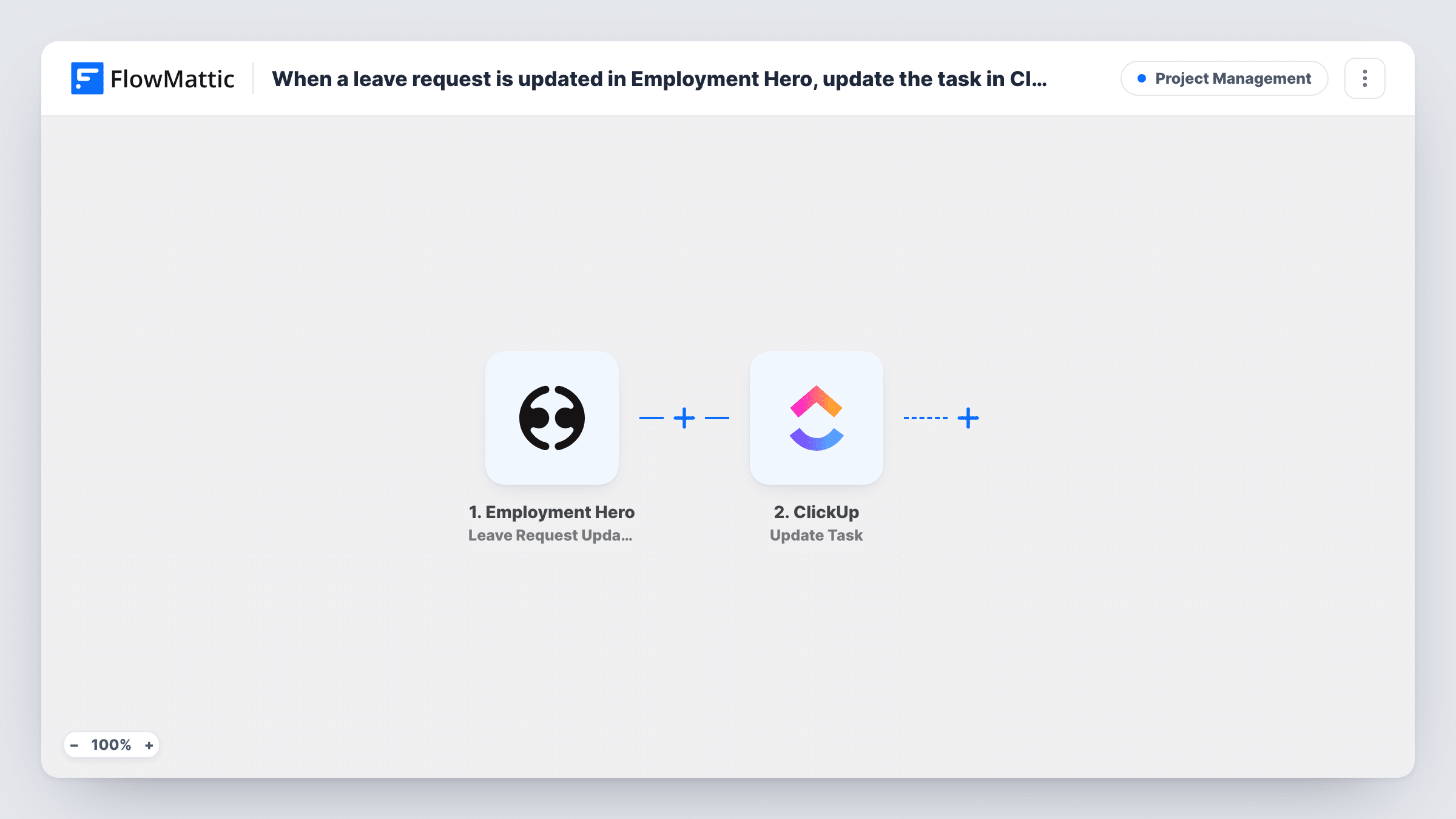
What this workflow does
A changed leave request has knock-on effects: shifts need covering, deadlines move, client meetings get rescheduled. Those changes often sit in Employment Hero while the team plans its work in ClickUp. This workflow puts a task in ClickUp every time a leave request is updated, so someone looks at the impact.
The Employment Hero trigger is Leave Request Updated. FlowMattic describes it as firing when a leave request is updated. New, approved, declined and deleted requests each have their own Employment Hero trigger in FlowMattic. Run a test change to see which actions in your account count as an update and what details arrive, such as the employee, dates and leave type.
From there, ClickUp receives a new task for the change. That Create Task step ships unmapped, so after import you connect ClickUp, choose where the task should go, and build its name and description from the leave request, for example the employee's name and the new dates.
Each update produces its own task, so a request changed twice gives two tasks. Task History shows each run, what Employment Hero sent and how ClickUp responded.
Shift cover in a retail or support team
A team lead gets a ClickUp task when someone moves their leave dates, and uses it to rearrange the rota for those days.
Project deadlines around changed leave
An agency's project manager reviews delivery dates in ClickUp whenever a designer updates a leave request in Employment Hero.
Client coverage for account managers
A consultancy assigns a hand-over check in ClickUp each time an account manager's leave request changes, so clients aren't left without a contact.
How this workflow runs
What happens at each step once the workflow is on, and what you need before you import it.
 Employment Hero Leave Request Updated
Fires when a leave request is updated in Employment Hero. The request's details from the event are passed on; a test change shows exactly which values you can map.
- ClickUp Create Task
Adds a ClickUp task for the changed leave request. The step ships unmapped: connect ClickUp, pick where the task goes, and map the employee and dates into the name and description.
What you need
- FlowMatticCore
- Employment Hero AccountAccount
- ClickUp AccountAccount
After importing, map your own data. To keep the template universal, not every step is pre-filled. Open each step in the builder and connect your accounts and fields (channels, lists, sheets, recipients) before you switch the workflow on.
Make it yours
Changes worth making after you import it.
- Put the employee's name and the leave dates in the task name, so the ClickUp list reads like a schedule of changes.
- Put a Filter between the Employment Hero trigger and the ClickUp step if only some leave types, such as annual leave, need a planning task. The field and value come from a test run.
- Use the leave start date as the task's due date, if the Create Task step offers one, so the task comes up before the person is away.
Questions about this workflow
Does approving a leave request in Employment Hero create a task too?
Approvals have their own Leave Request Approved trigger in FlowMattic. Make a test approval and check Task History to see whether your account also sends it as an update to this workflow.
Will the ClickUp task show what changed in the leave request?
It shows the details you map from the updated request. Look at a test run in Task History to see whether Employment Hero includes earlier values as well.
Can this update an existing ClickUp task instead of creating a new one?
Not as imported. FlowMattic's ClickUp integration has Get Tasks and Update Task actions, which you could use to find and change a task, but that needs a value both apps share.
More Project Management workflows
Other ready-to-import templates from the same category.




Import this workflow into your WordPress site
Download the JSON, import it from the Workflows screen and connect your accounts. Every run stays on your server, with no per-task fees.
30-day money-back guarantee Unlimited workflows and runs Self-hosted