

Create Encharge person from new Bricks Forms submission
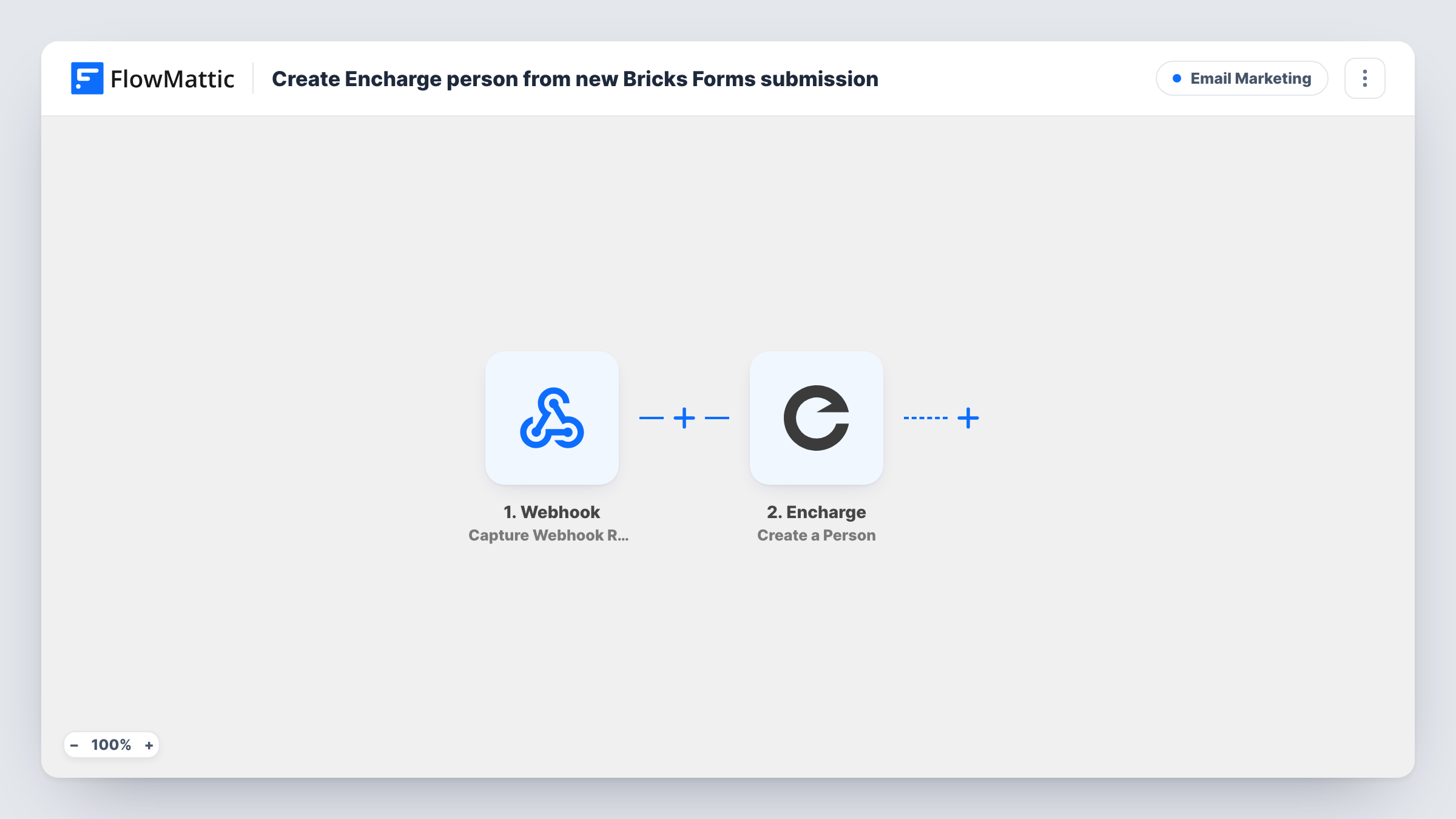
Each time a visitor submits a form built with Bricks Builder, FlowMattic creates a person in Encharge from the fields you map, ready for your Encharge flows and broadcasts.
 Bricks Forms
 Encharge
2 steps Setup ~5 min Used on 627 sites Free to import
What this workflow does
Bricks Builder sites often use its native form element for contact, quote and newsletter forms, while email follow-up happens in Encharge. Without a connection, each entry has to be copied over or exported. This workflow sends every Bricks form submission to Encharge as a new person.
The Bricks Forms trigger fires when a new form submission is received on your site. The submitted field values are passed to the next step. If you have several Bricks forms, check after a test submission which form the run came from, because the trigger can pick up entries from more than the one you have in mind.
The Encharge Create a Person step then adds the person to your Encharge account. It ships unmapped: connect Encharge and map the form's email field, plus name or any other fields you want stored on the person. From there your own Encharge flows can pick them up, for example a welcome sequence that starts for new people.
Every submission makes a create request, including repeat entries from the same email address. Submit a test entry and check Task History to see Encharge's response, so you know how your account treats an address it already holds.
Newsletter sign-up in the footer
A blog built with Bricks sends each footer sign-up to Encharge, where a welcome email goes out from an Encharge flow.
Quote requests for a service business
A landscaping company collects quote requests through a Bricks form and follows up with each enquirer from Encharge.
Lead capture on a product launch page
A SaaS team's Bricks landing page collects early-interest emails and builds the launch audience in Encharge.
How this workflow runs
What happens at each step once the workflow is on, and what you need before you import it.
 Bricks Forms New Form Submission
Fires when a new Bricks Builder form submission is received. The values the visitor entered are passed on for mapping into Encharge.
- Encharge Create a Person
Creates a person in your Encharge account. The template leaves the fields unmapped, so connect Encharge and map at least the email from the Bricks form, plus name and other details.
What you need
- FlowMatticCore
- Bricks Forms PluginPlugin
- Encharge AccountAccount
After importing, map your own data. To keep the template universal, not every step is pre-filled. Open each step in the builder and connect your accounts and fields (channels, lists, sheets, recipients) before you switch the workflow on.
Make it yours
Changes worth making after you import it.
- Put a Filter between the Bricks Forms trigger and the Encharge step that continues only for the form you want, using a field that only that form sends. The field to check depends on your site.
- Add Encharge's Add Tags to a User action after the Create a Person step, tagging people with the form they came from, so your flows can tell sign-ups and quote requests apart.
- Make the email field required in the Bricks form, so every submission arrives with an address Encharge can use.
- Send a test entry before going live and compare the fields in Task History with the ones you mapped.
Questions about this workflow
Do I need Bricks Builder's own form element for this?
Yes. The trigger listens for submissions from Bricks Builder forms. Bricksforge Pro Forms has its own separate trigger in FlowMattic.
What happens when someone already in Encharge submits the Bricks form again?
The step sends another create request for that email. How Encharge handles an existing address is up to Encharge, so test with a known email and look at the response in Task History.
Which Bricks form fields reach Encharge?
Only the ones you map. The Create a Person step ships with nothing mapped, so you pick the email, name and any custom fields after import.
Can the new Encharge person start a flow automatically?
Yes, if you build one in Encharge that starts for new people or for a tag you add. This workflow creates the person; the emails come from your Encharge setup.
More Email Marketing workflows
Other ready-to-import templates from the same category.






Import this workflow into your WordPress site
Download the JSON, import it from the Workflows screen and connect your accounts. Every run stays on your server, with no per-task fees.
30-day money-back guarantee Unlimited workflows and runs Self-hosted