

Create Google Sheets rows from analyzed meetings in MeetGeek
Each meeting MeetGeek analyzes successfully is logged as a new row in your Google Sheets spreadsheet, building a running record of your recorded meetings.
 MeetGeek
 Google Sheets
2 steps Setup ~5 min Used on 417 sites Free to import
What this workflow does
Once MeetGeek is recording your calls, it helps to have one plain list of them: when each meeting happened, what it was called and whatever else MeetGeek reports about it. A spreadsheet is easy to sort, filter and share with people who don't use MeetGeek. Here, each analyzed meeting writes its own line into that sheet.
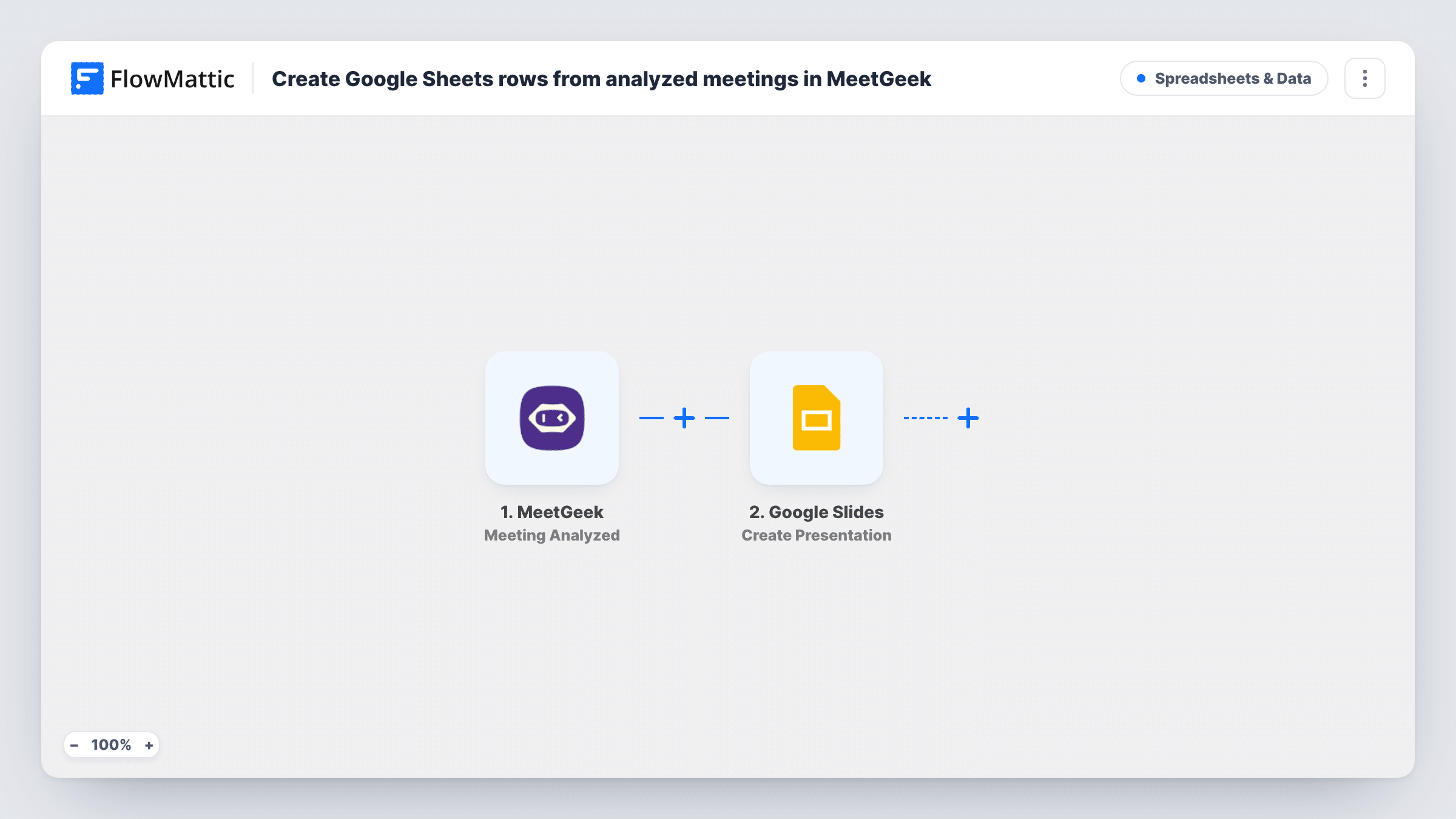
The MeetGeek Meeting Analyzed trigger fires each time MeetGeek finishes analyzing a meeting successfully, and hands the meeting's details to FlowMattic. The Google Sheets step then appends one row for that meeting.
The row step has no columns mapped as imported. After import, connect Google, pick the spreadsheet and tab, and choose which meeting details go into which column. Record or upload one test meeting first so the trigger has real data to show you.
Only details the trigger sends can be logged directly. If you want the AI summary or highlights in the sheet too, add a MeetGeek Get Summary or Get Highlights step before the Google Sheets step and map its result. Task History shows what each run received and wrote.
Client meeting log for a consultancy
A consultancy keeps a sheet of every client call MeetGeek records, so partners can see at a glance how often each client was met this quarter.
Interview tracker for recruiters
A recruiter's screening calls are recorded with MeetGeek, and each analyzed interview adds a row that the hiring team then annotates.
Counting calls each month
An operations manager counts the meeting rows each month to see how many calls the team held.
How this workflow runs
What happens at each step once the workflow is on, and what you need before you import it.
 MeetGeek Meeting Analyzed
Starts a run whenever MeetGeek finishes analyzing a meeting successfully. The details the trigger sends, such as the meeting title and time, can be mapped into the sheet.
- Google Sheets Add New Row
Appends a row for the meeting to the spreadsheet and tab you choose. No columns are mapped as imported, so connect Google and match meeting details to your headers.
What you need
- FlowMatticCore
- MeetGeek AccountAccount
- Google Sheets AccountAccount
After importing, map your own data. To keep the template universal, not every step is pre-filled. Open each step in the builder and connect your accounts and fields (channels, lists, sheets, recipients) before you switch the workflow on.
Make it yours
Changes worth making after you import it.
- Add a MeetGeek Get Summary step between the trigger and the Google Sheets step, map the meeting into it, and put the summary in its own column.
- Set up the header row before mapping, with columns such as date and title, so the mapping screen shows the names you expect.
- To log only certain meetings, put a Filter between the MeetGeek trigger and the Google Sheets step on the meeting title. Pick a word your meeting names share, such as "client".
Questions about this workflow
Are failed MeetGeek analyses logged in the sheet?
No. This trigger fires only on successful analyses. FlowMattic's MeetGeek integration has a separate Meeting Analysis Failed trigger if you want to track failures.
Can the MeetGeek transcript go into Google Sheets?
Add MeetGeek's Get Transcript action before the sheet step and map its result into a column. Long transcripts can be bulky in a cell, so a summary is often easier to read.
Which meeting details reach the Google Sheet?
Whichever trigger values you assign to columns during setup. Run a test meeting and look at the trigger's output in Task History to see what MeetGeek provides.
Will my older MeetGeek meetings be added to the sheet?
No. Rows are added only for meetings analyzed after you switch the workflow on.
More Spreadsheets & Data workflows
Other ready-to-import templates from the same category.





Import this workflow into your WordPress site
Download the JSON, import it from the Workflows screen and connect your accounts. Every run stays on your server, with no per-task fees.
30-day money-back guarantee Unlimited workflows and runs Self-hosted