

Create manual referrals in Affiliate for WooCommerce for completed WooCommerce orders
Each time a WooCommerce order reaches Completed, this workflow creates a manual referral in Affiliate for WooCommerce from the order data you map, so the sale is credited without anyone adding it by hand.
 WooCommerce
 Affiliate for WooCommerce
2 steps Setup ~5 min Used on 3.5k sites Free to import
What this workflow does
Affiliate for WooCommerce credits sales it can trace to an affiliate. Some arrangements fall outside that, such as a partner who earns on every sale or orders taken by phone for an agent. Adding those referrals by hand after each order is tedious. This workflow creates one each time an order is completed.
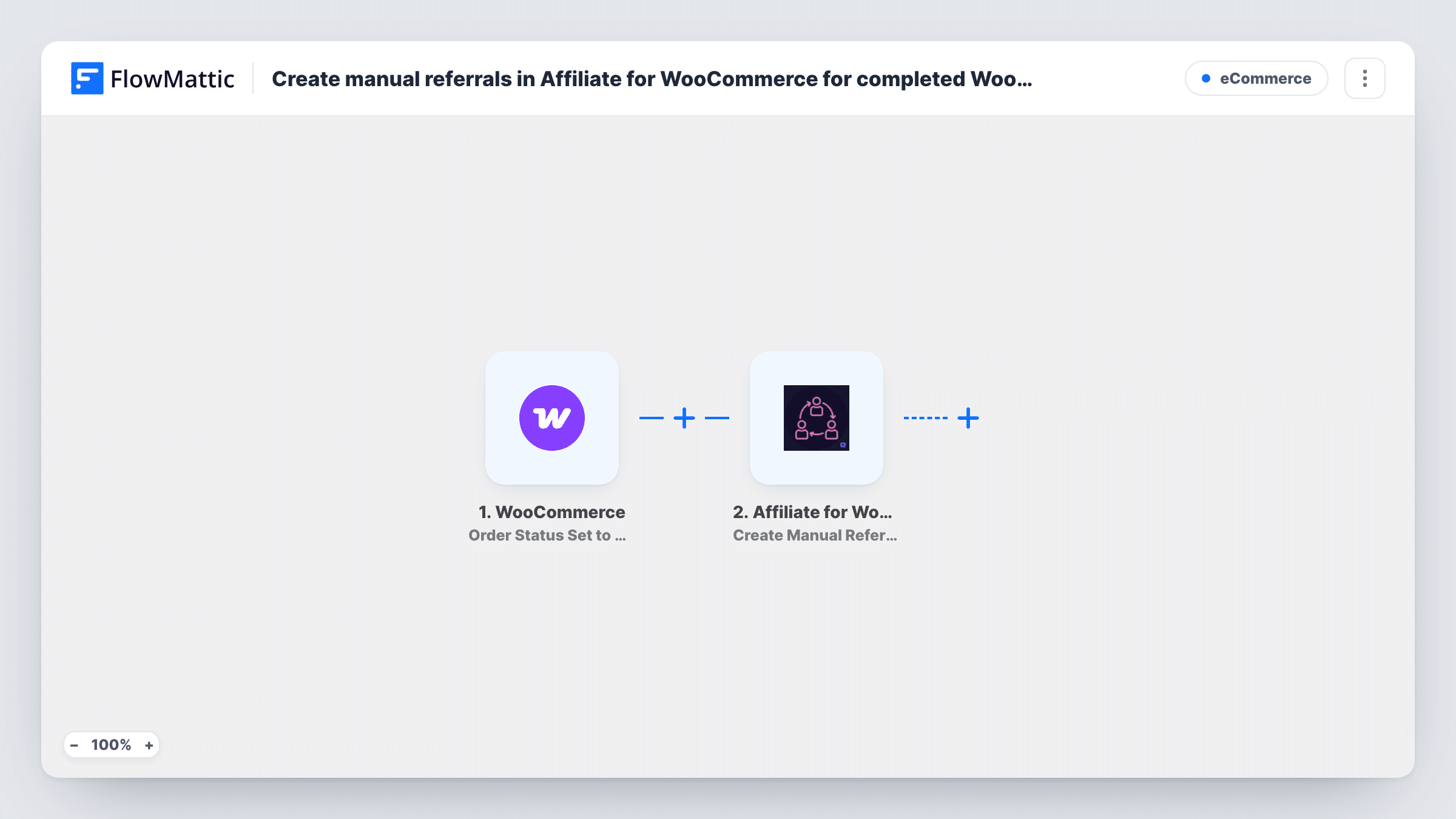
The WooCommerce trigger runs when an order's status is set to Completed, and passes the order details to FlowMattic. The next step uses Create Manual Referral in Affiliate for WooCommerce, which runs on the same WordPress site.
The template ships unmapped. After import, complete a test order, map the order data into the referral step, then check in the plugin which affiliate and amount the test referral recorded. As imported there is no condition, so every completed order creates a referral. If some of your orders are already tracked by the plugin through referral links or coupons, add a Filter so those are not credited twice. Task History shows each referral run.
A reseller partner paid on all store sales
A partner agreement gives one affiliate commission on every completed order. Each completion creates the referral against that affiliate, ready for payout.
Sales rep set up as an affiliate
A rep takes orders by phone and enters them in WooCommerce. Mapping the rep as the affiliate credits each of those orders once it is completed.
Crediting only after fulfilment
Because the trigger waits for the Completed status, referrals are created for orders you have actually fulfilled rather than ones still in progress.
How this workflow runs
What happens at each step once the workflow is on, and what you need before you import it.
 WooCommerce Order Status Set to Completed
Runs when a WooCommerce order's status changes to Completed. The order's details become available to map into the referral.
- Affiliate for WooCommerce Create Manual Referral
Creates a manual referral in Affiliate for WooCommerce. Nothing is mapped yet, so after a test order map the order data into it and confirm the resulting referral in the plugin.
What you need
- FlowMatticCore
- WooCommerce PluginPlugin
- Affiliate for WooCommerce PluginPlugin
After importing, map your own data. To keep the template universal, not every step is pre-filled. Open each step in the builder and connect your accounts and fields (channels, lists, sheets, recipients) before you switch the workflow on.
Make it yours
Changes worth making after you import it.
- Add a Filter after the trigger so only certain orders create referrals, for example when a payment method or a custom order field shows a sale belongs to your partner.
- Complete one test order and check the referral in Affiliate for WooCommerce before switching on, to be sure the right affiliate and amount were recorded.
- If different orders belong to different affiliates, use a Router with its own Create Manual Referral step on each route and a distinct, non-overlapping condition per route.
Questions about this workflow
Which affiliate gets credit for the WooCommerce order?
That depends on what you map into the Create Manual Referral step after import. The template leaves it empty, so make a test order and check the referral it creates.
Could an order be credited twice in Affiliate for WooCommerce?
Yes, if the plugin already tracked the order through an affiliate's link or coupon and this workflow also creates a referral. Add a Filter to exclude those orders.
What if an order is set to Completed, changed, and completed again?
The trigger runs each time the status is set to Completed, so a second referral can be created. Check Task History if you change statuses back and forth.
Do both plugins need to be on the same site?
Yes. WooCommerce, Affiliate for WooCommerce and FlowMattic all run on the same WordPress site for this workflow.
More E-Commerce workflows
Other ready-to-import templates from the same category.







Import this workflow into your WordPress site
Download the JSON, import it from the Workflows screen and connect your accounts. Every run stays on your server, with no per-task fees.
30-day money-back guarantee Unlimited workflows and runs Self-hosted