

Create new blog post in WordPress using relevant AI model in Straico, when new record added to Airtable
Add a topic to Airtable and this workflow sends it to Straico with the AI model you pick, then creates a new WordPress post from the generated text, so your content plan in Airtable turns into posts on your site.
 Airtable
 Straico
 WordPress
3 steps Setup ~5 min Used on 418 sites Free to import
What this workflow does
Plenty of content teams keep their ideas in an Airtable base: a title, a few keywords, some notes. Turning each idea into a draft still means opening an AI tool, pasting the brief and copying the result into WordPress. This workflow links those three places so each new idea becomes a post.
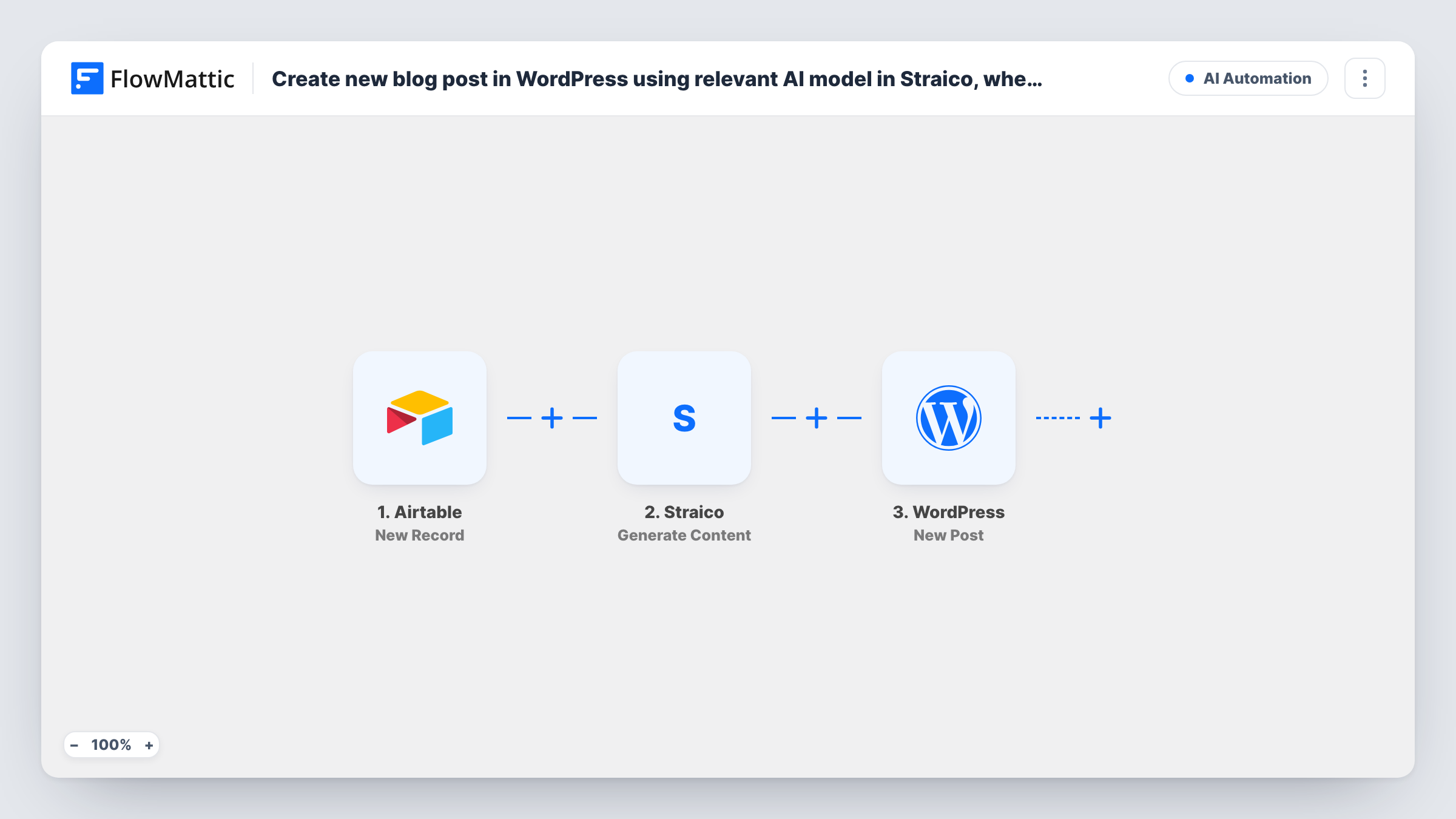
The Airtable trigger, New Record, fires when a record is created in the table you choose. FlowMattic passes the record's fields to Straico, where the Generate Content step takes your prompt and the model you select. You write the prompt and drop in fields from the record, such as the topic and keywords. The generated text then goes to the WordPress New Post step, which creates a post on your site with the title and content you map.
Each new record makes one post. There is no review step in the template, so read the AI text before it goes live, or check with a test run how the post is saved. Task History shows the prompt sent and the content Straico returned for each run.
Content calendar in Airtable
Your editor adds next month's topics as Airtable records. Each one becomes a WordPress post ready for a human edit before publishing.
Product or location pages
A record per city or product, with a few facts in its fields, gives Straico enough to write a first version of each page as a WordPress post.
Guest-post ideas from a shared base
Contributors suggest article angles in a shared Airtable table. Each suggestion is drafted by Straico and lands in WordPress, where an editor decides what to keep.
How this workflow runs
What happens at each step once the workflow is on, and what you need before you import it.
 Airtable New Record
Fires when a new record is created in the Airtable table you pick. The record's fields, such as a topic, keywords or notes, come into FlowMattic for the prompt.
- Straico Generate Content
Sends your prompt to Straico using the AI model you select and returns the generated content. Build the prompt from the Airtable fields so each post is written to that record's brief.
- WordPress New Post
Creates a new post in WordPress. Map the Airtable title to the post title and Straico's generated text to the content. Run a test to see whether the post is published or saved as a draft.
What you need
- FlowMatticCore
- Airtable AccountAccount
- Straico AccountAccount
After importing, map your own data. To keep the template universal, not every step is pre-filled. Open each step in the builder and connect your accounts and fields (channels, lists, sheets, recipients) before you switch the workflow on.
Make it yours
Changes worth making after you import it.
- Add a Filter after the trigger that continues only when the topic field is not empty, so a half-filled Airtable record doesn't produce a post with no subject.
- Insert a Human in the Loop step between Straico and WordPress to read the AI draft before a post is created. Set its timeout action to End Workflow so nothing posts without approval.
- Write the prompt with clear instructions on length, headings and tone, and include the record's keywords. Straico only knows what the prompt gives it.
Questions about this workflow
Which AI models can I choose in Straico?
The Generate Content step lets you select a model along with your prompt. The models on offer depend on Straico and your account, so check the list in the step after you connect.
Will the Airtable-generated post go live straight away?
That depends on how the WordPress New Post step is set. Run one test record and check the post's status in WordPress before you add a full content plan.
What happens to Airtable records added before import?
Nothing. Only records created while the workflow is on start a run, so your existing ideas stay as they are.
Do I need a Straico account for this blog post workflow?
Yes. The content step runs through your Straico account, which you connect when you import. FlowMattic sends the prompt and receives the text back.
More AI Automation workflows
Other ready-to-import templates from the same category.








Import this workflow into your WordPress site
Download the JSON, import it from the Workflows screen and connect your accounts. Every run stays on your server, with no per-task fees.
30-day money-back guarantee Unlimited workflows and runs Self-hosted