

Create new FluentCRM contacts from Formium submissions
Each new Formium submission creates a contact in FluentCRM, or updates the contact that already has the same email, so people who answer your Formium forms and surveys land in the CRM on your WordPress site.
 Formium
 FluentCRM
2 steps Setup ~5 min Used on 2.4k sites Free to import
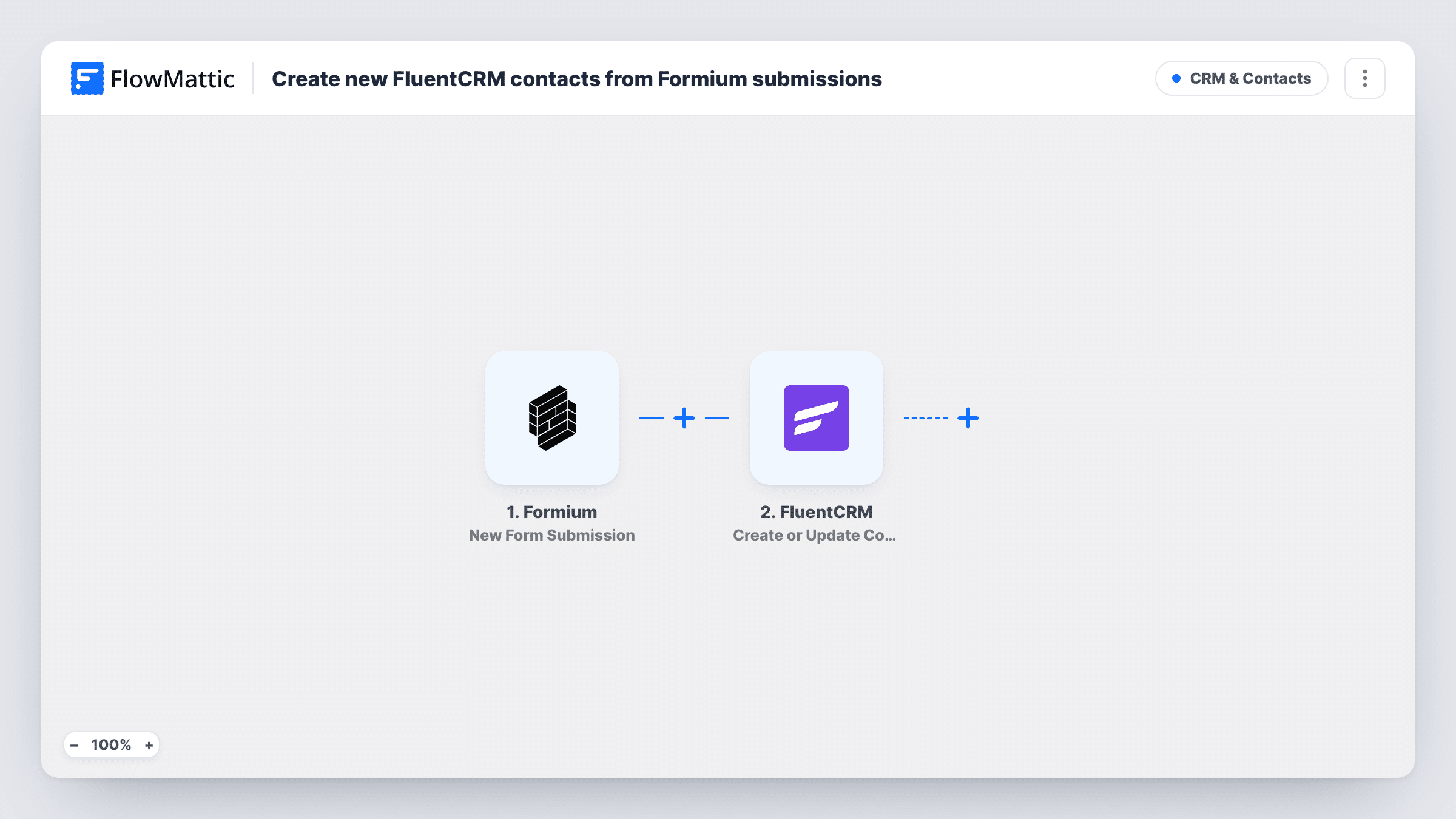
What this workflow does
Formium handles your forms and surveys outside WordPress, while FluentCRM keeps your contacts and email sequences inside it. Bridging the two by export and import means delays and duplicates. This workflow moves each respondent into FluentCRM when they submit.
The Formium trigger runs once for every response your Formium form collects. FlowMattic takes the answers and passes them to FluentCRM. The Create or Update Contact action checks the email address: a new address becomes a new contact, and one that is already in FluentCRM has its contact updated with the values you map.
So although the goal is new contacts, returning respondents are not duplicated; their record is refreshed instead. Every submission runs once, with no filter. The contact is stored in your WordPress database, and Task History records what was sent each time.
Survey respondents for a follow-up campaign
People who complete a Formium customer survey become FluentCRM contacts, ready for a thank-you email or a results summary.
Quote requests from a services site
Prospects who request a quote through Formium appear in FluentCRM, where your sales sequence can take over.
Gated content sign-ups
A Formium form in front of a guide or checklist adds each reader to FluentCRM so you can send related content later.
How this workflow runs
What happens at each step once the workflow is on, and what you need before you import it.
 Formium New Form Submission
Fires when your Formium form receives a new submission. The answers, including the email address, become data for the FluentCRM step.
- FluentCRM Create or Update Contact
Creates a new FluentCRM contact, or updates the existing one with the same email. Map the email answer first, then names and any other answers you want saved on the contact.
What you need
- FlowMatticCore
- Formium AccountAccount
- FluentCRM PluginPlugin
After importing, map your own data. To keep the template universal, not every step is pre-filled. Open each step in the builder and connect your accounts and fields (channels, lists, sheets, recipients) before you switch the workflow on.
Make it yours
Changes worth making after you import it.
- Make the email question required in Formium, because FluentCRM uses the email address to create or match the contact.
- Add a Filter after the trigger that continues only when a consent answer is yes, if you only want people who agreed to emails in FluentCRM.
- After the contact step, add FluentCRM's Add Tags to Contact action, mapped to the same email, so you can see which contacts came from Formium.
Questions about this workflow
What happens when a Formium respondent is already in FluentCRM?
The action matches on email address, so the existing contact is updated with the new answers rather than a second contact being created.
Do Formium submissions from before the import reach FluentCRM?
No. Only submissions received after the workflow is turned on create or update contacts.
Is the Formium respondent subscribed to my emails automatically?
That depends on how you set up the FluentCRM step and your FluentCRM settings. Run a test submission and check the new contact's status before you go live.
More CRM & Contacts workflows
Other ready-to-import templates from the same category.





Import this workflow into your WordPress site
Download the JSON, import it from the Workflows screen and connect your accounts. Every run stays on your server, with no per-task fees.
30-day money-back guarantee Unlimited workflows and runs Self-hosted