

Create new project in Flowlu when the invoice is paid by the customer in Stripe
Each time a Stripe invoice payment succeeds, this workflow creates a new project in Flowlu from the invoice details, so paid work has a project waiting before you start planning it.
 Stripe
 Flowlu
2 steps Setup ~5 min Used on 2.5k sites Productivity Free to import
What this workflow does
For many agencies and freelancers, the project really starts when the client pays. Setting it up in Flowlu by hand after checking Stripe is a small chore that tends to slip on a busy day. This workflow opens the project as soon as Stripe confirms the payment.
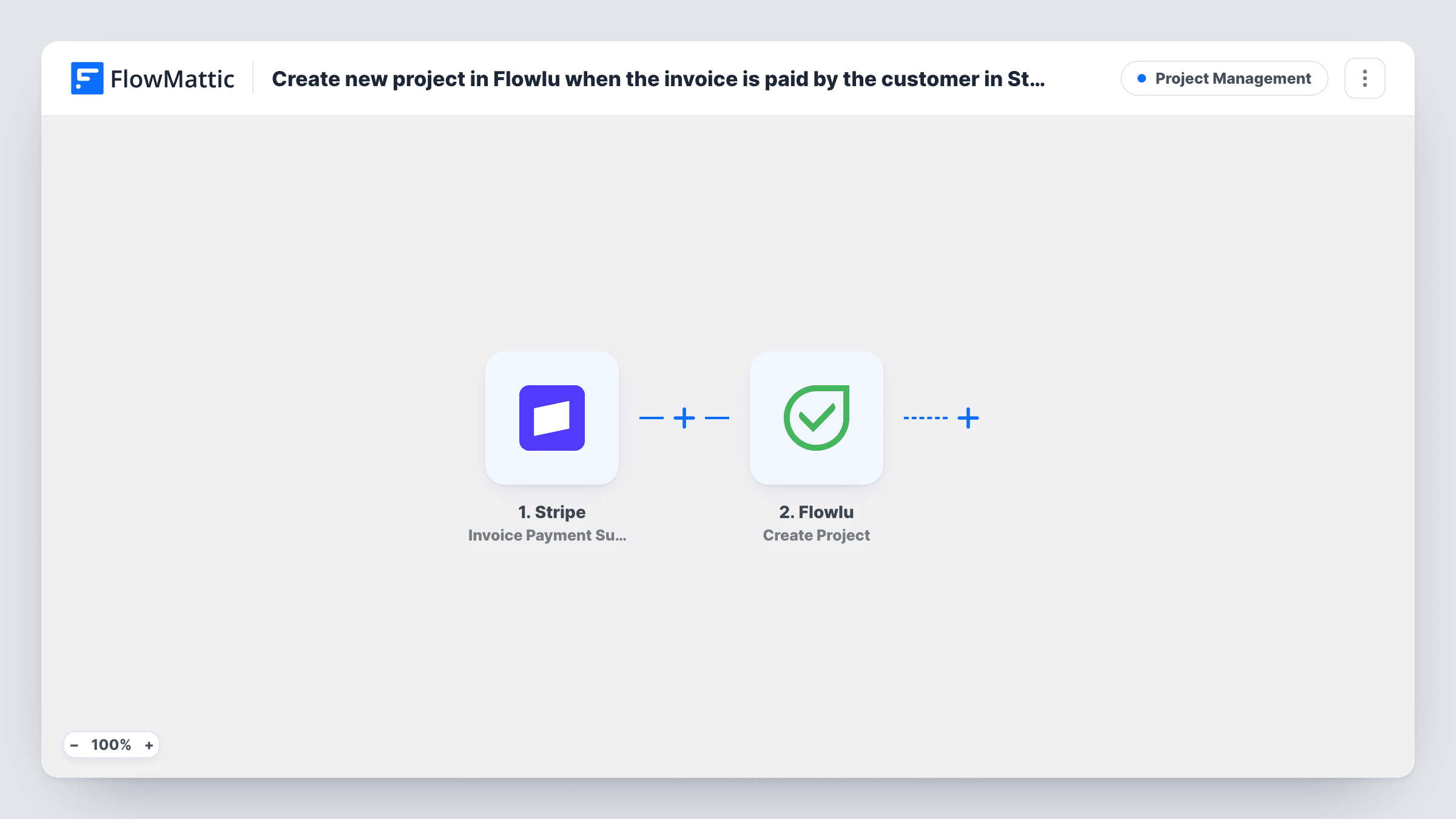
The Stripe trigger, Invoice Payment Succeeded, fires whenever an invoice payment attempt succeeds. The invoice data, such as the customer and the amount, is passed on. FlowMattic then runs Flowlu Create Project, which creates a new project in your Flowlu account. You map invoice details into it, for example a project name built from the customer's name and the invoice number.
Every successful invoice payment creates a project, and Stripe issues an invoice for each subscription renewal as well as one-off billing. If you bill retainers through Stripe subscriptions, each renewal would open another project, so add a Filter for that. Task History shows each run and what Flowlu returned.
Agency deposits for new builds
A client pays the deposit invoice for a website build. A Flowlu project named after the client appears, ready for the project manager to add tasks.
Fixed-price consulting packages
You invoice each consulting package in Stripe. Payment creates a matching project in Flowlu, so delivery work never starts without a place to track it.
Freelance design jobs
A freelancer sends a Stripe invoice for each logo job. Once it is paid, the project is set up in Flowlu with the client's name and the invoice reference.
How this workflow runs
What happens at each step once the workflow is on, and what you need before you import it.
 Stripe Invoice Payment Succeeded
Starts a run each time Stripe reports a successful invoice payment. The invoice details, including the customer and amount paid, are passed on for the Flowlu step.
- Flowlu Create Project
Opens a new project in your Flowlu account. Map invoice details into the fields the step shows, such as a project name made from the customer name and invoice number.
What you need
- FlowMatticCore
- Stripe AccountAccount
- Flowlu AccountAccount
After importing, map your own data. To keep the template universal, not every step is pre-filled. Open each step in the builder and connect your accounts and fields (channels, lists, sheets, recipients) before you switch the workflow on.
Make it yours
Changes worth making after you import it.
- If you bill subscriptions in Stripe, add a Filter after the trigger that continues only for first invoices, for example when the billing reason field shows a new subscription or a manual invoice.
- Pay a test invoice in Stripe's test mode after import, so FlowMattic captures a sample and you can see which customer and line item fields are available.
- Add Flowlu's Create Task step after the project step if each new project should start with the same first task, such as a kickoff call.
Questions about this workflow
Does a Stripe subscription renewal create another Flowlu project?
Yes, as imported. Each renewal is an invoice, and every successful invoice payment starts a run. Add a Filter after the trigger if you want projects only for some invoices.
What if a Flowlu project for that client already exists?
Create Project always makes a new project. It does not look for an existing one, so a second paid invoice from the same client opens a second project.
Are Stripe payments that are not invoices included?
No. The trigger is Invoice Payment Succeeded, so a one-off charge or checkout payment without an invoice does not start a run.
Can the Flowlu project be linked to the client's CRM record?
Only if the step offers a client or account field you can map. Check the Create Project step after import and test with a paid test invoice.
More Project Management workflows
Other ready-to-import templates from the same category.






Import this workflow into your WordPress site
Download the JSON, import it from the Workflows screen and connect your accounts. Every run stays on your server, with no per-task fees.
30-day money-back guarantee Unlimited workflows and runs Self-hosted