

Create a HubSpot CRM contact from a completed SmartSurvey response
Each time someone finishes a SmartSurvey survey, FlowMattic creates a contact in HubSpot CRM from the answers you map, so respondents land in your CRM without a CSV export.
 SmartSurvey
 HubSpot CRM
2 steps Setup ~5 min Used on 1.9k sites Free to import
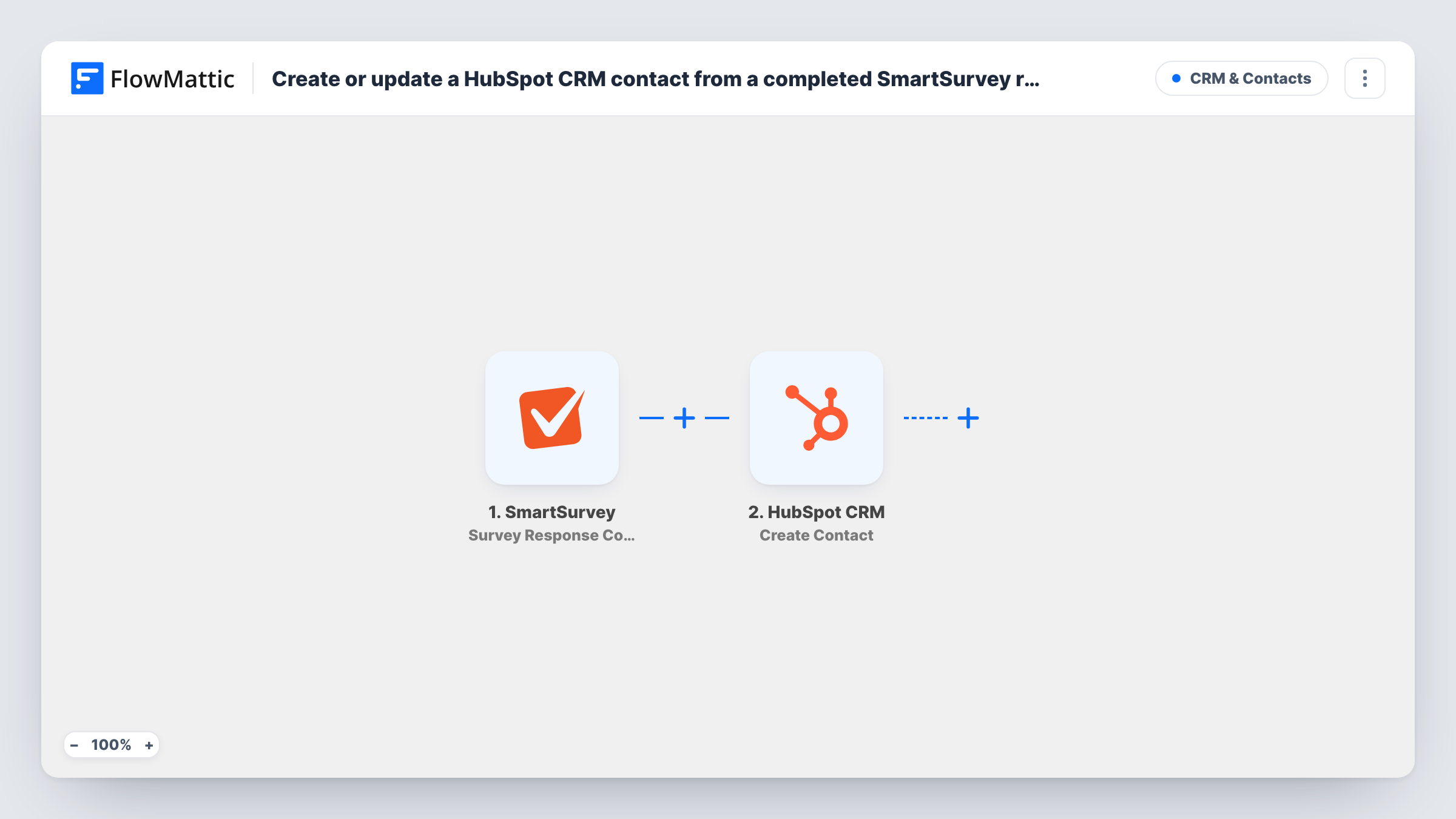
What this workflow does
Surveys collect names, emails and opinions, but those answers often sit in SmartSurvey while your sales or success team works in HubSpot. This workflow turns each finished response into a HubSpot contact, so the person who filled in your feedback form or event poll is ready to follow up with in the CRM.
The SmartSurvey trigger starts a run when a survey response is completed. Partial responses don't start it. FlowMattic passes the response data, including the answers to your questions, to the next step.
The HubSpot CRM Create Contact step then adds a new contact. It ships unmapped: after import you connect your HubSpot account and map the answers that hold the respondent's email, first name, last name or company into the contact. Your survey has to ask for an email for the contact to be useful, so check that a question collects one.
Every completed response creates a contact attempt, including anonymous ones and repeat respondents. HubSpot may refuse an email it already holds as a contact; Task History shows HubSpot's response for each run, so test with a real response before you switch the workflow on.
Event feedback into the CRM
After a webinar, attendees fill in a SmartSurvey feedback form that asks for their email, and each finished response becomes a HubSpot contact your team can follow up with.
Lead capture through a short quiz
A consultancy runs a SmartSurvey readiness quiz on its site and keeps every finisher who left contact details as a HubSpot contact.
Customer research panel
A product team collects sign-ups for interviews with a survey and builds the panel in HubSpot from the people who complete it.
How this workflow runs
What happens at each step once the workflow is on, and what you need before you import it.
 SmartSurvey Survey Response Completed
Starts the workflow when a respondent completes a SmartSurvey response. The answers from that response are passed on so you can map them into HubSpot.
- HubSpot CRM Create Contact
Adds the respondent to HubSpot CRM as a new contact. The template leaves this step unmapped, so after import connect HubSpot and map the survey answers that hold the email, name and any other contact details you collect.
What you need
- FlowMatticCore
- SmartSurvey AccountAccount
- HubSpot CRM AccountAccount
After importing, map your own data. To keep the template universal, not every step is pre-filled. Open each step in the builder and connect your accounts and fields (channels, lists, sheets, recipients) before you switch the workflow on.
Make it yours
Changes worth making after you import it.
- Make the email question required in SmartSurvey, so every completed response carries an address for the HubSpot contact.
- Put a Filter between the SmartSurvey trigger and the HubSpot step that continues only when the email answer is not empty. The question you check depends on your survey, so pick it after a test run.
- Map a survey answer, such as how the person heard about you, into a HubSpot contact property so your team can see why the contact was created.
- Run one test response and open Task History to see the field names SmartSurvey sends before you finish the mapping.
Questions about this workflow
Does a partly finished SmartSurvey response create a HubSpot contact?
No. Only finished responses start a run, because this template listens for the Survey Response Completed event. FlowMattic's SmartSurvey integration has separate triggers for disqualified and updated responses if you need them.
What happens if the respondent is already a contact in HubSpot?
The step creates contacts and doesn't look for existing ones first. HubSpot may reject an address it already holds; check Task History for what it returned.
Which survey answers end up on the HubSpot contact?
Only the ones you map. The Create Contact step ships with no fields set, so you choose which answers go into the email, name and other contact properties after import.
Will responses submitted before I turn the workflow on reach HubSpot?
No. Only responses completed while the workflow is active start a run. Export older SmartSurvey responses and import them into HubSpot separately if you want them as contacts too.
More CRM & Contacts workflows
Other ready-to-import templates from the same category.





Import this workflow into your WordPress site
Download the JSON, import it from the Workflows screen and connect your accounts. Every run stays on your server, with no per-task fees.
30-day money-back guarantee Unlimited workflows and runs Self-hosted