

Create a HubSpot CRM contact when a Chili Piper meeting is booked
Whenever a meeting is booked through Chili Piper, FlowMattic creates a contact in HubSpot CRM for the person who booked it, so new prospects are in your CRM before the call.
 Chili Piper
 HubSpot CRM
2 steps Setup ~5 min Used on 2.5k sites Free to import
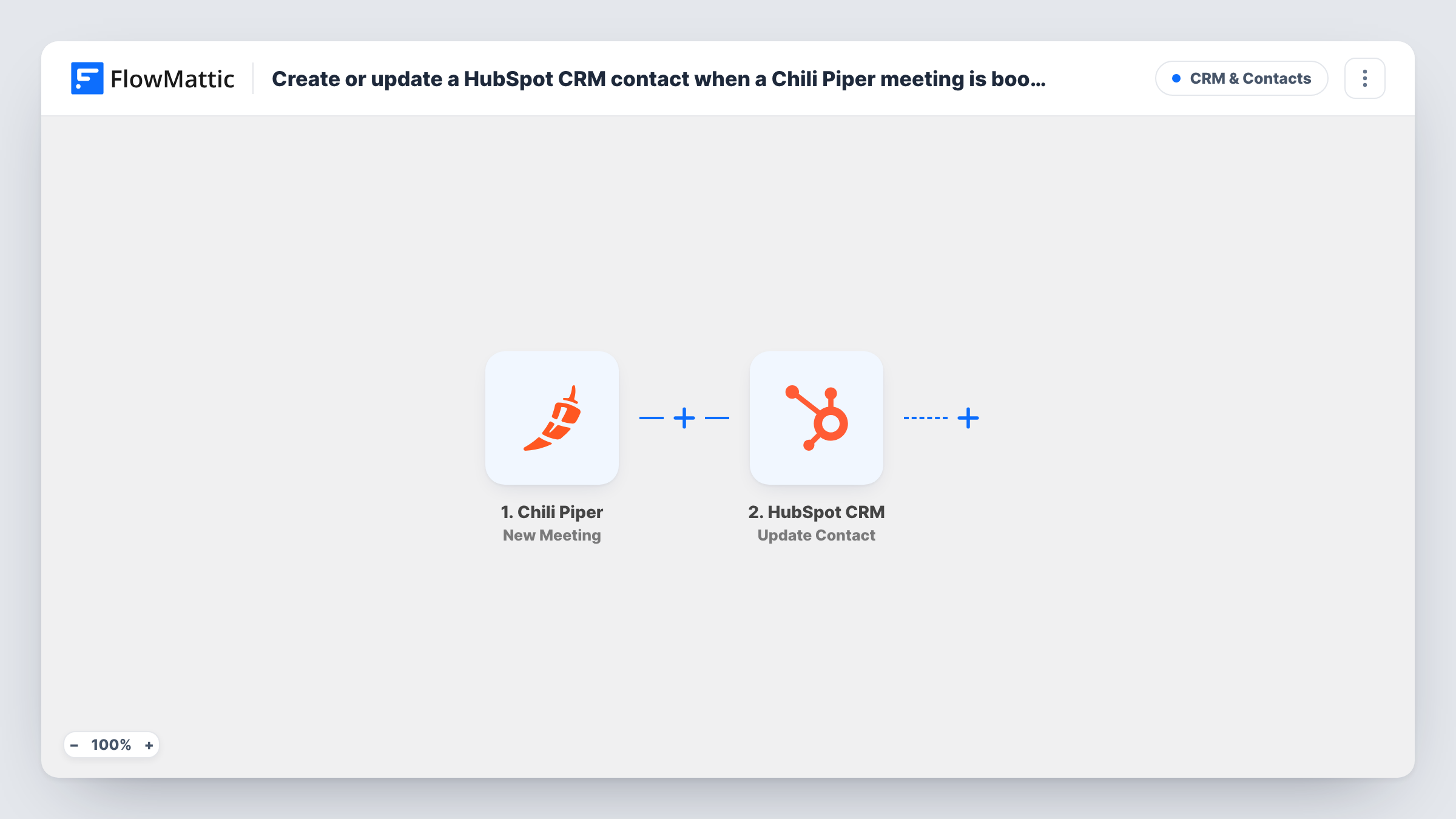
What this workflow does
Chili Piper puts meetings on your reps' calendars fast, but a rep still wants the prospect in HubSpot to add notes, deals and follow-ups. This workflow creates that contact as soon as the meeting is booked, so the record is waiting when the call starts.
The Chili Piper New Meeting trigger fires for every new meeting booked, regardless of the source: an inbound form router, a booking link or a rep scheduling on someone's behalf. The meeting and guest details are passed to HubSpot.
The HubSpot CRM Create Contact step adds the contact. It ships unmapped, so after import you connect HubSpot and map the guest's email, name and company from the Chili Piper meeting into the contact fields.
Create Contact makes a new record each run and doesn't search first. When the person is already in HubSpot, for example a lead who books a second meeting, HubSpot may refuse the duplicate email. Book a test meeting and open Task History to see HubSpot's response.
Inbound demo bookings
A B2B software team routes website demo requests through Chili Piper, and every booked prospect appears in HubSpot for the account executive to prepare.
Events and webinar follow-up calls
After a webinar, attendees book follow-up calls through a Chili Piper link, and each booker is added to HubSpot for the sales team.
Partner introductions
A partnerships manager books intro calls with new partners through Chili Piper and keeps each contact in HubSpot from the first meeting.
How this workflow runs
What happens at each step once the workflow is on, and what you need before you import it.
 Chili Piper New Meeting
Fires for every new meeting booked in Chili Piper, whatever the source. The meeting time and the guest's details are passed to the HubSpot step.
- HubSpot CRM Create Contact
Creates a HubSpot CRM contact for the meeting guest. The template leaves the step unmapped, so connect HubSpot and map the guest's email, name and any other details you want.
What you need
- FlowMatticCore
- Chili Piper AccountAccount
- HubSpot CRM AccountAccount
After importing, map your own data. To keep the template universal, not every step is pre-filled. Open each step in the builder and connect your accounts and fields (channels, lists, sheets, recipients) before you switch the workflow on.
Make it yours
Changes worth making after you import it.
- Map the meeting date into a HubSpot contact property, so reps can see in the record when the first call is.
- Add HubSpot's Create Deal step after Create Contact if every booked meeting should also open a deal in your pipeline.
- Put a Filter between the Chili Piper trigger and the Create Contact step that skips internal guests, for example by checking that the email doesn't contain your company domain.
Questions about this workflow
What happens if the person who books on Chili Piper is already in HubSpot?
The Create Contact step still tries to add them. HubSpot may refuse a contact with an email it already has, and Task History shows the reply for that meeting.
Does a meeting a rep books for a prospect count?
Yes. FlowMattic describes New Meeting as firing for every meeting booked, regardless of the source, so rep-booked meetings start a run too.
Which Chili Piper details reach the HubSpot contact?
Only what you map. Book a test meeting first, then pick from the guest and meeting fields the trigger received when you set up Create Contact.
More CRM & Contacts workflows
Other ready-to-import templates from the same category.




Import this workflow into your WordPress site
Download the JSON, import it from the Workflows screen and connect your accounts. Every run stays on your server, with no per-task fees.
30-day money-back guarantee Unlimited workflows and runs Self-hosted