

Create Mautic contacts for new form submissions in Gravity Forms
Every new Gravity Forms entry on your WordPress site becomes a contact in Mautic, carrying the name, email and other answers you map, ready for your Mautic segments and campaigns.
 Gravity Forms
 Mautic
2 steps Setup ~5 min Used on 1.6k sites Free to import
What this workflow does
Gravity Forms is often where leads first leave their details on a WordPress site, while Mautic is where you nurture them. Without a link between the two, someone has to export entries and import them into Mautic. Here, each new entry turns into a Mautic contact on its own.
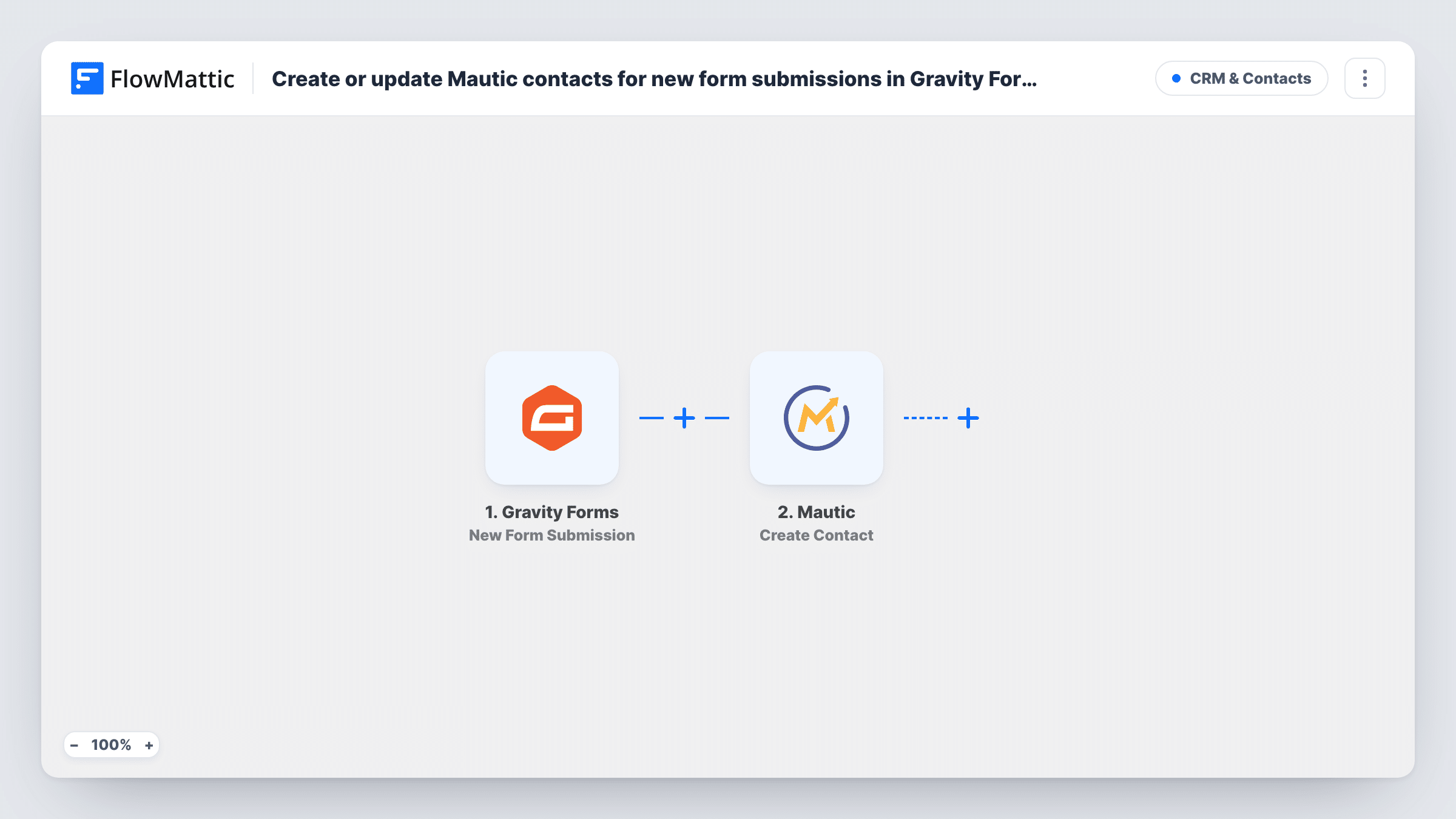
The Gravity Forms trigger runs when your Gravity Forms form receives a new submission. Every field in the entry, from name and email to dropdowns and checkboxes, is available to map.
The Mautic Create Contact step then adds a contact to your Mautic instance. It ships unmapped: after import you connect Mautic and map the form's email field, the first and last name, and any other answers into Mautic contact fields. Custom fields you've created in Mautic can hold things like the service a lead asked about.
The step is a create action, so how Mautic handles an email it already has depends on your Mautic setup. Submit a test entry with an address that already exists and check Task History to see what Mautic returned before relying on it for repeat visitors.
Quote requests into a Mautic nurture
A solar installer's Gravity Forms quote form adds each enquirer to Mautic, where a segment on the requested system size starts the right email series.
Download forms for gated content
A consultancy gates its guides behind a Gravity Forms form, and every reader who downloads one is added to Mautic for follow-up content.
Event registrations for reminders
A local association registers members for meetups with Gravity Forms and sends reminders from Mautic to everyone who signed up.
How this workflow runs
What happens at each step once the workflow is on, and what you need before you import it.
 Gravity Forms New Form Submission
Runs when a Gravity Forms form on your site receives a new entry. All submitted fields are passed on, so you can map any of them into the Mautic contact; a test entry shows them.
- Mautic Create Contact
Creates a new contact in Mautic from the form entry. Unmapped as shipped: connect Mautic, then map the email, name and other answers into the Mautic contact fields you use.
What you need
- FlowMatticCore
- Gravity Forms PluginPlugin
- Mautic AccountAccount
After importing, map your own data. To keep the template universal, not every step is pre-filled. Open each step in the builder and connect your accounts and fields (channels, lists, sheets, recipients) before you switch the workflow on.
Make it yours
Changes worth making after you import it.
- Add a hidden field to the Gravity Forms form with the form's name, and map it into a Mautic field, so you can build segments by which form a contact used.
- Put a Filter between the Gravity Forms trigger and the Mautic step on a consent checkbox in your form, so only people who agreed to marketing reach Mautic. Pick the checkbox field your form actually uses.
- Make the email field required in Gravity Forms, so every Mautic contact this creates has an address your campaigns can send to.
Questions about this workflow
What happens if the Gravity Forms email already exists in Mautic?
That depends on how your Mautic instance treats a duplicate address. Run a test with an existing contact's email and check the response in Task History.
Can I send Gravity Forms answers to Mautic custom fields?
Yes, if the fields exist in Mautic. Create them there first, then map the matching form answers in the Create Contact step.
Which Gravity Forms entries reach Mautic?
Every new submission that starts this workflow is sent to Mautic. Submit a test entry after import to confirm which form triggers it, and use a Filter between the trigger and the Mautic step if some entries should stay out.
More CRM & Contacts workflows
Other ready-to-import templates from the same category.








Import this workflow into your WordPress site
Download the JSON, import it from the Workflows screen and connect your accounts. Every run stays on your server, with no per-task fees.
30-day money-back guarantee Unlimited workflows and runs Self-hosted