

Create rows in Google Sheets for new ClickUp tasks
Each task created in ClickUp is copied to a new row in Google Sheets, giving you a spreadsheet log of new work that you can sort, chart or share outside ClickUp.
 ClickUp
 Google Sheets
2 steps Setup ~5 min Used on 3.4k sites Free to import
What this workflow does
ClickUp is good for doing the work, but reporting on it often happens in a spreadsheet. Clients, finance or managers may want a list of what was opened and when, without a ClickUp seat. This workflow writes each new task into Google Sheets as it is created.
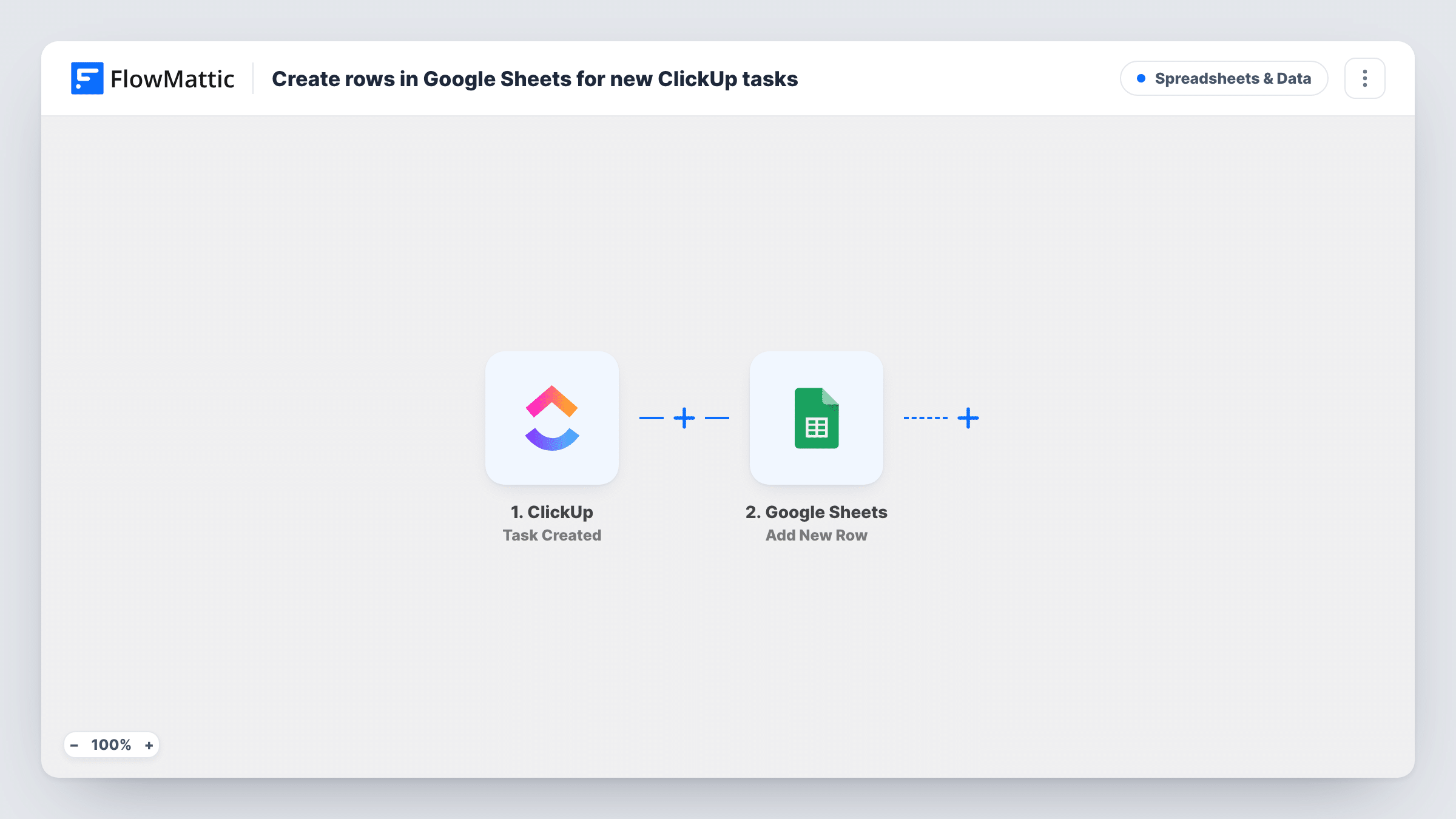
As soon as someone adds a task in ClickUp, the trigger picks it up. FlowMattic passes the task data to Google Sheets, where the Add New Row action writes it to the spreadsheet you pick. You choose which task values go into which columns, such as the name, list, creator or due date, depending on what the trigger sends.
The sheet records tasks at the moment they are created. Later edits in ClickUp, like a changed status or a new assignee, are not written back to the row. Treat the sheet as a log of new tasks, not a live mirror.
Weekly report of incoming work
A team lead counts the rows added each week to see how many tasks came in, without exporting from ClickUp.
Client-facing request log
An agency shares a filtered view of the sheet with a client, listing every task opened for their account.
Time-tracking prep for billing
Finance uses the row for each new task as the starting point for adding hours and rates in their own columns.
How this workflow runs
What happens at each step once the workflow is on, and what you need before you import it.
 ClickUp Task Created
Runs each time ClickUp reports a newly added task to FlowMattic. The task's data is passed to the Google Sheets step for mapping.
- Google Sheets Add New Row
Writes a row to the Google Sheets spreadsheet you choose with the mapped task values. Connect your Google account and match each column to a ClickUp value.
What you need
- FlowMatticCore
- ClickUp AccountAccount
- Google Sheets AccountAccount
After importing, map your own data. To keep the template universal, not every step is pre-filled. Open each step in the builder and connect your accounts and fields (channels, lists, sheets, recipients) before you switch the workflow on.
Make it yours
Changes worth making after you import it.
- Add a column holding the ClickUp task ID, so you can match a row to its task later.
- Add a Filter after the trigger if only tasks in one list or space belong in this sheet.
- Create a test task after import so FlowMattic captures ClickUp's fields, then finish mapping the columns.
Questions about this workflow
Does the sheet update when a ClickUp task changes?
No. Only task creation runs this workflow, so each row shows the task as it was when created.
Are ClickUp subtasks added as rows too?
It depends on whether ClickUp reports a new subtask as a created task to the trigger. Create a test subtask and check Task History to see.
Will existing ClickUp tasks be copied?
No. Only tasks created after you turn the workflow on are added to the sheet.
More Spreadsheets & Data workflows
Other ready-to-import templates from the same category.



Import this workflow into your WordPress site
Download the JSON, import it from the Workflows screen and connect your accounts. Every run stays on your server, with no per-task fees.
30-day money-back guarantee Unlimited workflows and runs Self-hosted