

When an entry is updated in Cognito Forms, update the corresponding record in Google Sheets
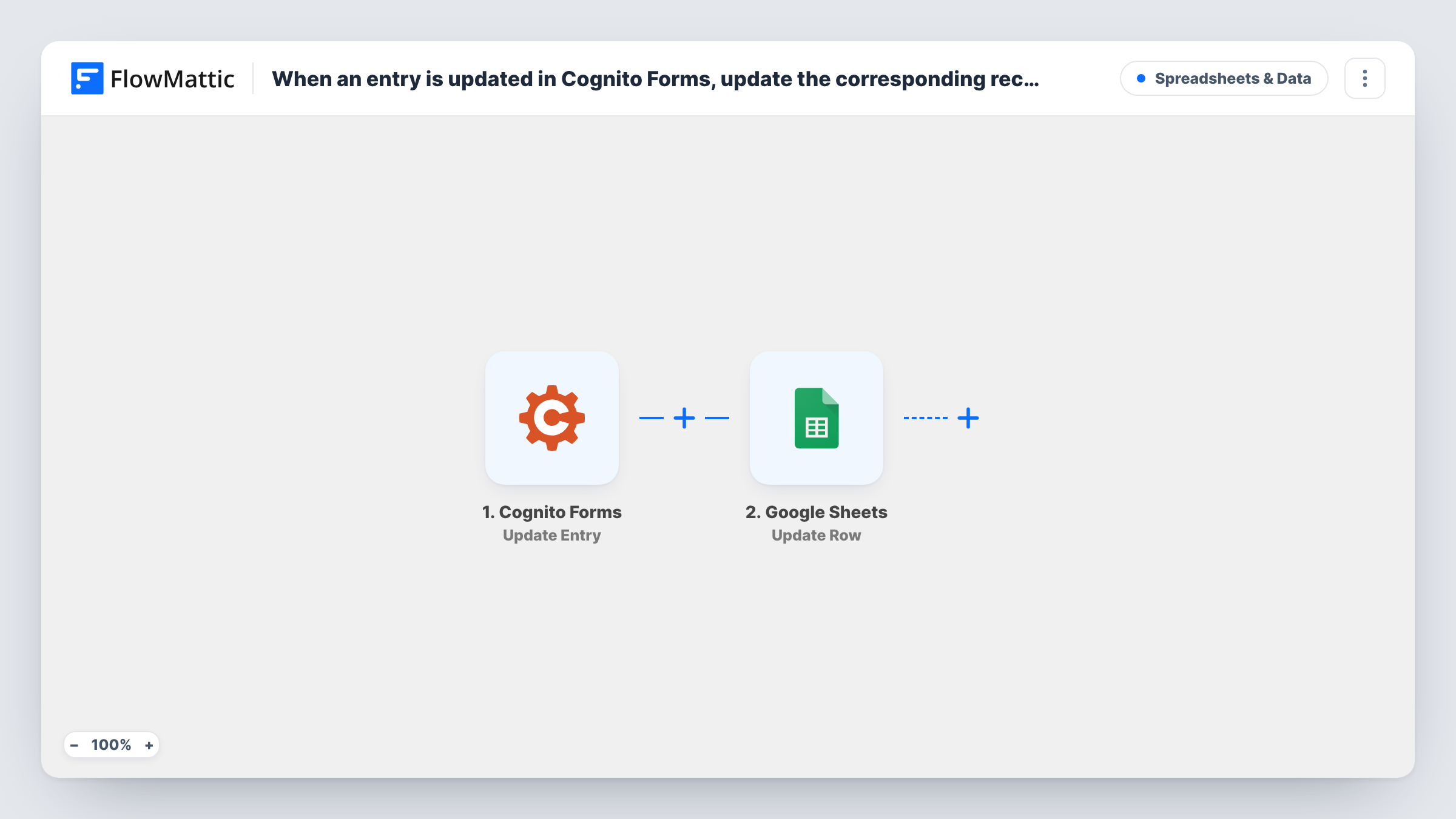
When someone updates a Cognito Forms entry, FlowMattic finds the matching row in your Google Sheet, checks that a row was found, and updates that row so the sheet reflects the edited entry.
 Cognito Forms
 Google Sheets
 Filter
4 steps Setup ~8 min Used on 1.1k sites Free to import
What this workflow does
If you already copy Cognito Forms entries into Google Sheets, edits are the weak spot: a person corrects their address or changes an answer, and the sheet keeps the old version. This workflow keeps the existing row in step with the entry instead of adding a second line for it.
The Cognito Forms trigger, Update Entry, fires when someone updates an entry. FlowMattic receives the entry's current values.
Next, a Google Sheets Lookup Row Data step searches your spreadsheet. It ships unmapped: after import you pick the sheet and the column to search, and map a value from the entry that identifies it, such as the entry ID. Your sheet needs a column holding that same value for every row, which usually means the workflow that first added the rows saved it.
A Filters step then continues only when the lookup returned a row number for the first match. If nothing matched, the run stops there and the sheet is left alone. Otherwise the Update Row step rewrites that row number with the values you map from the entry; that mapping is yours to set after import. If several rows share the search value, only the first one found is updated.
Corrected registration details
An event organiser lets attendees edit their Cognito Forms registration, and their row in the attendee sheet shows the new dietary needs or session choice.
Application forms reviewed in Sheets
A grant program reviews applications in a Google Sheet, and when an applicant updates their Cognito entry the reviewers see the revised answers in the same row.
Staff updating request statuses
An office team edits Cognito entries to record progress on requests, and the shared spreadsheet keeps each request's row current.
How this workflow runs
What happens at each step once the workflow is on, and what you need before you import it.
 Cognito Forms Update Entry
Fires when someone updates an existing entry in Cognito Forms. The entry's current field values, including its identifier, are passed on for the lookup and the update.
- Google Sheets Lookup Row Data
Searches your spreadsheet for the row that belongs to this entry. Pick the sheet, the column that stores the entry ID or another unique value, and map that value from the Cognito entry.
- Filter Continue If Condition Meet
Continues only if the lookup found a row, by checking that the first result's row number is not empty. Entries with no matching row stop here.
- Google Sheets Update Row
Updates the row number the lookup returned with data from the Cognito entry. The row number is already mapped; map each column you want refreshed to the matching entry field.
What you need
- FlowMatticCore
- Cognito Forms AccountAccount
- Google Sheets AccountAccount
After importing, map your own data. To keep the template universal, not every step is pre-filled. Open each step in the builder and connect your accounts and fields (channels, lists, sheets, recipients) before you switch the workflow on.
Make it yours
Changes worth making after you import it.
- Store the Cognito Forms entry ID in its own column when rows are first added, since this lookup needs a value that never changes between edits.
- Pair this with a workflow that uses the Cognito Forms New Entry trigger and Google Sheets Add New Row, mapping the entry ID into its column, so every entry has a row for this one to find.
- Map every column you care about in the Update Row step, not just the edited one, so the row always matches the latest version of the entry.
Questions about this workflow
What happens if the Cognito entry has no row in my Google Sheet?
The Filter stops the run because the lookup returned no row number, and nothing is written to the sheet.
Does this add new Cognito Forms entries to the sheet?
No. The trigger is Update Entry, so it runs on edits only. A separate workflow with the Cognito Forms New Entry trigger is what adds rows in the first place.
What should the lookup match a Cognito entry on?
One that holds a unique value from the entry, ideally the entry ID. Names or emails can repeat or change, and then the wrong row, or none, may be found.
More Spreadsheets & Data workflows
Other ready-to-import templates from the same category.




Import this workflow into your WordPress site
Download the JSON, import it from the Workflows screen and connect your accounts. Every run stays on your server, with no per-task fees.
30-day money-back guarantee Unlimited workflows and runs Self-hosted