

Create Sender campaigns from new WordPress blog posts
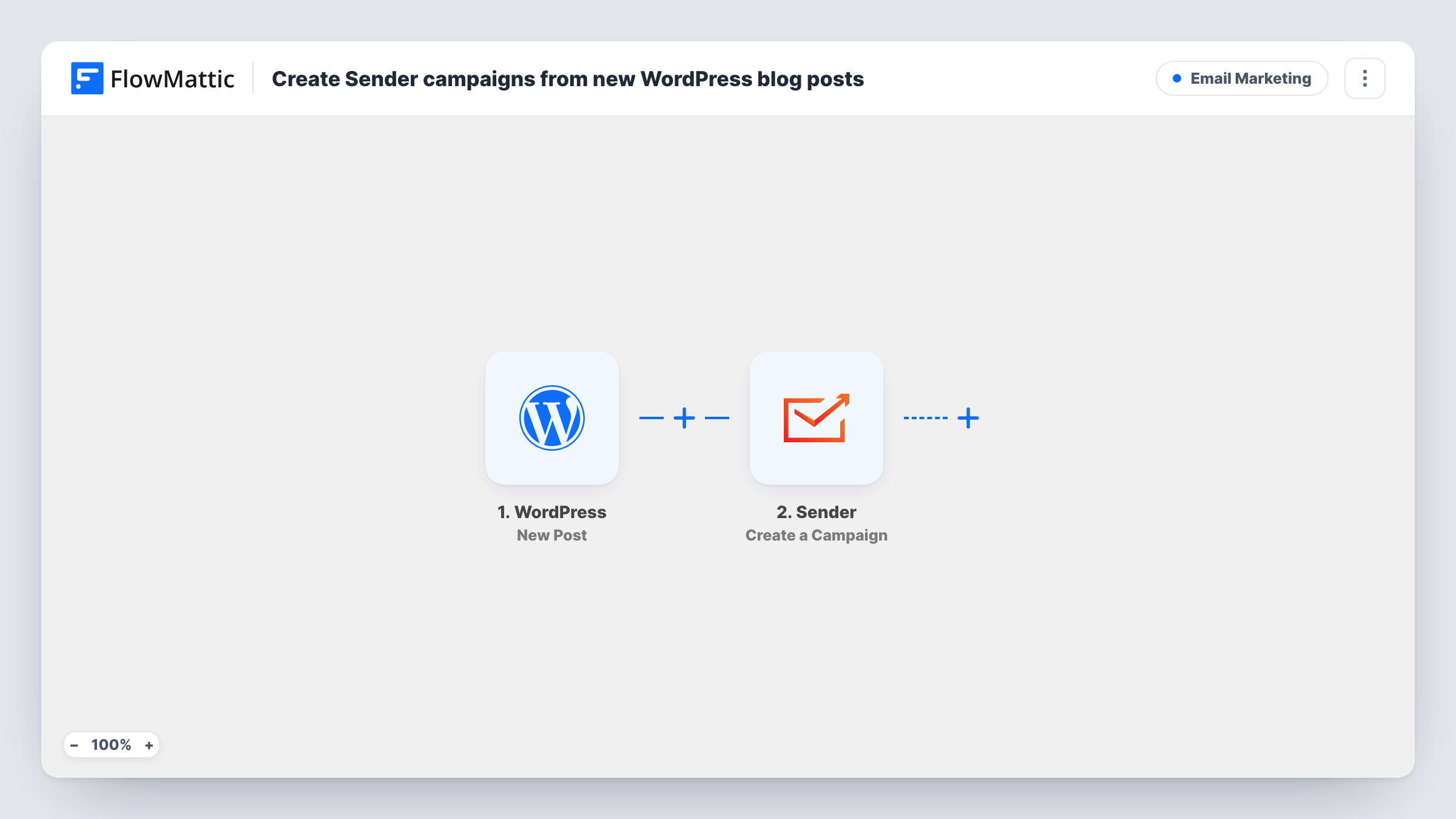
Each time a post goes live on your WordPress site, this workflow creates a new campaign in Sender from it, so a newsletter about the article is waiting in your Sender account without building it from scratch.
 WordPress
 Sender
2 steps Setup ~5 min Used on 1.9k sites Free to import
What this workflow does
Announcing every new article to your subscribers means opening Sender, starting a campaign, and pasting in the title, link and summary by hand. That step is easy to put off. This workflow starts the campaign for you the moment the post is published.
The WordPress New Post trigger runs a single time per post, at the moment it first becomes published. Changing an article that is already public won't create a second Sender campaign, and publishing a page creates none. FlowMattic then passes the post's details to Sender, where the Create a Campaign action makes a new campaign. You decide which post data goes into it, such as the title in the subject line and the link in the content.
The workflow creates the campaign and stops there. It does not send or schedule it, so you can review the email in Sender before it reaches anyone. If you want it to go out on its own, FlowMattic's Sender integration also has Send a Campaign and Schedule Send actions you can add as a third step.
Weekly blog digest prep
Each article you publish leaves a ready campaign in Sender. On Friday you open the latest one, check the copy, and send it to your list.
Product update announcements
A software team posts release notes on its WordPress blog. Every release post becomes a Sender campaign the marketing lead can polish and send.
Recipe or tutorial sites
A food blogger publishes a new recipe and finds a campaign in Sender with the post title and link mapped in, ready for a photo and a short intro.
How this workflow runs
What happens at each step once the workflow is on, and what you need before you import it.
 WordPress New Post
Fires when a post on your WordPress site is published for the first time. Custom post types fire it too unless you limit the trigger to one post type. The post's title, link and other details become data for the next step.
- Sender Create a Campaign
Creates a new campaign in your Sender account. Connect Sender on import, then map the WordPress post data into the campaign. Run a test publish to see which campaign settings the step asks for.
What you need
- FlowMatticCore
- Sender AccountAccount
After importing, map your own data. To keep the template universal, not every step is pre-filled. Open each step in the builder and connect your accounts and fields (channels, lists, sheets, recipients) before you switch the workflow on.
Make it yours
Changes worth making after you import it.
- Limit the trigger to the post type you announce, such as standard blog posts, so other content types don't each create a Sender campaign.
- Add Sender's Schedule Send action after the campaign step and map the new campaign from step 2, so each campaign goes out at a time you set instead of waiting for you.
- If a test run shows the post's category in the trigger data, add a Filter after the trigger that continues only for one category, such as News.
Questions about this workflow
Will Sender send the campaign as soon as I publish a post?
No. The template only uses Create a Campaign, so the campaign sits in your Sender account until you send or schedule it. Add Sender's Send a Campaign or Schedule Send action if you want that done automatically.
Does updating a published WordPress post create another Sender campaign?
No. The New Post trigger fires when a post first becomes published. Later edits to a live post don't start the workflow again.
Do WordPress pages create Sender campaigns too?
No. Publishing a WordPress page doesn't start this workflow. Standard posts and custom post types do, unless the trigger's post type setting narrows it to one.
Which Sender subscribers get the campaign?
That depends on how you set up the campaign in the Sender step and in Sender itself. Check the step's options after import and confirm the audience in Sender before you send.
More Email Marketing workflows
Other ready-to-import templates from the same category.




Import this workflow into your WordPress site
Download the JSON, import it from the Workflows screen and connect your accounts. Every run stays on your server, with no per-task fees.
30-day money-back guarantee Unlimited workflows and runs Self-hosted