

Create tasks on Todoist for new items on a monday.com board
Every item created on your monday.com board becomes a new task in Todoist, so the work your team adds to the board also shows up in your personal task list.
 Monday.com
 Todoist
2 steps Setup ~5 min Used on 2.5k sites Productivity Free to import
What this workflow does
Team boards in monday.com show everything going on, but many people plan their own day in Todoist. Copying new board items into your task list by hand is easy to forget. This workflow creates the Todoist task when the item is created.
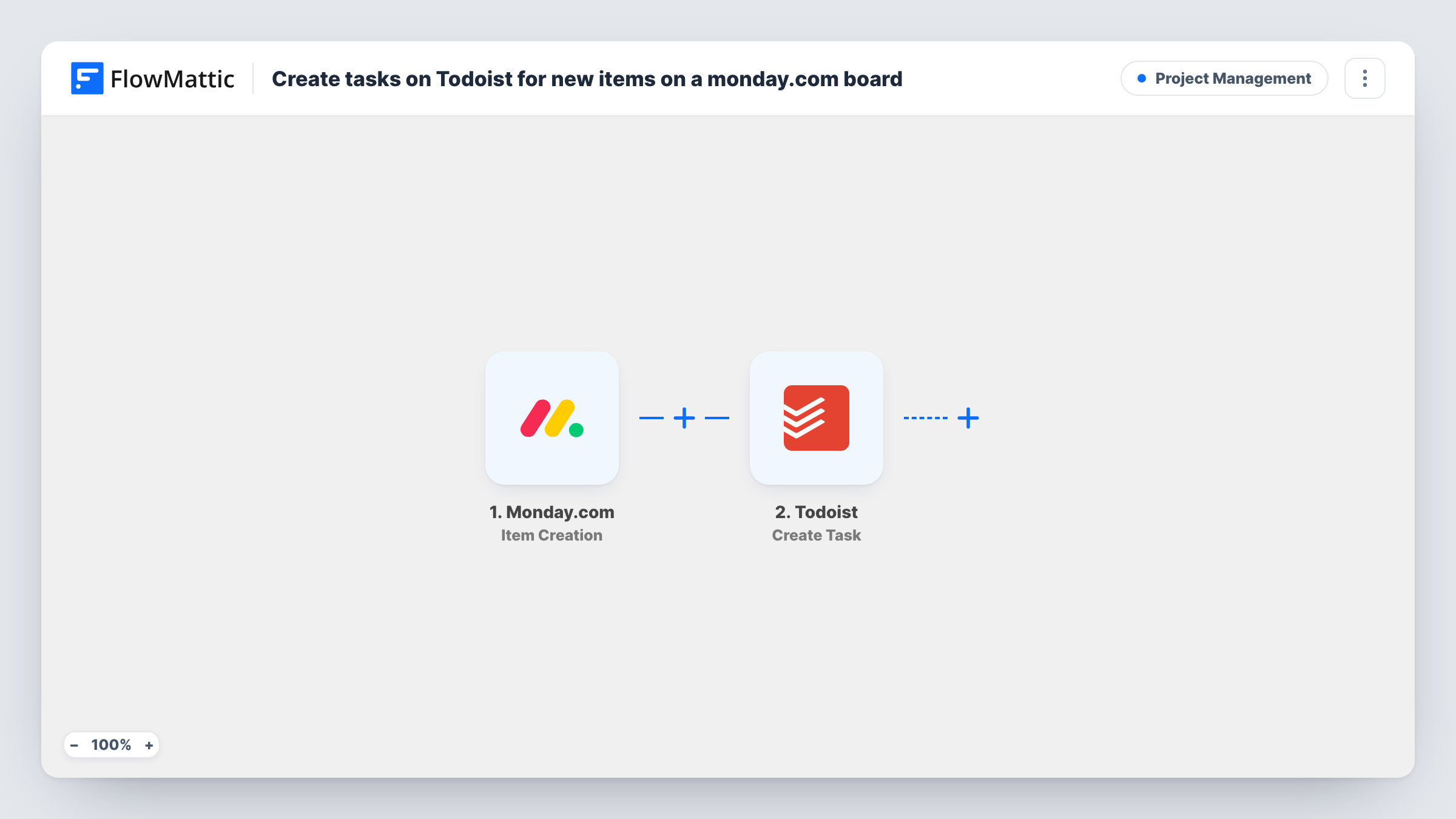
The Monday.com Item Creation trigger fires when a new item is created. The item's details are passed to Todoist, where Create Task adds a new task. You map the item name into the task content and choose what else to bring across.
This is a one-way copy made at creation time. Later changes to the monday.com item, such as a new status or name, are not sent to Todoist, and completing the Todoist task doesn't change the board. Every new item creates a task, so add a Filter if you only want some of them. You can review every copied item's run in Task History.
Freelancer on a client's board
A designer working on a client's monday.com board gets each new request as a Todoist task alongside their other clients' work.
Manager tracking a team board
A team lead sees new board items in Todoist and plans when to review each one.
Personal follow-up list
Each new item on a sales board creates a Todoist reminder to follow up on that lead.
How this workflow runs
What happens at each step once the workflow is on, and what you need before you import it.
 Monday.com Item Creation
Runs when a new item is created in monday.com. The item's details are passed on so you can use them in the Todoist task.
- Todoist Create Task
Adds the board item to Todoist as a fresh task. Map the monday.com item name into the task content, and check a test run for anything else you want to include.
What you need
- FlowMatticCore
- Monday.com AccountAccount
- Todoist AccountAccount
After importing, map your own data. To keep the template universal, not every step is pre-filled. Open each step in the builder and connect your accounts and fields (channels, lists, sheets, recipients) before you switch the workflow on.
Make it yours
Changes worth making after you import it.
- Add a Filter after the trigger if only some items should become tasks, for example those on a particular board. Check a test item for the values you can filter on.
- Put a reference to the monday.com board or item in the task text, so you can find the original item from Todoist.
- If you need to react when items change status, monday.com's Status Changed to Specific trigger can drive a second workflow.
- Create a test item on your board after import so FlowMattic captures the item fields to map.
Questions about this workflow
Does completing the Todoist task update monday.com?
No. The workflow only copies new items one way, from monday.com into Todoist. Changes in Todoist stay in Todoist.
Do monday.com subitems become Todoist tasks?
No. This template uses Item Creation. Subitems have their own Subitem Created trigger in FlowMattic, which you could use in another workflow.
Are existing monday.com items copied over?
No. Only items created after the workflow is turned on reach Todoist.
Does deleting the monday.com item remove the Todoist task?
No. The workflow only runs when an item is created. Deleting or archiving the item later leaves the Todoist task where it is.
More Project Management workflows
Other ready-to-import templates from the same category.





Import this workflow into your WordPress site
Download the JSON, import it from the Workflows screen and connect your accounts. Every run stays on your server, with no per-task fees.
30-day money-back guarantee Unlimited workflows and runs Self-hosted