

Create WordPress posts with an AI completion through OpenRouter from new Google Sheets rows
Add a row to your Google Sheet with a topic or brief, and FlowMattic sends it as a prompt to an AI model through OpenRouter, then creates a WordPress post from the completion it returns.
 Google Sheets
 OpenRouter AI
 WordPress
3 steps Setup ~5 min Used on 383 sites Free to import
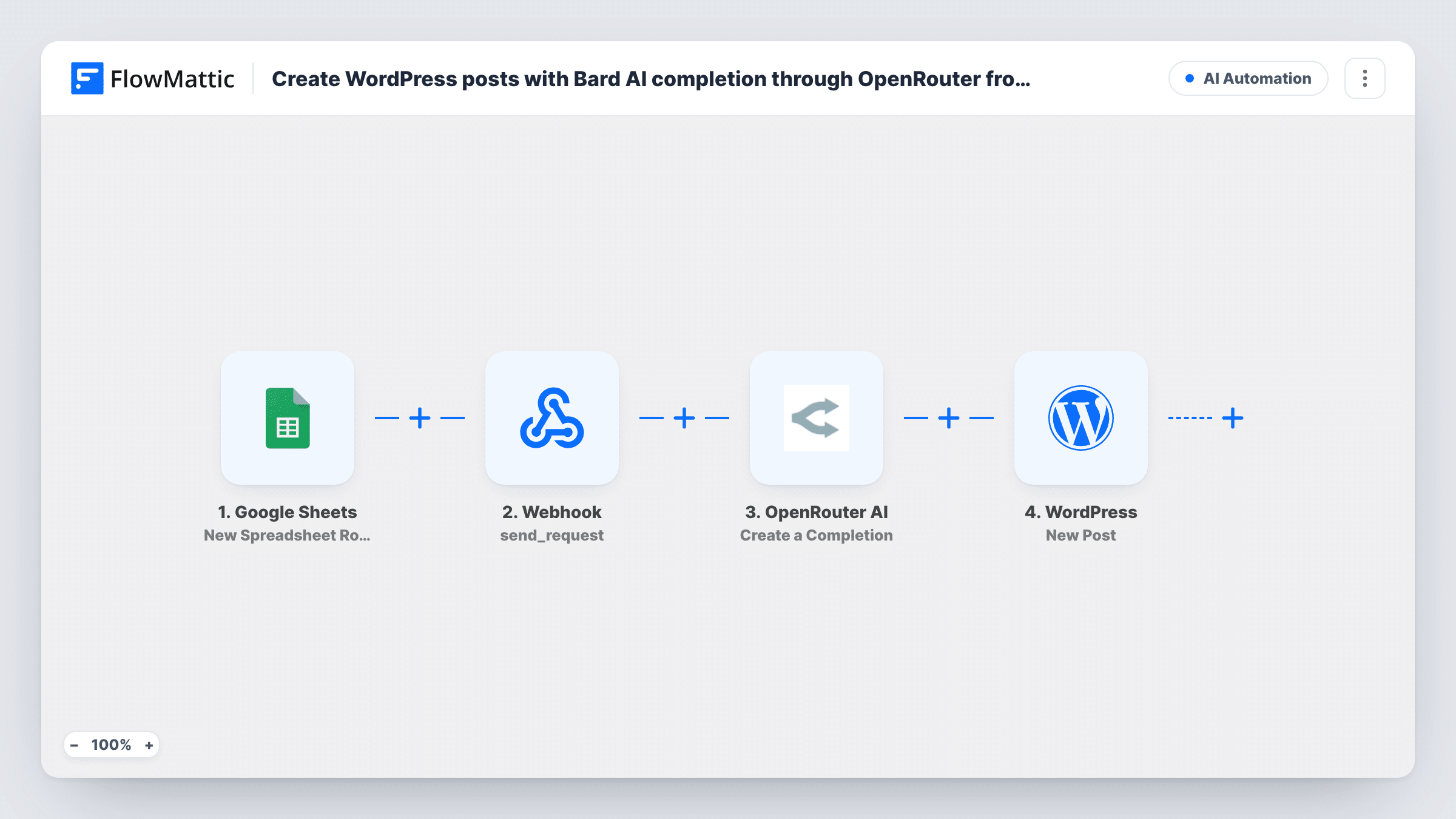
What this workflow does
Many editorial teams keep their article plan in a sheet, one row per piece with a topic, keywords or a short brief. This workflow turns each new row into a WordPress post written by an AI model, so the sheet becomes a queue for first drafts that you then edit on your site.
Each run begins with a fresh row in Google Sheets. The OpenRouter AI step generates a completion from a prompt. OpenRouter gives you access to models from several providers through one account, and you pick the model in the step. Write the prompt after import and map the row's columns into it, for example "Write a 600-word article about {topic} for {audience}".
The last step is WordPress New Post, which creates a post on your site. Map the completion text into the content and the row's topic into the title. Both the OpenRouter and WordPress steps arrive blank, ready for your mapping.
AI text needs a human read before it goes live. Check whether the New Post step lets you choose a status, and create posts as drafts if it does. A test row shows in Task History what the model returned and which post was created.
Blog drafts from a content calendar
A marketing team lists next month's topics in Google Sheets, and each row becomes a WordPress draft an editor can polish and schedule.
Product how-to articles
A software company adds one row per feature with a short brief, and the AI drafts a help article for each on its WordPress knowledge base.
Local service pages
A cleaning business adds a row for each town it serves and gets a draft service page for every location to review.
How this workflow runs
What happens at each step once the workflow is on, and what you need before you import it.
 Google Sheets New Spreadsheet Row
Starts the workflow whenever your content sheet gets a new row. Each column of the row, such as the topic or keywords, can be mapped into the AI prompt.
- OpenRouter AI Create a Completion
Sends your prompt to the AI model you choose through OpenRouter and returns the completion. Write the prompt after import and map the row's columns into it; nothing is preset.
- WordPress New Post
Creates a WordPress post on your site. Map the completion from OpenRouter into the post content and a sheet column into the title; the step is left unmapped in the template.
What you need
- FlowMatticCore
- Google Sheets AccountAccount
- OpenRouter AI AccountAccount
After importing, map your own data. To keep the template universal, not every step is pre-filled. Open each step in the builder and connect your accounts and fields (channels, lists, sheets, recipients) before you switch the workflow on.
Make it yours
Changes worth making after you import it.
- Add columns for tone, length and audience to the sheet, and map all of them into the OpenRouter prompt so each draft follows its own brief.
- Ask the model in your prompt to return the article in HTML with headings, so it displays with structure when you map it into the WordPress post.
- Put a Filter between the Google Sheets trigger and the OpenRouter step that continues only when the topic column is not empty, so blank rows don't produce empty posts.
Questions about this workflow
Which AI model writes the WordPress post through OpenRouter?
The one you pick in the Create a Completion step. OpenRouter routes your prompt to models from different providers, so you can change the model without changing the rest of the workflow.
Are the AI posts published straight away?
It comes down to your New Post configuration. Check the step for a status option after import, and create drafts if you want to read each post before it goes live.
Do I need an OpenRouter account for this Google Sheets workflow?
Yes. The completion step runs through OpenRouter, so connect your OpenRouter account in FlowMattic.
What happens when I edit a Google Sheets row that already produced a post?
Nothing. The trigger only fires for new rows, so changes to existing rows don't create or update posts.
More AI Automation workflows
Other ready-to-import templates from the same category.







Import this workflow into your WordPress site
Download the JSON, import it from the Workflows screen and connect your accounts. Every run stays on your server, with no per-task fees.
30-day money-back guarantee Unlimited workflows and runs Self-hosted