

Create Zoho CRM deals from new WooCommerce orders
Each new WooCommerce order creates a deal in Zoho CRM with the order value and buyer details you map, so store revenue appears in your sales pipeline without anyone typing it in.
 WooCommerce
 Zoho CRM
2 steps Setup ~5 min Used on 2.2k sites Free to import
What this workflow does
When your shop and your CRM are separate, the sales team can't see what customers buy unless someone copies orders across. Revenue reports in Zoho CRM then miss online sales. This workflow creates a Zoho CRM deal for every order your store receives.
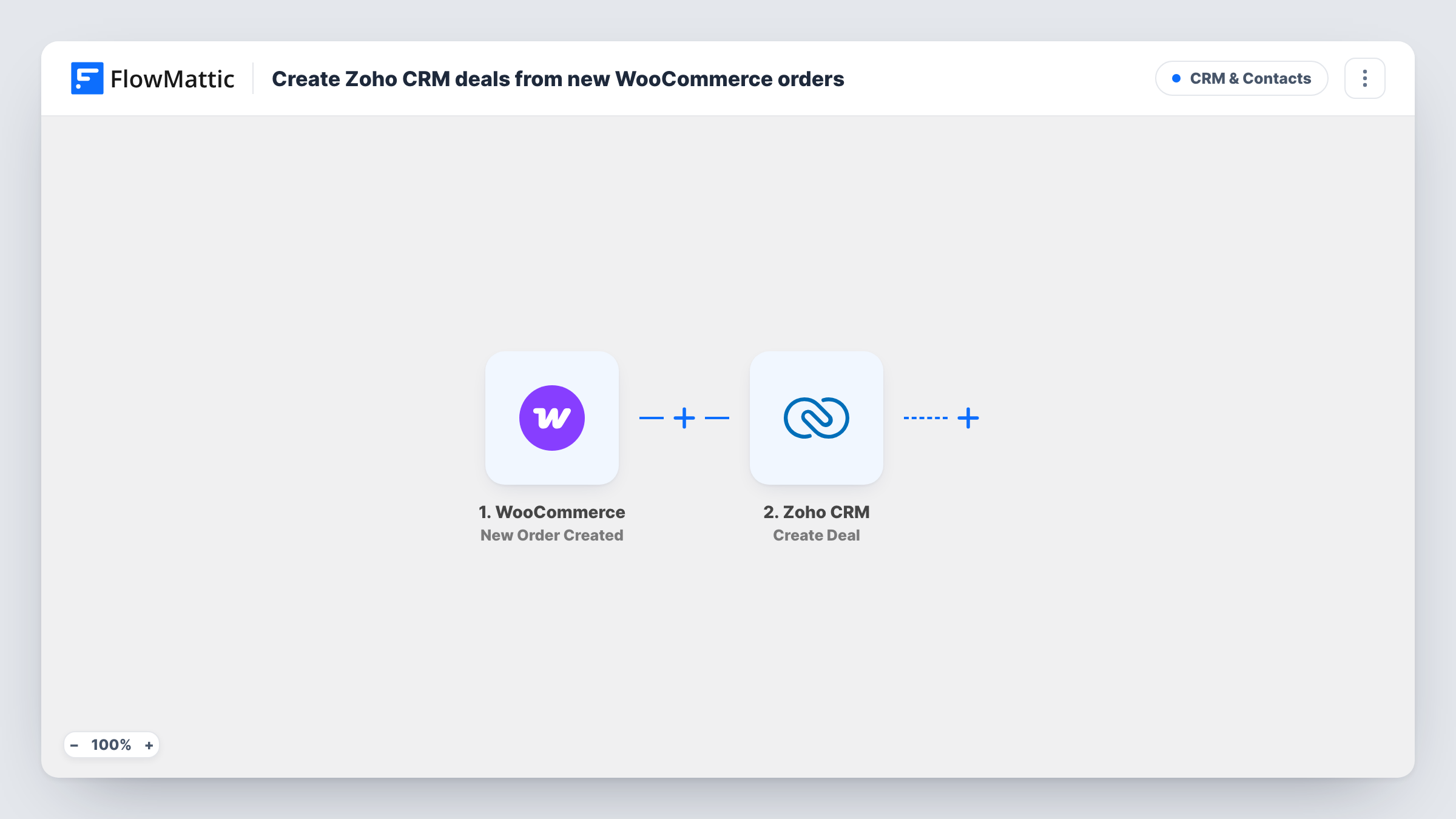
The WooCommerce trigger, New Order Created, fires when an order is created and passes FlowMattic the order number, total, items and the buyer's billing details. The Zoho CRM step then runs Create Deal, which creates a new deal from the values you map, such as a deal name built from the order number and an amount from the order total.
Every order creates a new deal, so a customer who buys three times gets three deals. The step doesn't look up or link a Zoho contact by itself. Run a test order to see which deal fields the step offers and which ones your Zoho CRM layout requires. Task History shows each run and Zoho's reply.
Online sales in the same pipeline
A business selling both through reps and through WooCommerce sees every web order as a Zoho CRM deal, so pipeline reports cover both channels.
Upsell follow-up after purchase
Account managers filter Zoho CRM for recent store deals and reach out to buyers of a starter product about the next tier.
B2B wholesale orders
Trade customers order through a wholesale store. Each order becomes a deal the account owner can track through delivery and invoicing.
How this workflow runs
What happens at each step once the workflow is on, and what you need before you import it.
 WooCommerce New Order Created
Runs for each new WooCommerce order. The order number, total, products, status and the buyer's billing details become fields you can map into Zoho CRM.
- Zoho CRM Create Deal
Creates a new deal in Zoho CRM from the order data you map, such as a name with the order number and the order total as the amount. You link the Zoho CRM account when you import the workflow.
What you need
- FlowMatticCore
- WooCommerce PluginPlugin
- Zoho CRM AccountAccount
After importing, map your own data. To keep the template universal, not every step is pre-filled. Open each step in the builder and connect your accounts and fields (channels, lists, sheets, recipients) before you switch the workflow on.
Make it yours
Changes worth making after you import it.
- Add a Filter after the trigger on order status, so pending or failed orders don't add deals to your pipeline.
- Build the deal name from the order number and the customer's name, so reps can find the deal for a WooCommerce order by searching either one.
- To link each deal to a person, add Zoho CRM's Search Contact by Email step before Create Deal and map the contact it finds, using the order's billing email.
Questions about this workflow
Does a repeat WooCommerce customer create a new Zoho CRM deal?
Yes. Every order creates its own deal, so each purchase shows up separately in the pipeline.
Is the Zoho CRM deal linked to a contact?
Not by itself. Nothing in this workflow searches Zoho CRM, so the deal stands alone. Add a search step for the contact before it if you want to link the two.
Which Zoho CRM deal fields do I need to fill?
That depends on your Zoho CRM layout. Run a test order after import to see the fields the step offers and fill the ones your layout requires.
Will a refund update the Zoho CRM deal?
No. The workflow only runs when an order is created. Later changes in WooCommerce don't touch the deal.
More CRM & Contacts workflows
Other ready-to-import templates from the same category.








Import this workflow into your WordPress site
Download the JSON, import it from the Workflows screen and connect your accounts. Every run stays on your server, with no per-task fees.
30-day money-back guarantee Unlimited workflows and runs Self-hosted