

Email a candidate via Gmail when their Radancy job application is rated
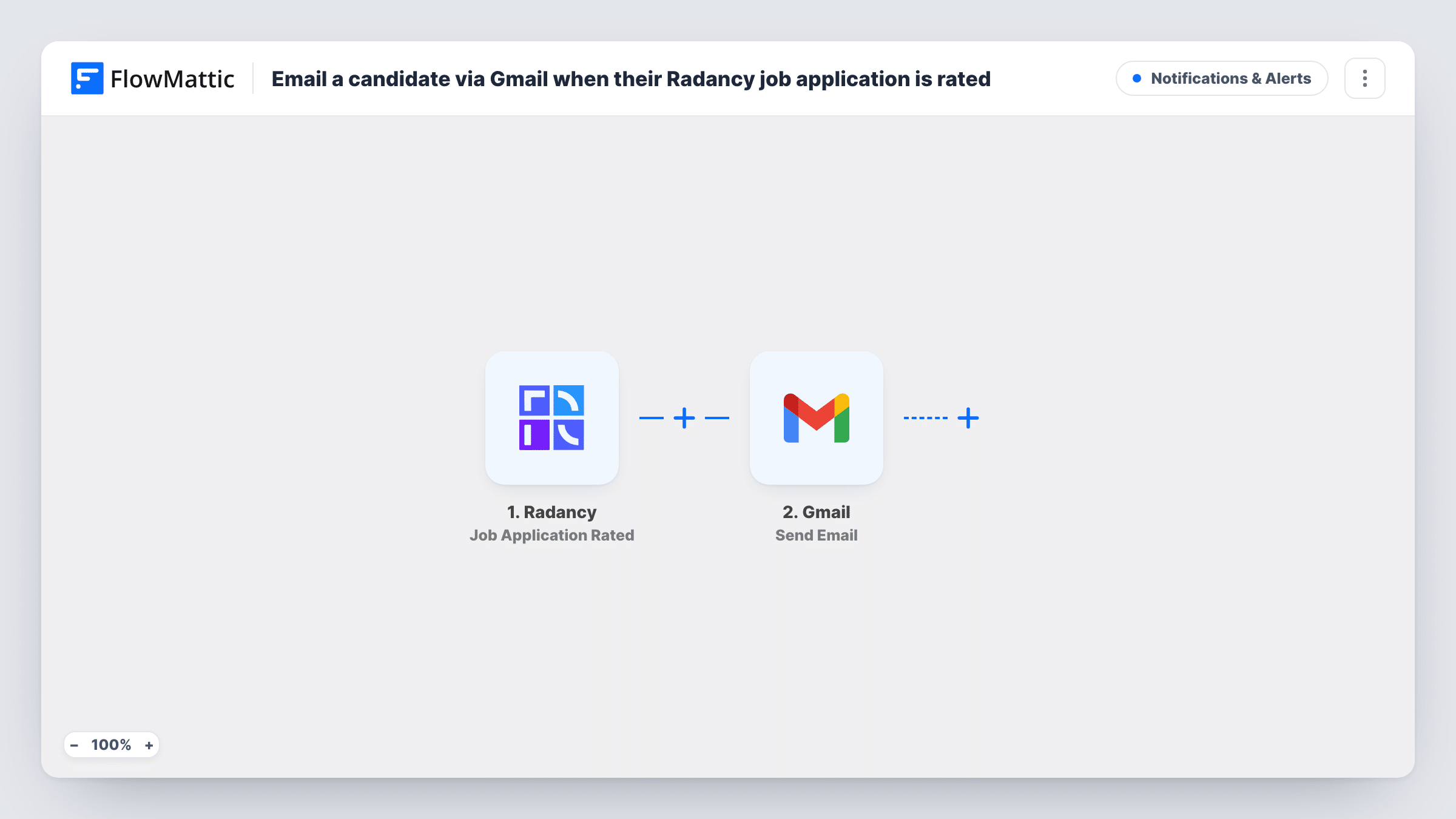
When a recruiter rates a job application in Radancy, this workflow sends an email from your Gmail account, so you can tell the applicant their application has been reviewed without writing each message by hand.
 Radancy
 Gmail
2 steps Setup ~5 min Used on 3.2k sites Free to import
What this workflow does
Applicants often hear nothing for weeks after they apply. A short note saying their application has been looked at is easy to promise and easy to forget. This workflow sends that note from Gmail at the moment a recruiter rates the application.
The Radancy trigger fires when one of your recruiters rates a job application. FlowMattic receives the application data and passes it to Gmail, where the Send Email action sends a message from your connected account. You map the candidate's address from the Radancy data and write the message, adding any application details you like.
The template sends an email on every rating, whatever the score, because nothing checks the rating first. Write a neutral message, or add a Filter as described in the tips. A recruiter who rates the same application again may start another run, so test that case before you go live. Task History logs each email sent.
Reviewed-application notices
Every applicant whose application gets a rating receives a short email from your recruiting Gmail address saying their application has been reviewed.
Next-step invitations for strong ratings
With a Filter on the rating, only applicants who reach your chosen score get an email inviting them to book a call.
Referral programs that keep candidates informed
Referred candidates in Radancy Employee Referrals hear from you once a recruiter has rated them, rather than waiting on the referrer to pass news along.
How this workflow runs
What happens at each step once the workflow is on, and what you need before you import it.
 Radancy Job Application Rated
Runs when one of your recruiters rates a job application in Radancy. The application data Radancy sends is passed on for the email.
- Gmail Send Email
Emails the candidate through the Gmail account you link. Map the candidate's email address from the Radancy data as the recipient, then write the message you want them to get.
What you need
- FlowMatticCore
- Radancy AccountAccount
- Gmail AccountAccount
After importing, map your own data. To keep the template universal, not every step is pre-filled. Open each step in the builder and connect your accounts and fields (channels, lists, sheets, recipients) before you switch the workflow on.
Make it yours
Changes worth making after you import it.
- Add a Filter after the trigger so only applications rated at or above a chosen score get the email. Ratings compare as whole numbers, so check how Radancy sends them in a test run.
- Check in a test run that Radancy sends the candidate's email address; if it does not, the Gmail step has no recipient to map.
- Instead of a Filter, use a Router with non-overlapping rating ranges to send a different email for each range, such as a high range and a low range that share no values.
Questions about this workflow
Does every Radancy rating send a Gmail message?
Yes, as imported. Low ratings send the same email as high ones. Add a Filter on the rating if you want to email only some candidates.
What if a recruiter changes the rating on an application?
The trigger fires when an application is rated, so a second rating may send a second email. Rate a test application twice to see how your Radancy account behaves.
Which Gmail address sends the candidate email?
Whichever Gmail account is linked to this workflow's Send Email step. Use a shared recruiting address if you want replies to reach the whole team.
Can I see which candidates were emailed after a Radancy rating?
Yes. Task History records each run with the application data received and the Gmail step's response.
More Notifications & Alerts workflows
Other ready-to-import templates from the same category.



Import this workflow into your WordPress site
Download the JSON, import it from the Workflows screen and connect your accounts. Every run stays on your server, with no per-task fees.
30-day money-back guarantee Unlimited workflows and runs Self-hosted