

Email a follow-up via Gmail when a Comm100 chat ends
When a Comm100 live chat ends, FlowMattic sends the visitor a follow-up email from your Gmail account, so every conversation closes with a written note they can come back to.
 Comm100
 Gmail
Gmail2 steps Setup ~5 min Used on 474 sites Free to import
What this workflow does
A live chat answers a question in the moment, but the visitor often closes the window and loses what they were told. A short email after the chat gives them a record, a way to reply, and a reminder of who helped. This workflow sends that email from Gmail as each Comm100 chat finishes.
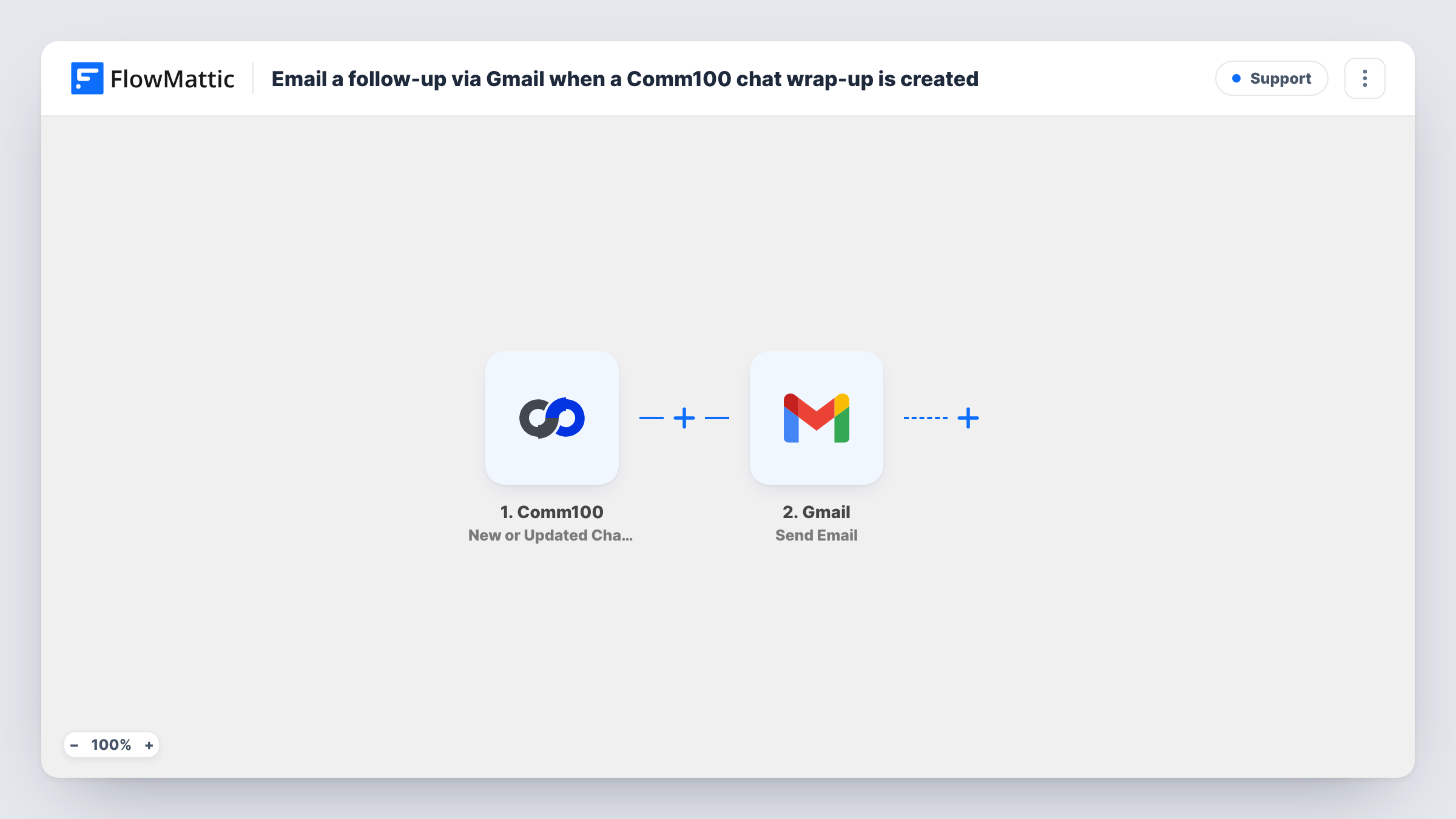
The Comm100 Chat Ended trigger starts a run whenever a chat is ended. The chat details Comm100 sends with that event, such as visitor information collected during the chat, are passed on to the email step.
The Gmail Send Email step then emails the recipient you map. It ships unmapped: after import you connect your Gmail account, map the visitor's email address from the Comm100 data, and write the subject and message, adding details such as the visitor's name or the agent who helped.
A follow-up can only go to visitors whose email Comm100 knows, for example from a pre-chat form that asks for it. Anonymous chats won't have an address to send to. End a test chat with your own email and check Task History to see which fields Comm100 sent and whether Gmail delivered the message.
Recap after a sales chat
A software company emails each prospect after a Comm100 chat with a thank-you, a link to book a demo and the name of the rep they spoke to.
Support follow-up with next steps
A help desk team sends visitors a note after every chat with links to the help articles agents usually share, so the answer is in their inbox.
Feedback request after the conversation
An online store emails chat visitors a short request to rate their experience, using a survey link placed in the Gmail message.
How this workflow runs
What happens at each step once the workflow is on, and what you need before you import it.
 Comm100 Chat Ended
Starts the workflow when a chat ends in Comm100. The chat and visitor data included with the event is passed to the Gmail step for mapping.
- Gmail Send Email
Sends the follow-up email from your connected Gmail account. Nothing is set in the template, so map the visitor's email as the recipient and write the subject and body, inserting chat details you want to mention.
What you need
- FlowMatticCore
- Comm100 AccountAccount
- Gmail AccountAccount
After importing, map your own data. To keep the template universal, not every step is pre-filled. Open each step in the builder and connect your accounts and fields (channels, lists, sheets, recipients) before you switch the workflow on.
Make it yours
Changes worth making after you import it.
- Turn on a pre-chat form in Comm100 that asks for the visitor's email, so most chats arrive with an address the Gmail step can use.
- Put a Filter between the Comm100 trigger and the Gmail step that continues only when the visitor email is not empty, so chats without an address stop before the email.
- Map the agent's name from the Comm100 data into the message, if it's included, so the email reads as coming from the person the visitor spoke to.
- Add a Delay between the Comm100 trigger and the Gmail step if you'd rather the follow-up arrive an hour or so after the chat than straight away.
Questions about this workflow
Does every Comm100 chat get a follow-up email?
Every ended chat starts a run, but an email can only go out when the chat data includes the visitor's email address. Chats where the visitor stayed anonymous have no recipient to map.
Which Gmail account sends the Comm100 follow-up?
Whichever Gmail inbox you authorise for this workflow sends it. Replies from visitors go back to that inbox, so use one your team watches.
Can the email include the Comm100 chat transcript?
Only if Comm100 sends the transcript or messages with the Chat Ended event. End a test chat and check Task History; if a transcript field is there, map it into the email body.
Is there a trigger for chat wrap-ups instead of ended chats?
Yes. FlowMattic's Comm100 integration also has a New or Updated Chat Wrap-Up trigger. Note that it also fires when a wrap-up is edited, so one chat could send more than one email.
More Support workflows
Other ready-to-import templates from the same category.





Import this workflow into your WordPress site
Download the JSON, import it from the Workflows screen and connect your accounts. Every run stays on your server, with no per-task fees.
30-day money-back guarantee Unlimited workflows and runs Self-hosted