

When a new ticket is received in Freshdesk, create a new incident in Better Uptime
Each new Freshdesk ticket opens an incident in Better Uptime, which alerts whoever is on call, so a customer report reaches your incident process without someone copying it across.
 Freshdesk
 Better Uptime
2 steps Setup ~5 min Used on 1.7k sites Free to import
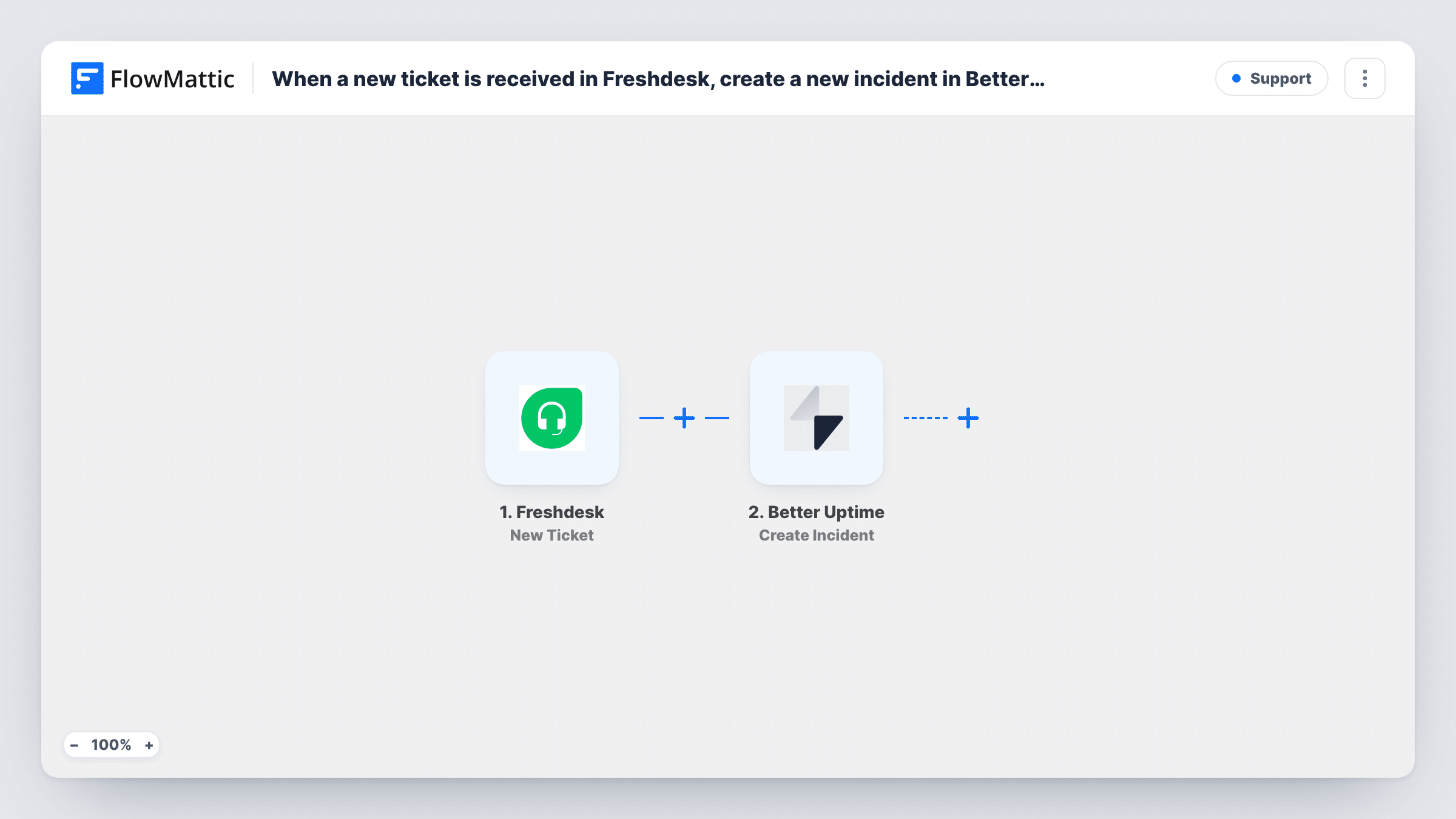
What this workflow does
Customers often notice a problem before your monitors do. A ticket that says checkout is broken can sit in the support queue while the engineers who could fix it hear nothing. This workflow sends every new Freshdesk ticket to Better Uptime as an incident, so the report reaches the people on call.
Each run starts the moment someone opens a ticket in Freshdesk, whether by email, portal or an agent. FlowMattic passes the ticket's details, such as its subject and description, to Better Uptime. The Create Incident action opens a new incident there and alerts the current on-call person. You decide which ticket values go into the incident when you map the step.
As imported, the workflow treats every ticket the same way. Password resets and billing questions open incidents too. Add a Filter after the trigger if you want only certain tickets, for example urgent ones or ones in an outage group, reach Better Uptime. Each run, with the data sent at each step, is listed in Task History.
Outage reports from customers
A SaaS team routes tickets about downtime into Better Uptime, where the on-call engineer is alerted and can see the customer's own description of the problem.
A dedicated incident inbox
Freshdesk receives mail sent to an incidents address used by partners. Every ticket created from it opens a Better Uptime incident for the operations team.
Small teams without a separate alert tool
A two-person support and dev team uses Better Uptime's on-call alerts so whoever is on duty hears about new tickets, even outside the helpdesk.
How this workflow runs
What happens at each step once the workflow is on, and what you need before you import it.
 Freshdesk New Ticket
Starts a run for each ticket that appears in your Freshdesk helpdesk. Connect your Freshdesk account, then create a test ticket so FlowMattic captures the ticket fields you will map in the next step.
- Better Uptime Create Incident
Creates a new incident in Better Uptime and alerts the current on-call person. Map Freshdesk values, such as the ticket subject and description, into the incident and connect your Better Uptime account.
What you need
- FlowMatticCore
- Freshdesk AccountAccount
- Better Uptime AccountAccount
After importing, map your own data. To keep the template universal, not every step is pre-filled. Open each step in the builder and connect your accounts and fields (channels, lists, sheets, recipients) before you switch the workflow on.
Make it yours
Changes worth making after you import it.
- Add a Filter between the two steps that continues only for high or urgent priority tickets, so routine questions don't page anyone.
- Put the Freshdesk ticket ID or a link to the ticket in the incident text. The on-call person can then open the customer's report straight from Better Uptime.
- Test with a ticket you create yourself and warn your on-call colleague first, because the test incident sends a real alert.
Questions about this workflow
Does every Freshdesk ticket create a Better Uptime incident?
Yes, as imported. There is no Filter, so each new ticket opens an incident. Add a Filter on priority, group or another ticket field if you only want some of them.
Who gets alerted in Better Uptime?
The Create Incident action alerts the current on-call person, so the alert follows your Better Uptime on-call setup.
Will replies on the Freshdesk ticket update the incident?
No. The trigger fires only when a ticket is created, so later replies and status changes in Freshdesk don't reach Better Uptime.
Does resolving the Better Uptime incident close the Freshdesk ticket?
No. The workflow only sends data from Freshdesk to Better Uptime. You close the ticket in Freshdesk yourself, or build a separate workflow for that.
More Support workflows
Other ready-to-import templates from the same category.




Import this workflow into your WordPress site
Download the JSON, import it from the Workflows screen and connect your accounts. Every run stays on your server, with no per-task fees.
30-day money-back guarantee Unlimited workflows and runs Self-hosted