

Email an applicant via Gmail when their Good Grants payment status changes
When a payment status changes in Good Grants, this workflow sends an email from your Gmail account, so the applicant hears about the change to their grant payment.
 Good Grants
 Gmail
2 steps Setup ~5 min Used on 3.4k sites Free to import
What this workflow does
Applicants waiting on grant money often email to ask where their payment is. When a payment status changes in Good Grants, sending a note yourself each time takes up staff time. This workflow sends that email from Gmail for you.
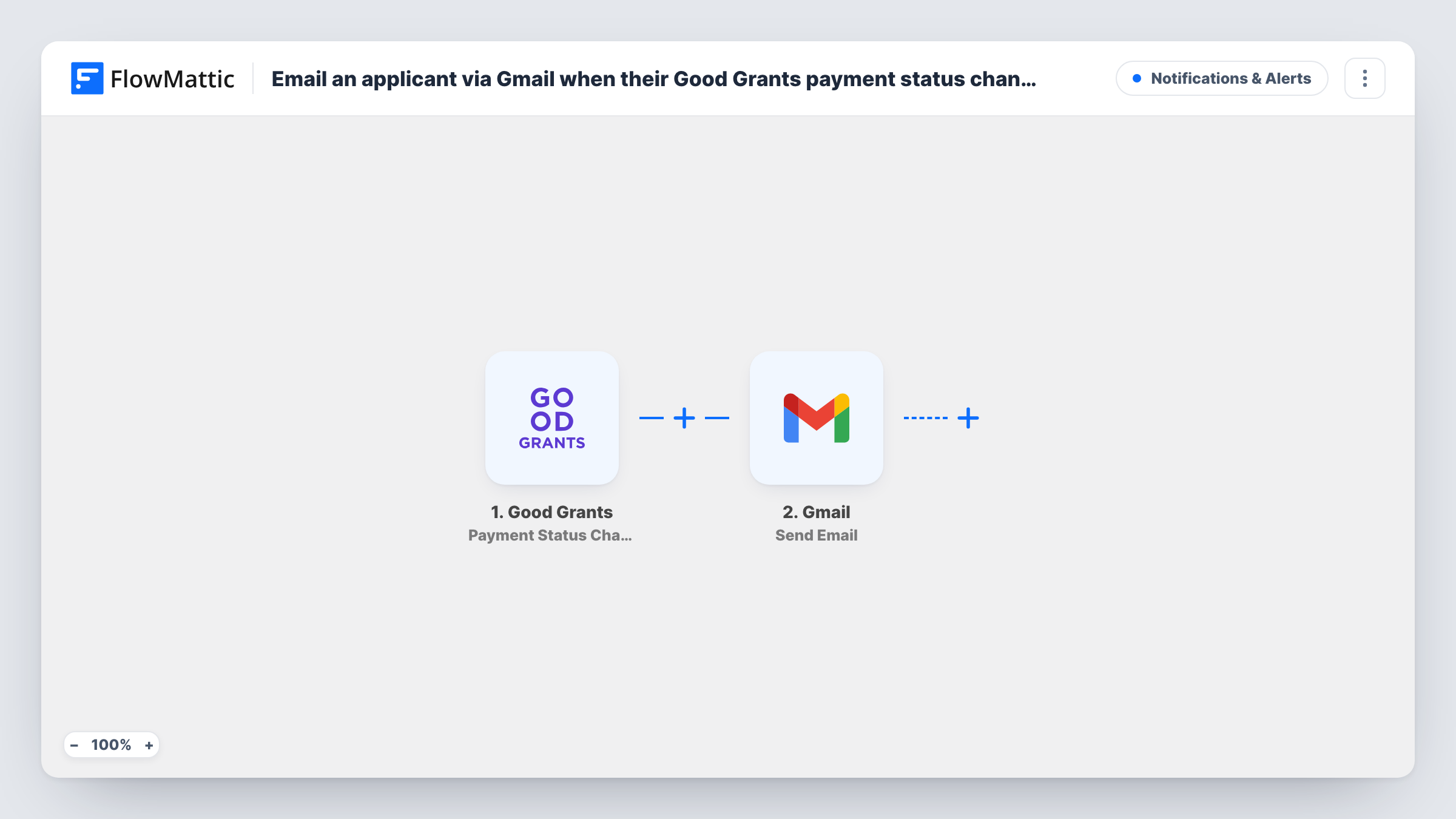
The Good Grants trigger fires when a payment status is changed, and the payment details come into FlowMattic as fields you can map. The Gmail step then sends an email from your connected account, with the recipient, subject and message built from those fields and your own wording.
Every status change sends an email, whatever the new status is. Before going live, change a test payment's status and check that the data includes the applicant's email address to send to. Task History shows each run, including what Gmail returned.
Keep applicants posted on each change
Each time your finance team updates a payment in Good Grants, the applicant receives an email, and you can map the new status into it.
Updates from the programme inbox
Applicants hear about their payment from your own Gmail or Google Workspace address, in wording you write once in the step.
A sent record of every notice
Because each email goes out from your connected Gmail account, its Sent folder shows every payment update applicants were sent.
How this workflow runs
What happens at each step once the workflow is on, and what you need before you import it.
 Good Grants Payment Status Changed
Fires when a payment status is changed in Good Grants. The payment details are passed on for use in the email.
- Gmail Send Email
Emails the applicant through the Gmail account you link. Map the applicant's email from the trigger data as the recipient, and write the subject and message using the payment details.
What you need
- FlowMatticCore
- Good Grants AccountAccount
- Gmail AccountAccount
After importing, map your own data. To keep the template universal, not every step is pre-filled. Open each step in the builder and connect your accounts and fields (channels, lists, sheets, recipients) before you switch the workflow on.
Make it yours
Changes worth making after you import it.
- Use a Router with one Gmail step per route, each matching a different status value, so every status gets its own message.
- Add a Filter after the trigger if only certain statuses should send an email, for example the one you use for completed payments.
- Include the new status in the subject line, so applicants can tell the emails apart in their inbox.
Questions about this workflow
Does every Good Grants payment status change send an email?
Yes, as imported. Each change runs the Gmail step. Add a Filter or Router after the trigger to send only for certain statuses.
Where does the applicant's email address come from?
From the data the Good Grants trigger passes on. Run a test status change after import and check that an email address is included before you rely on it.
Which address do Good Grants payment emails come from?
From whichever Gmail account you link on import. Replies go to that inbox.
Do I need a Gmail account for this Good Grants workflow?
Yes. You need a Gmail or Google Workspace account to send from, and a Good Grants account for the trigger.
More Notifications & Alerts workflows
Other ready-to-import templates from the same category.




Import this workflow into your WordPress site
Download the JSON, import it from the Workflows screen and connect your accounts. Every run stays on your server, with no per-task fees.
30-day money-back guarantee Unlimited workflows and runs Self-hosted