

Email the customer a confirmation when a Juspay order is refunded
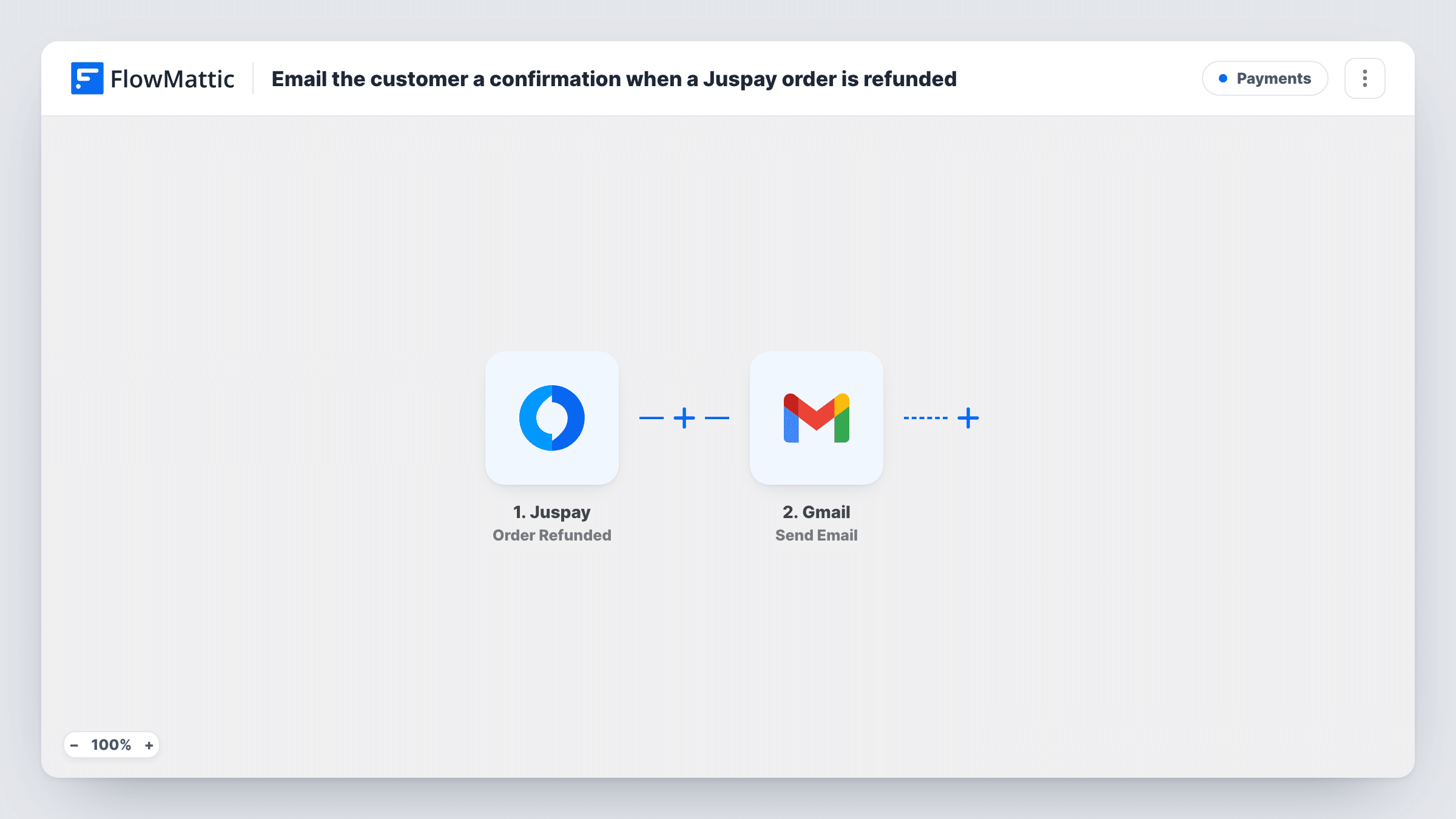
When a Juspay order is refunded, this workflow emails the customer from your Gmail account to confirm the refund, using the order details you map into the message.
 Juspay
 Gmail
Gmail2 steps Setup ~5 min Used on 2.7k sites Free to import
What this workflow does
Customers who are waiting on a refund want to know it has gone through. Writing to each one by hand after you process refunds in Juspay is easy to put off. This workflow sends a confirmation email for every refunded order.
The Juspay trigger fires when an order is refunded. FlowMattic receives the order data Juspay includes with that event, such as the order ID and amount. The Gmail step then runs Send Email from the Google account you link, with a subject and message you write and the order details mapped in.
The email goes to the customer only if Juspay's refund event carries their email address. Run a test refund first and check the captured data. If the address is missing, the Gmail step has no recipient, and Task History shows that run's response. Partial refunds also fire the trigger if Juspay reports them as refunds, so word the message to suit both.
Online shop returns
A store refunds returned items in Juspay, and each customer gets a Gmail message confirming the order number and refunded amount.
Cancelled bookings
A travel or events business refunds cancelled bookings through Juspay, and the customer receives a written confirmation from your own address.
Subscription refunds
A software seller refunds a disputed renewal, and the customer is told in writing that the money is on its way back.
How this workflow runs
What happens at each step once the workflow is on, and what you need before you import it.
 Juspay Order Refunded
Starts a run when an order is refunded in Juspay. The refund event's order details, and the customer's email if Juspay includes it, become values for the email.
- Gmail Send Email
Sends an email from your linked Gmail account. Map the customer's email from the refund event as the recipient, then write the subject and body using the order ID and amount.
What you need
- FlowMatticCore
- Juspay AccountAccount
- Gmail AccountAccount
After importing, map your own data. To keep the template universal, not every step is pre-filled. Open each step in the builder and connect your accounts and fields (channels, lists, sheets, recipients) before you switch the workflow on.
Make it yours
Changes worth making after you import it.
- Refund a small test order after import and check the captured fields, to confirm Juspay's event includes the customer email before you rely on it.
- Want finance told as well? Add a second Gmail Send Email step addressed to your finance inbox with the same order ID and amount.
- Add a Google Sheets Add New Row step after Gmail to keep a log of every refund confirmation that went out.
Questions about this workflow
Does Juspay's refund event include the customer's email?
It depends on what Juspay sends for your orders. Check a test refund in FlowMattic. Without an email in the data, the Gmail step has nobody to send to.
Will a partial Juspay refund send the confirmation email?
Only if Juspay reports it as an order refund, which a test shows. Mapping the refunded amount into the message keeps it accurate either way.
Which address does the Juspay refund email come from?
The Google account you link to the Gmail step. Customers who reply reach that inbox.
Does the workflow issue the refund in Juspay?
No. It only reacts after Juspay records the refund, then sends the email. Refunds are still processed in Juspay as usual.
More Payments workflows
Other ready-to-import templates from the same category.







Import this workflow into your WordPress site
Download the JSON, import it from the Workflows screen and connect your accounts. Every run stays on your server, with no per-task fees.
30-day money-back guarantee Unlimited workflows and runs Self-hosted